
A UGC ad lives or dies on how convincing the voice sounds next to the face on screen. That’s a different technical problem than generating a clean voice track for a video you’re editing separately, and mixing up the two categories is the fastest way to waste a week on the wrong tool.
Below are ten AI voiceover tools worth knowing in 2026, split across both jobs: voice bundled directly into an avatar’s lip-sync, and standalone voice engines built to drop into your own edit.
Key takeaways
- Voice for UGC ads splits into two categories: bundled avatar voice with lip-sync, and standalone voice engines for a separate edit. Picking the wrong category wastes more time than picking the wrong specific tool.
- HeyGen and Synthesia lead on language count, both past 140 languages, while ElevenLabs remains the standalone benchmark for voice quality on its own.
- Cloning a voice always requires explicit permission from the person being cloned. That’s a separate requirement from general AI content disclosure.
- Pricing and workflow integration vary widely, from entry plans under ten dollars a month to multi-model studios that pool video generation and voice cloning under one credit system.
1. ElevenLabs: best for standalone voice quality
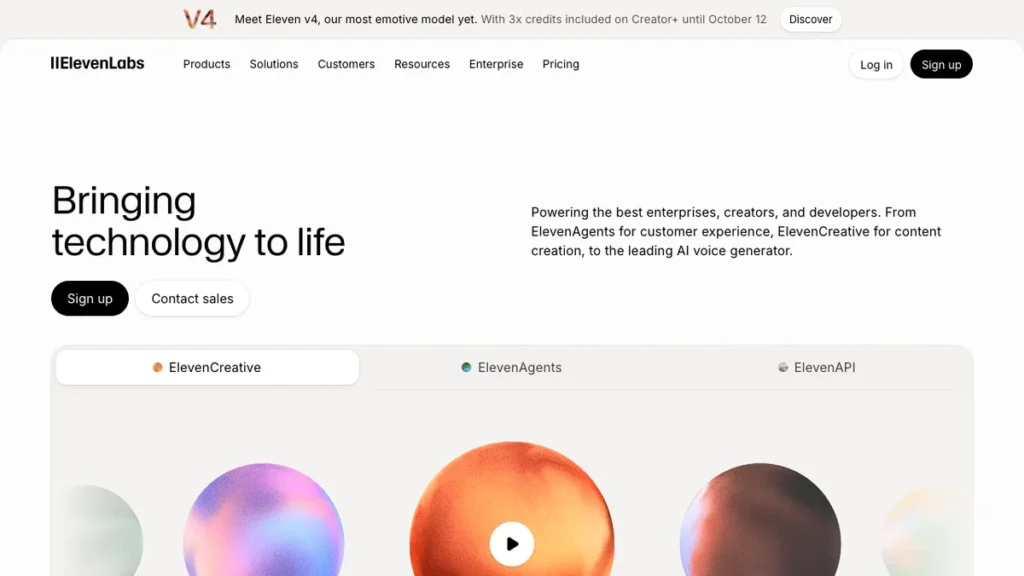
ElevenLabs is still the reference point when voice quality has to stand on its own, with no avatar or lip-sync attached to carry it.
Its Creator plan needs around five minutes of clear audio samples to produce a clone that holds up on playback. That’s more setup than some competitors ask for, but the payoff shows up in how natural the result sounds once it’s dropped into a finished video.
Choose ElevenLabs when voiceover is the entire deliverable, not one part of a bundled avatar package. Creators and editors who already have footage and just need a polished narration track to lay over it get the most out of it.
2. HeyGen: best for multilingual avatar-led ads
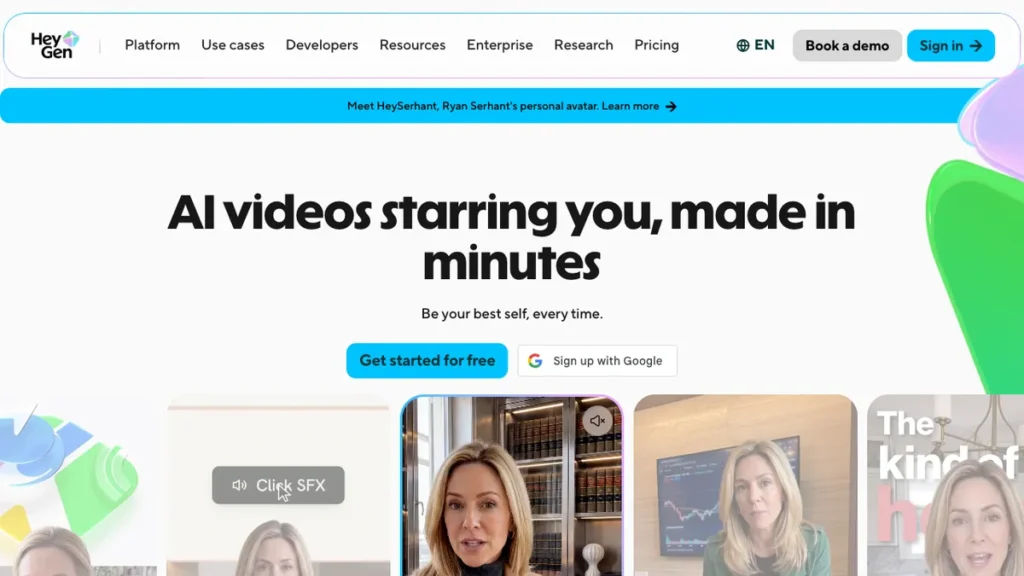
HeyGen pairs voice generation with a talking avatar and lip-sync across more than 175 languages, the widest range in this list. It also supports cloning a real voice for use on a spokesperson-style avatar.
That combination matters most for brands running one UGC concept across dozens of markets from a single source video. Language range alone doesn’t help if the lip movement looks off, and lip-sync alone doesn’t help if the voice can’t scale to every market a brand ships in.
3. Synthesia: best for a more formal register
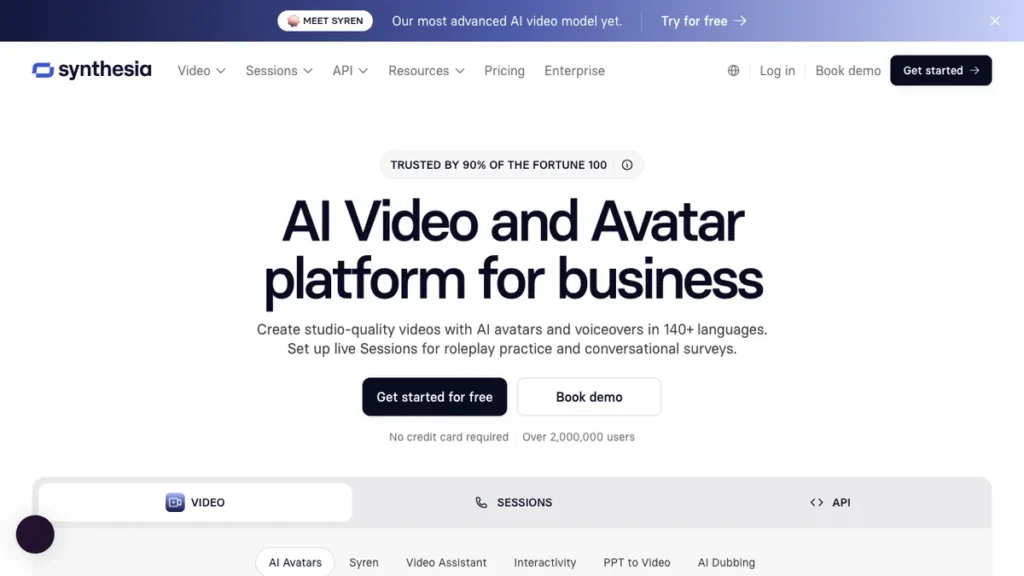
Synthesia covers more than 140 languages and adds custom voice options on its higher plans, but its real strength is tone. The voice quality leans professional rather than casual, which suits corporate training and internal communications content more than creator-style UGC.
Brands producing formal or training-adjacent video get more mileage here than brands chasing a conversational, off-the-cuff feel. If the content needs to sound like a colleague explaining a process rather than a creator pitching a product, Synthesia’s register fits better than tools built around casual delivery.
4. Shhots AI: best for accent control in ecommerce ads
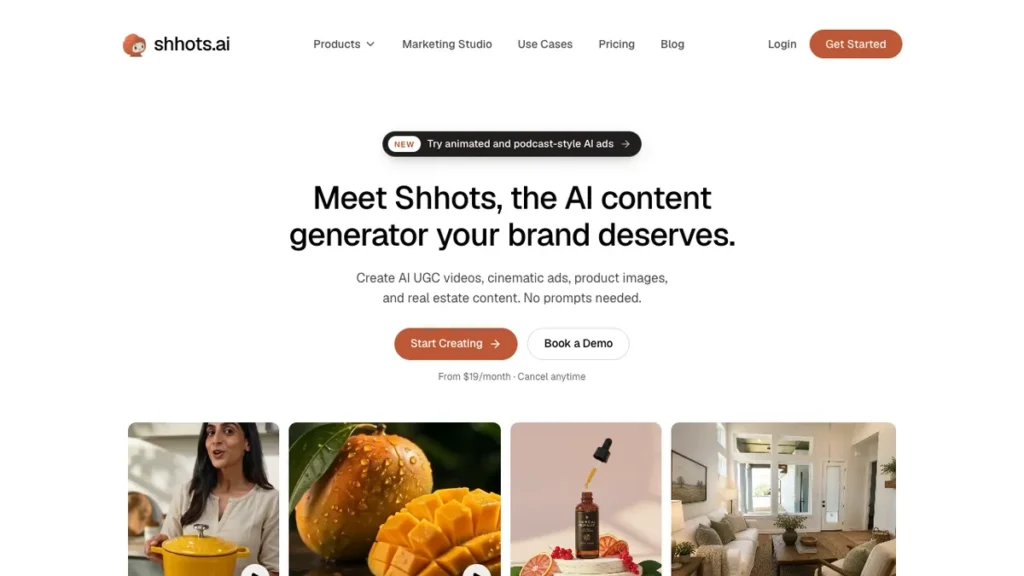
Most voiceover tools let you pick a language. Shhots AI lets you pick an accent within that language, five of them: Neutral, American, British, Australian, and Indian, alongside support for more than a dozen languages.
That granularity is rare, and it matters specifically for ecommerce brands targeting one English-speaking region. A generic American accent doesn’t land the same way with an Australian audience, and Shhots AI was built with that gap in mind rather than as an afterthought. Vertical-first UGC ads for TikTok and Reels often need this kind of regional precision, and pairing the right accent with AI auto-reframe tools built for vertical video keeps the whole ad consistent across formats.
5. Play.ht: best for quickly testing a voice clone
Play.ht can produce a usable clone from as little as 30 seconds of source audio. Competitors typically ask for several minutes of clean samples before they’ll generate anything convincing.
Quality still improves with more material, so 30 seconds is a floor, not a recommendation. But that low barrier makes Play.ht the right pick when you want to test whether a voice clone concept is worth pursuing before committing to a longer, more careful recording session.
6. Descript: best for editing voice as text
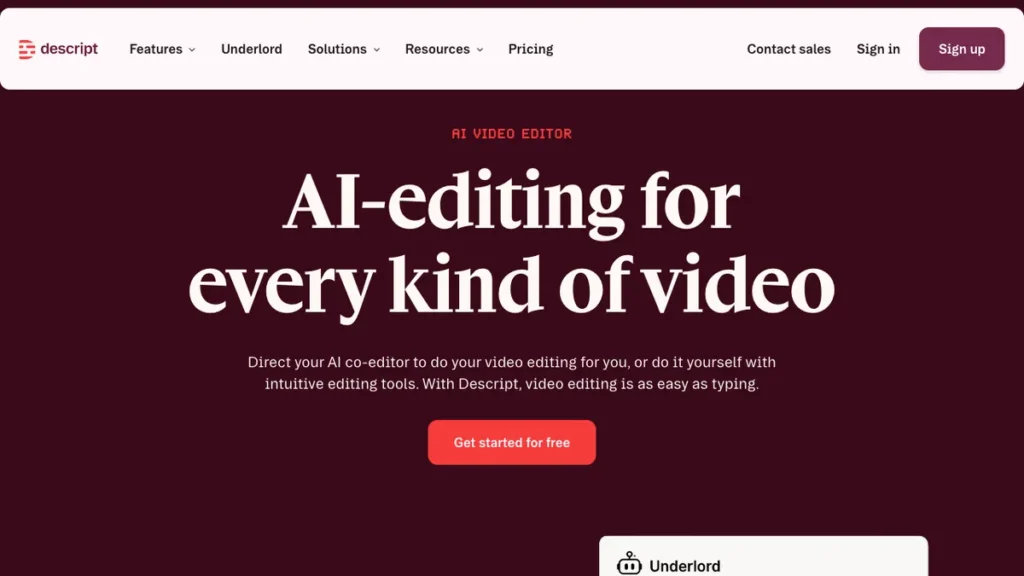
Descript’s Overdub feature builds voice cloning straight into a text-based editing workflow. Instead of switching to a separate voice tool to fix a mispronounced word or add a missing line, you edit the transcript and the narration updates with it.
It isn’t the highest-fidelity clone on this list. What it removes is a step: creators already editing in Descript don’t need to open a second platform just to correct or generate narration.
7. Pose AI: best for one studio, one credit pool
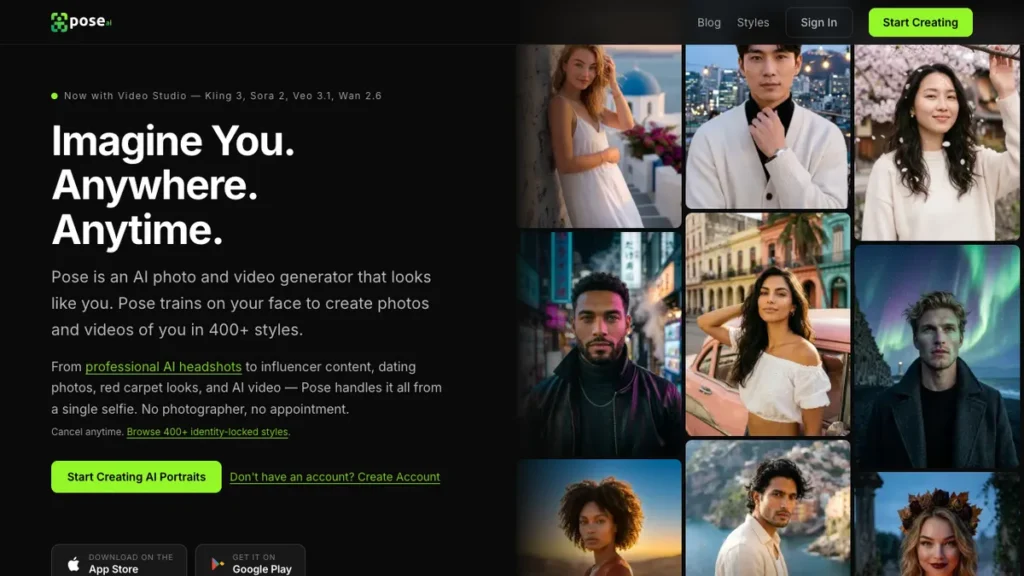
Pose AI runs native video generation across several leading models alongside built-in ElevenLabs voice cloning, and it produces both from the same generation pass. Video and voice come from one studio rather than a voice track generated separately and synced to picture afterward.
That single-pass approach is the differentiator. For creators who don’t want to coordinate two platforms just to get a finished clip, having both draw from one shared credit pool simplifies the whole process.
8. Murf: best for a dedicated voice-only workflow
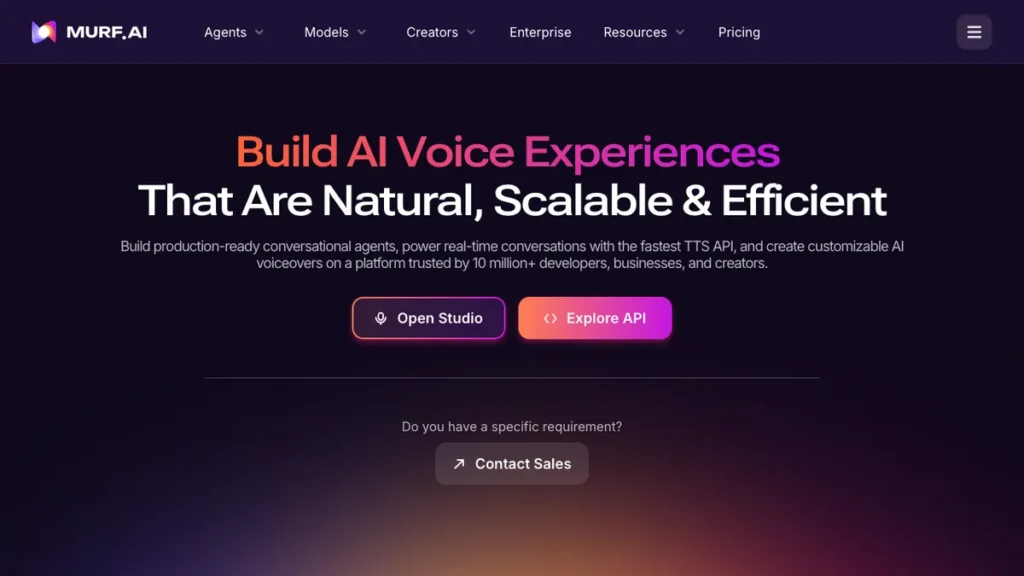
Murf gives creators a standalone alternative to ElevenLabs when voiceover is the entire deliverable. It’s built purely around voice production, with no video generation attached.
This fits a specific situation well: footage already exists, and the only thing missing is a polished, separately produced narration track. If that’s the job, a tool built exclusively for voice gives more direct control over the audio than a bundled platform would.
9. Oakgen.ai: best low-cost multi-model studio
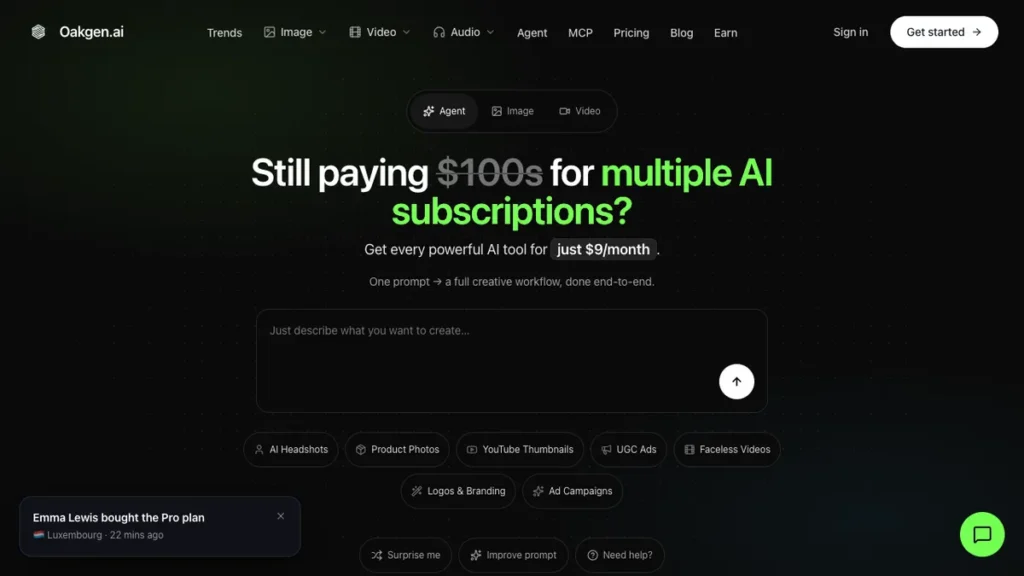
Oakgen.ai combines several leading video models with ElevenLabs voices under one shared credit pool. Its entry plan starts at nine dollars a month with a meaningful monthly credit allowance attached.
That price point is the differentiator more than any single feature. Budget-conscious creators get access to multiple video models and voice cloning without paying for several separate subscriptions to cover the same ground.
10. JoggAI: best for ecommerce product listings
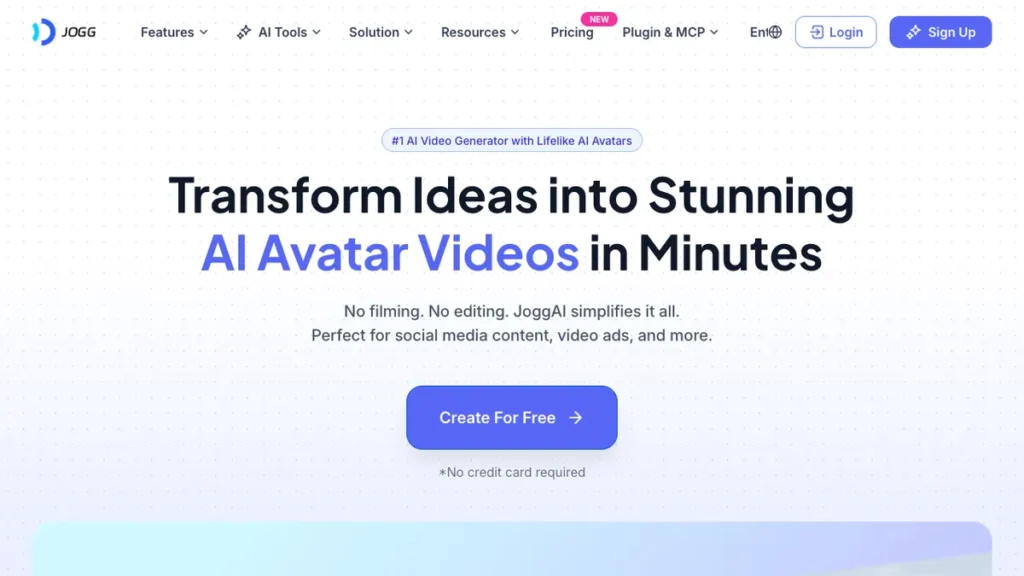
JoggAI pulls product URLs directly from Shopify, Amazon, and eBay, then generates a matched voice and custom avatar built around the listing it just parsed. There’s no manual script-writing or voice selection required per product.
That pipeline, from product page straight to voice and avatar, is what separates it from tools that still need a script fed in manually for every item. Sellers running large catalogs benefit most, especially those already relying on AI tools built for Shopify store owners to manage the rest of the storefront.
The legal line that matters more here than AI disclosure
Voice carries a different kind of legal and ethical weight than most other AI-generated content. A synthetic voice with no real-world identity attached is one thing. Cloning a specific, identifiable person’s voice without their permission is a separate problem entirely, and it’s one that general AI disclosure rules don’t fully cover.
Only clone a voice with explicit permission from the person it belongs to. Cloning your own voice, or a voice actor’s under a documented agreement, is fundamentally different from cloning a public figure’s voice without consent, and platforms vary in how they license commercial use. Confirm that a specific plan actually permits paid advertising use before running cloned voiceover in a live campaign; some free or lower tiers restrict this even when the cloning feature itself is available.
Disclosure requirements sit on top of cloning consent rather than replacing it. Getting permission to clone someone’s voice doesn’t remove the separate obligation to disclose AI-generated content where platforms or regulations require it. Keeping records of licensing agreements and consent matters most in brand partnerships and any campaign built around a real, identifiable voice, and rules like GDPR in Europe add another layer that affects how voice data can be used across regions.
Brands already producing AI-generated video content sometimes pair a dedicated voice tool with consistent AI actor delivery, matching a cloned or licensed voice to the same on-screen presenter across every ad in a campaign.
How to choose and set up your first AI voiceover tool
Start by deciding whether the job needs bundled or standalone voice. An avatar-led ad calls for a tool like HeyGen or Synthesia that bundles voice with lip-sync, while existing footage that just needs narration is better served by a standalone tool like ElevenLabs or Murf.
Confirm consent before cloning anyone’s voice, including your own team’s. Only move forward once permission and licensing terms are documented in writing, whether the voice belongs to you, an actor, or a colleague.
Match language and accent needs to the tool before committing. Raw language count matters for reaching new markets, but accent options matter just as much when the campaign targets one specific English-speaking region rather than a generic version of the language.
Generate a short test clip before committing a full script. Voice quality and pacing are easier to judge on thirty seconds of output than to fix after an entire campaign has already been recorded.
Verify commercial licensing on the exact plan tier in use. Some platforms restrict commercial use on lower tiers even when the underlying voice cloning feature works fine in testing.
If there’s no existing footage to narrate, pair the voice tool with a full script-to-video pipeline instead of building the two separately. Fliki handles voice cloning alongside script-to-video generation in one workflow, which matters for creators starting from a blank page rather than a finished clip. Once the voice track and video are locked, running the finished ad through an AI caption generator built for Reels and Shorts closes the loop for platforms where sound-off viewing is common.
Conclusion
The right voiceover tool has less to do with which platform sounds most impressive in a demo and more to do with what the ad actually needs: bundled avatar speech or a standalone track, a single specialized tool or a broader multi-model studio, and a budget that matches the workflow rather than the other way around.
Voice cloning consent deserves the same scrutiny as any other content clearance decision. A specific person’s voice carries legal and ethical weight that a generic synthetic voice with no real identity behind it simply doesn’t.
Frequently Asked Questions
What is the best AI voiceover tool for UGC ads?
It depends on the job. For an avatar-led ad, HeyGen or Synthesia bundle voice with lip-sync. For existing footage that only needs narration, a standalone tool like ElevenLabs or Murf gives more control. Picking the right category matters more than picking the right specific tool.
What is the difference between bundled avatar voice and a standalone voice engine?
Bundled avatar voice comes with lip-sync built into a talking avatar, as in HeyGen and Synthesia. A standalone voice engine such as ElevenLabs or Murf produces a clean voice track that you drop into your own edit. Mixing the two up is the fastest way to waste a week on the wrong tool.
Which AI voiceover tool supports the most languages?
HeyGen has the widest range in this list, across more than 175 languages, followed by Synthesia with more than 140. Language count helps most for brands running one UGC concept across many markets, but it only works if the lip-sync and voice both scale with it.
How much audio do I need to clone a voice?
It varies by tool. ElevenLabs’ Creator plan needs around five minutes of clear audio to produce a clone that holds up on playback. Play.ht can produce a usable clone from as little as 30 seconds, though quality still improves with more material.
Do I need permission to clone someone’s voice?
Yes. Only clone a voice with explicit permission from the person it belongs to, whether that is you, a voice actor under a documented agreement, or a colleague. Disclosure of AI-generated content is a separate requirement on top of cloning consent, not a replacement for it.
Can I use a cloned voice in paid ads on any plan?
Not necessarily. Some free or lower tiers restrict commercial use even when the cloning feature works, so verify that the exact plan you are on permits paid advertising use before running cloned voiceover in a live campaign.
Which tool lets me choose an accent?
Shhots AI. It offers five accents within a language: Neutral, American, British, Australian, and Indian. That matters for ecommerce brands targeting one English-speaking region.
What is the cheapest way to get multiple video models and voice cloning?
Oakgen.ai. It combines several leading video models with ElevenLabs voices under one shared credit pool, with an entry plan starting at nine dollars a month.
You may also like
- Glif AI review: a closer look at a multi-tool platform that pairs ElevenLabs voiceover with automated video generation.
- 9 best AI tools for Google Ads management: tools for managing the ad budget behind voice-driven UGC creative.
- 7 best AI tools for freelancers: tools suited to a solo creator producing voice-driven UGC content without a team.