
A pet video pulls attention faster than almost any other content format on social media, but turning a view into anything more than a view is still the hard part. Talking pet clips, in particular, have become one of the most reliable AI content formats: a single photo of a cat or dog turned into a lip-synced, voiced video in a few minutes.
This roundup covers the tools driving that format, plus a few built for the wider job of producing animal content at scale, and what separates the results that hold an audience’s trust from the ones that don’t.
Key takeaways
- Dedicated talking pet tools now handle voice, lip-sync, and personalization in one workflow, so there’s no need to stitch together separate animation and voice apps.
- Pet content typically earns strong watch time but weak click-through to a sale, which makes hook testing and publishing volume matter more here than in most other niches.
- Viewers can tell when a pet on screen is fully AI-generated, so the clips that hold up best still use a real animal as the actual subject.
- Tool choice depends on format: talking pet apps, educational wildlife content, and stylized or animated pet scenes each call for a different generator.
- A clear, well-lit source photo affects the final result as much as the tool itself.
Zoice
Zoice puts voice generation, lip-sync, and personalization into a single pet-focused workflow. Voice cloning, lip-sync accuracy, and multilingual narration all live inside one platform, so a creator isn’t switching between separate animation and voice tools to finish a clip. That makes it a good fit for anyone who wants the shortest possible path from a pet photo to a finished, shareable video.
D-ID

D-ID built its reputation animating human avatars from a single photo, and it applies that same underlying technology to animal photos. The result tends to carry over more convincing facial movement than tools designed only for pets, since the animation engine behind it has already been refined on faces at scale. The starting photo still does a lot of the work here: a genuinely clear, well-lit reference image, the kind covered in these cat portrait prompts, makes a visible difference in how natural the final animation looks.
DreamFace
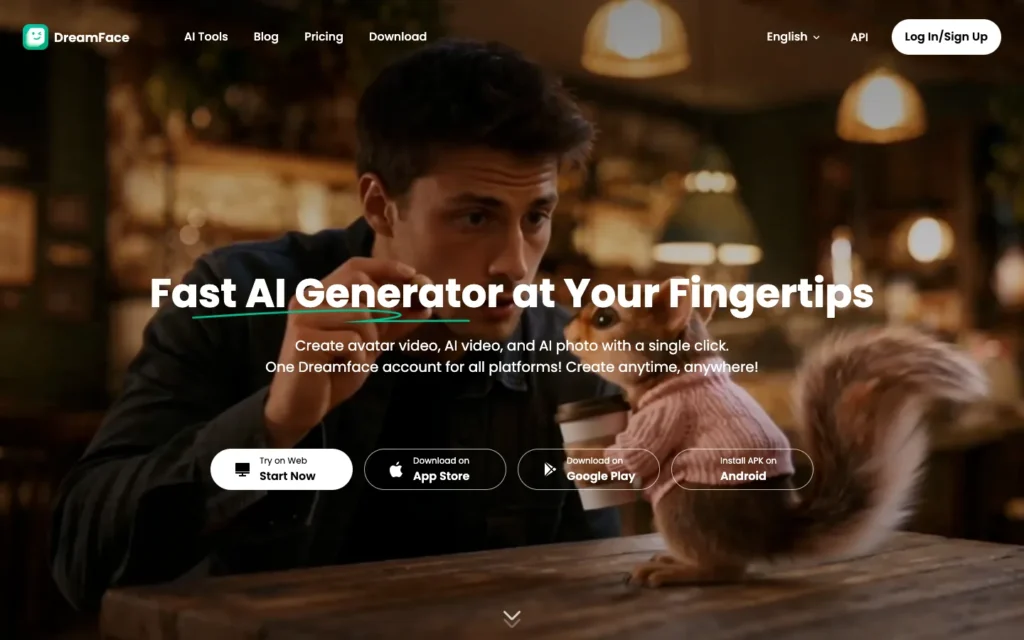
DreamFace is the dominant mobile app in this space. It turns a pet photo into a talking or singing video directly from a phone, with no desktop step required at any point. Its “DreamAct” feature goes further than lip-sync, generating AI dance or performance movement for the animal. For creators who want to produce content entirely on a phone, this is the more practical option of the group.
Vidnoz AI
Vidnoz AI folds talking pet animation into a broader suite of AI video tools rather than offering it as a single-purpose app. Creators already using Vidnoz for other video work get pet content without adding a separate specialized tool to their stack, which matters more for workflow consistency than for any one standout feature.
Mootion
Mootion is built around educational, fact-based animal and wildlife content instead of the talking pet format. It ships quick-fact formats optimized for TikTok, Reels, and Shorts, and it generates a full short video noticeably faster than most competitors here. That speed matters for channels publishing wildlife or animal fact content daily rather than occasionally.
Sora 2
Sora 2 handles fantastical or fully animated pet scenes well, the surreal, imaginative style of content that performs strongly in family and kid-and-dog niches on TikTok. It’s a different lane from realistic lip-synced talking pets: creators chasing story-driven, animated pet content will get more use out of it than those trying to fake a straightforward talking animal clip.
Versely
Versely is built for pet brands and creators publishing UGC-style video at real volume. It supports batch generation and rotating hook tests across several video variations at once, structured around publishing four to seven short videos a day rather than one polished piece. Brands and agencies running paid pet content who need to test many hooks quickly get more out of this than individual creators making occasional posts.
Producing pet content without losing your audience’s trust
Pet content earns strong completion rates but converts poorly to an actual sale on its own, which is why these tools matter more for attention and volume than for direct performance marketing.
A real animal should stay the visible star of the content. Audiences notice when an AI-generated pet face replaces a real one entirely, and using AI for stylized supporting shots while keeping a real pet on screen performs better than a fully synthetic substitute.
Faking distress or injury for engagement is worth ruling out entirely. Simulating an animal in danger, or inventing a rescue story for emotional reaction, damages trust fast with an audience that cares specifically about animals.
The visual hook needs to come first. Pet content lives or dies in the first second, so saving narration or a voiceover setup for later in the clip works better than a slow, explained opening.
Testing several hooks against the same core clip, three to five a week, reveals what’s actually working far faster than publishing one version and moving on.
Genuine owner footage, combined with AI-enhanced supporting shots, consistently beats fully AI-generated, generic “happy pet” content. Starting from real, well-composed source material also produces a more convincing animated result later, and these viral pet photography prompts work well for building that kind of base image.
How to create your first talking pet video
Start with a clear, well-lit photo. A sharp, front-facing shot with the pet’s face clearly visible produces noticeably better lip-sync results than a blurry or angled one.
Write a short, personality-driven script. Dialogue that matches the pet’s actual expression lands better than generic lines with no connection to the photo.
Choose a voice that fits the tone. Matching the voice style, sassy, sweet, dramatic, to the pet’s expression matters more than picking the most technically polished option available.
Generate and check the lip-sync closely. Confirm the mouth movement matches the audio before publishing; a poor sync breaks the illusion faster than anything else.
Keep the hook in the first second. Lead with the funniest or most visually striking moment instead of building up to it.
Test a few versions before committing. Comparing early engagement across different scripts or voices shows which version is actually worth promoting further.
Conclusion
Talking pet videos and animated animal content remain one of the more reliably viral AI formats, but the tool alone doesn’t decide the outcome. The creators and brands who keep this working long term keep a real animal at the center of the content and use AI to support and scale it rather than replace the animal outright. Respecting that boundary, skipping fabricated distress content, and testing consistently matter as much as which generator produces the final clip.
Frequently Asked Questions
What is the best AI tool for talking pet videos?
Zoice, DreamFace, and D-ID are the main talking pet options here. Zoice combines voice cloning, lip-sync, and personalization in one workflow, DreamFace works entirely from a phone, and D-ID brings facial animation refined on human faces to animal photos.
Can I make a talking pet video from a single photo?
Yes. A single photo of a cat or dog can be turned into a lip-synced, voiced video in a few minutes. A sharp, front-facing, well-lit photo with the pet’s face clearly visible gives noticeably better lip-sync than a blurry or angled one.
Which tool is best for making pet videos on a phone?
DreamFace. It turns a pet photo into a talking or singing video directly from a phone with no desktop step, and its DreamAct feature adds AI dance or performance movement.
Which tool is best for educational animal or wildlife content?
Mootion. It is built around fact-based animal and wildlife content, ships quick-fact formats for TikTok, Reels, and Shorts, and generates a full short video faster than most competitors here.
Which tool suits fantasy or animated pet scenes?
Sora 2. It handles fantastical or fully animated pet scenes well, the surreal style that performs strongly in family and kid-and-dog niches on TikTok.
Which tool is best for publishing pet videos at volume?
Versely. It supports batch generation and rotating hook tests across several video variations, and is structured around publishing four to seven short videos a day.
Should the pet in the video be real or AI-generated?
Keep a real animal as the visible star. Audiences notice when an AI-generated pet face replaces a real one entirely, so using AI for stylized supporting shots while keeping a real pet on screen performs better.
Is it okay to fake an animal in distress for engagement?
No. Simulating an animal in danger or inventing a rescue story damages trust fast with an audience that cares specifically about animals, so it is worth ruling out entirely.
You may also like
- 12 pet portrait Gemini AI prompts: reference photos built for animating with the tools above.
- Glif AI review: a look at a multi-tool platform that can also produce viral animal content.
- Best AI tools to turn long videos into shorts: a way to repurpose longer pet content into shorter clips for different platforms.