

Product photography drives conversion more directly than almost any other single asset in ecommerce, yet most sellers still pick a tool by browsing a list rather than by naming the job first. AI product photography has split into distinct lanes: all-in-one ecommerce studios, mobile-first editors, pro creative suites, and category specialists. Picking a tool from the wrong lane is the most common mistake sellers make, and it usually shows up later as wasted subscription spend or images that fail a marketplace’s compliance check. This guide breaks down eleven tools by the specific job each one solves, so the choice starts with the actual need rather than the feature list.
Key takeaways
- AI product photography tools now split into clear lanes (API-first automation, mobile editing, lifestyle scene generation, fashion-specific formats, and bulk catalog processing), and matching the lane to the job matters more than picking the most popular name.
- Amazon requires a pure RGB 255,255,255 white background, and general-purpose tools fail this check on complex product shapes an estimated 20 to 30 percent of the time.
- The EU AI Act’s transparency requirements for AI-generated commercial imagery take effect in August 2026, adding a compliance layer for brands selling into European markets.
- Traditional product shoots run $200 to $5,000 per session; AI tools typically cut per-image cost by 80 to 95 percent.
- Ghost mannequin and on-model fashion shots are distinct production workflows, not filters applied over a generic background swap, which is why dedicated apparel tools exist alongside general product photography platforms.
Quick comparison
| Tool | Best for |
|---|---|
| Claid.ai | Dev teams automating image generation through an API-connected pipeline |
| Pebblely | Small catalogs needing fast lifestyle backgrounds |
| Photoroom | Mobile-first editing with a large template library |
| Pixora | Amazon and marketplace-compliant white backgrounds |
| Omi | Brands wanting a 3D digital twin for repeatable renders |
| WizStudio | Large catalogs needing bulk generation plus human review |
| Photta | Apparel sellers needing on-model and ghost mannequin shots |
| Tolstoy AI Studio | Turning one source photo into several listing formats |
| Flair.ai | Brands wanting granular, art-directed scene composition |
| Remove.bg | Occasional, low-volume background removal |
| Rewarx | High-volume catalogs outgrowing per-image pricing |
1. Claid.ai
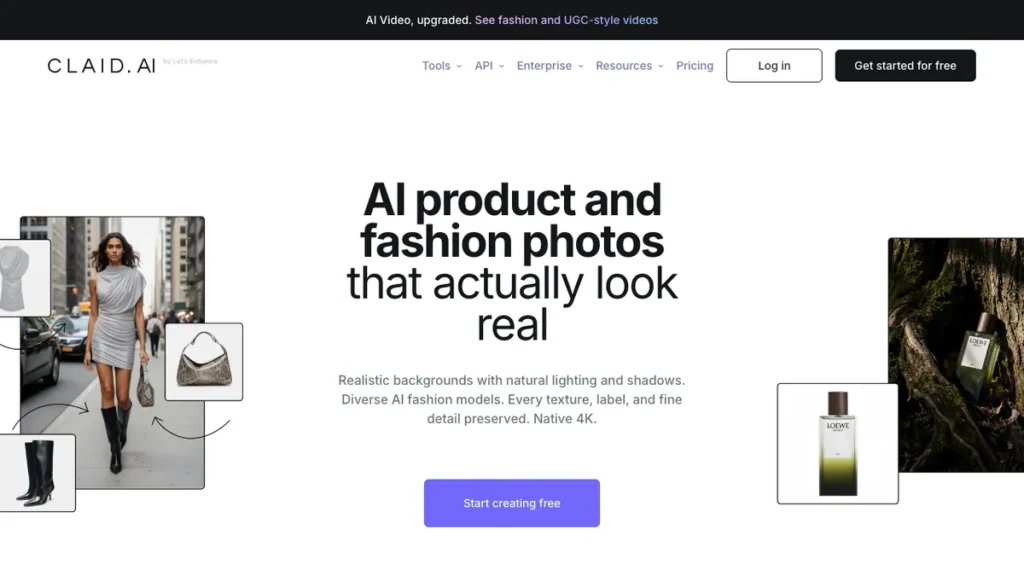
Claid.ai is built for teams that want AI photography wired directly into an existing workflow rather than operated as a separate app. Its API connects a product information management system straight to image generation, so a new SKU entry can trigger background creation, enhancement, and even an on-model fashion shot without anyone opening an editor.
That pipeline depth is the point: data enters once, and finished images come out the other end. It’s a fit for larger ecommerce operations with a development team and thousands of SKUs that need full automation rather than manual per-image work. Teams without a developer on staff typically look at no-code AI automation platforms instead, trading some pipeline depth for a setup that doesn’t require writing integration code.
2. Pebblely

Pebblely does one thing and does it fast: a seller uploads a plain packshot, picks a theme, and gets a shop-ready lifestyle background back without configuring anything.
Smaller catalogs are the natural fit here. Pebblely isn’t trying to match the customization depth of larger platforms, and it doesn’t need to, since speed and simplicity are what a seller with a limited SKU count actually wants from this kind of tool.
3. Photoroom
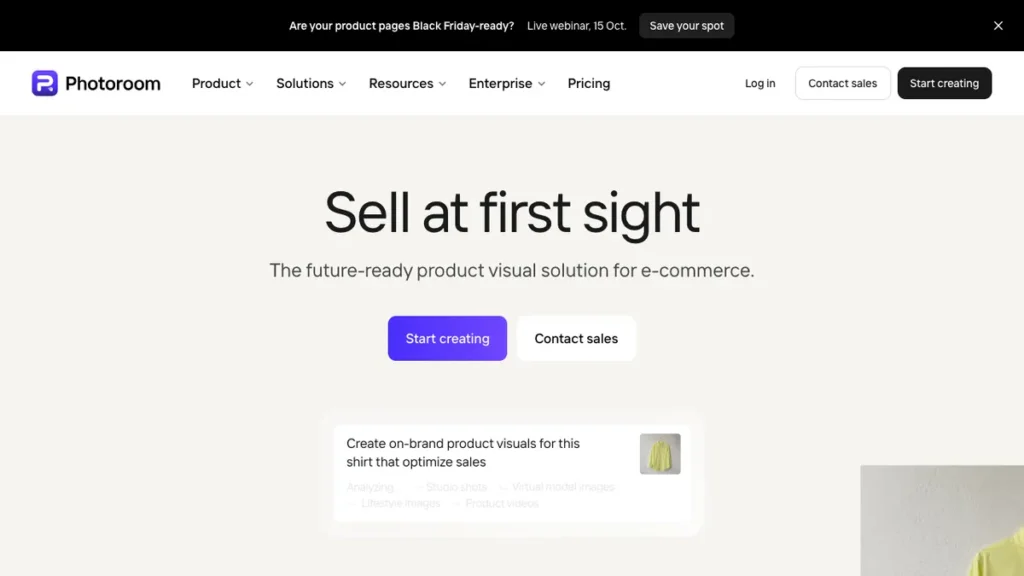
Photoroom has become the default mobile editing app in ecommerce, built around fast, accurate background removal and a template library that now exceeds 1,000 ecommerce-ready designs. Its Virtual Model feature also generates on-model apparel shots directly from the phone.
The combination of mobile accessibility and genuine template breadth is unusual. Most tools pick one or the other. Sellers who want a phone-first workflow without needing a desktop app or an API integration will find Photoroom fits the way they actually work.
4. Pixora

Pixora generates studio white presets that produce a true RGB 255,255,255 background, the exact standard Amazon requires, without manual editing on the seller’s end. It also offers lifestyle presets for secondary listing images and social ads.
Marketplace compliance is the differentiator, and it’s a real technical requirement rather than a nice-to-have. General-purpose tools trip on this check often enough on complex product shapes that a preset built specifically around it saves rework. Amazon, Etsy, and Shopify sellers who need listing images to pass compliance on the first attempt are the clearest fit.
5. Omi

Omi takes a different approach entirely: instead of generating 2D images directly, it builds a 3D digital twin of the product first, then renders images and video from that twin across any angle or setting.
That foundation gives Omi a level of control and repeatability a purely 2D generation approach can’t match, since every render comes from the same underlying asset rather than a fresh generation each time. Brands with premium products who want consistency across a large volume of renders, and are willing to invest in the upfront 3D capture, get the most out of this approach.
6. WizStudio

WizStudio pairs bulk AI generation with an added layer of human review, producing production-ready visuals across hundreds of SKUs without the trial-and-error that pure scene-building tools often require.
That review step is what separates it from tools that generate at scale and hope for the best. For catalogs where quality consistency across hundreds of images actually matters, having someone check the output before it goes live is worth the extra step in the workflow.
7. Photta
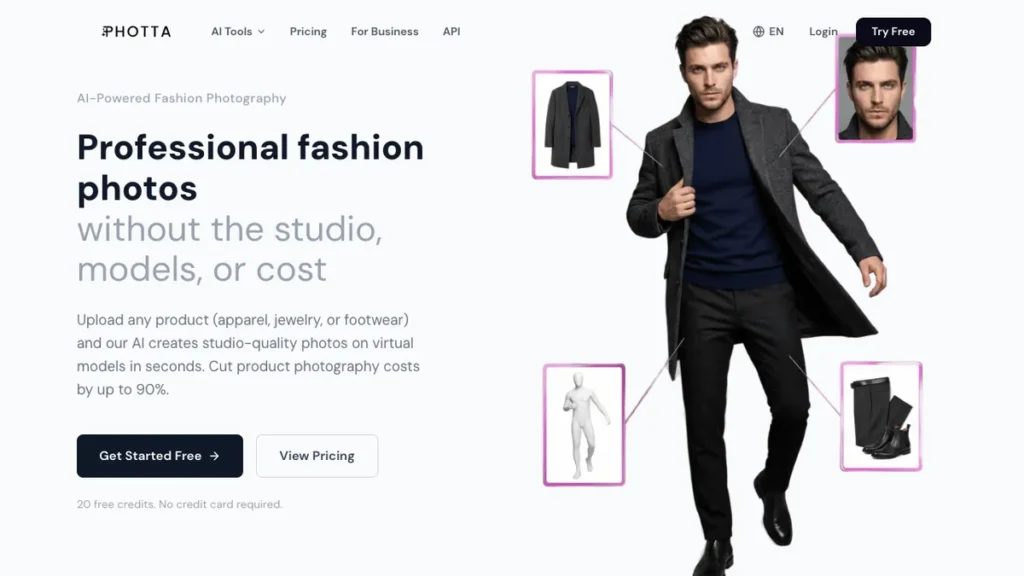
Fashion and apparel have their own photography vocabulary, and Photta is built specifically for it: on-model shots and hollow ghost mannequin images generated directly from a seller’s existing product photos.
These are genuinely distinct workflows, not filters layered over a basic background swap. Apparel sellers who need these industry-standard formats will get more out of a specialized tool like Photta than a general-purpose product photography platform.
8. Tolstoy AI Studio

Tolstoy AI Studio takes one product shot and turns it into several: studio, lifestyle, and on-model variations, all generated from the same source image in a single pass.
This is most useful at catalog scale, where producing multiple listing formats per SKU without separate uploads or setups saves real time. Sellers who need studio, lifestyle, and on-model versions of the same product without running three separate tools should start here.
9. Flair.ai

Flair.ai is built around composing a scene rather than choosing one. A user places the product into a custom setting with far more granular control than a preset-based background generator offers.
That control comes at the cost of speed. Flair.ai suits brands with a strong, specific visual identity who want to art-direct each image rather than pick from a fixed set of themed backgrounds. Getting a render that reads as genuinely photorealistic rather than obviously synthetic still depends heavily on prompting, a skill covered separately in a set of Flux prompts for photorealistic photos built for exactly this kind of output.
10. Remove.bg

Remove.bg remains the simplest entry point in this category: background removal, priced per image instead of by subscription.
That pricing model is the whole appeal for a seller who only occasionally needs a clean background removed. Committing to a monthly subscription doesn’t make sense for infrequent, low-volume use, and Remove.bg doesn’t ask for that commitment.
11. Rewarx
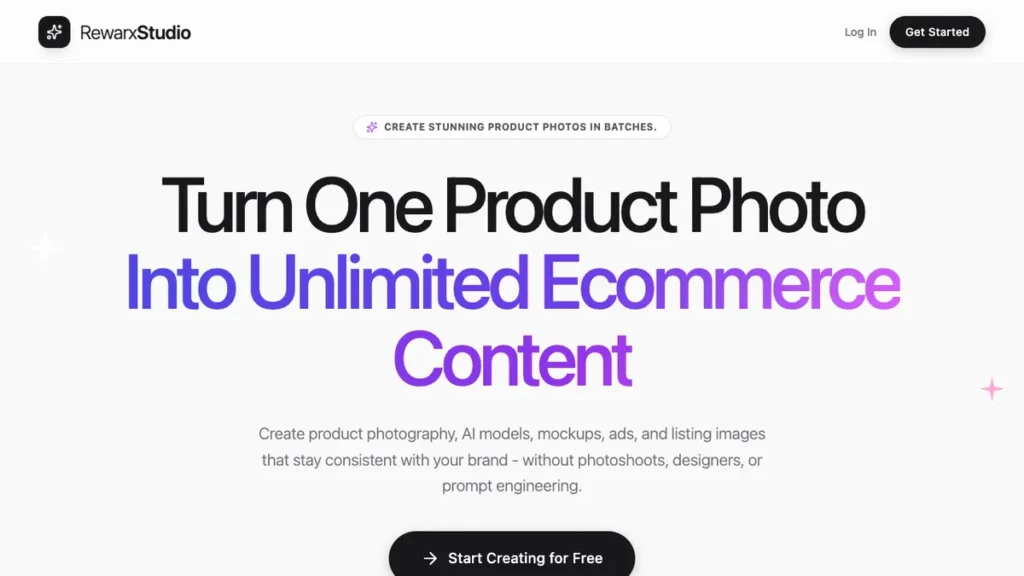
Rewarx focuses on three things: 8K resolution output, unlimited batch processing, and marketplace compliance across multiple platforms.
Once catalog size crosses a few hundred SKUs, per-image pricing tools become more expensive than a flat-rate, unlimited batch subscription, and that crossover point is exactly where Rewarx is built to compete. Larger catalogs outgrowing per-image tools are the clearest fit.
Compliance considerations that actually affect which tool to choose
Product photography compliance isn’t a quality preference; it’s a set of specific technical and legal requirements that not every tool meets by default.
Amazon’s exact white background requirement. The RGB 255,255,255 pure white standard is stricter than it sounds. According to seller reports, general-purpose tools fail this check on complex subjects roughly 20 to 30 percent of the time.
The EU AI Act’s new transparency rules. Taking effect in August 2026, these rules introduce disclosure obligations for AI-generated commercial imagery, which matters for any brand selling into European markets.
Per-image versus subscription cost crossover. A tool charging per image becomes more expensive than an unlimited batch subscription once catalog volume crosses a few hundred SKUs, which makes the pricing model a real cost decision rather than a preference.
Fashion-specific formats are genuinely different workflows. Ghost mannequin and true on-model shots are distinct production types, which is why dedicated apparel tools exist separately from general product photography platforms.
Start with one tool before expanding. Subscribing to every available tool at once wastes budget. Processing a catalog through one tool, measuring the results, and iterating produces a clearer picture than running several platforms in parallel from day one. Product images increasingly function as reusable assets across paid campaigns, listings, and organic content, which is why many teams now plan this work as part of a broader AI marketing roadmap rather than treating it as a standalone creative task.
How to automate your first product photography workflow
Identify your primary image need. Clean catalog backgrounds, lifestyle scenes, and on-model fashion shots are different jobs. The answer to which tool fits starts with naming the actual need first.
Check marketplace compliance requirements before choosing. Confirm which platforms your products sell on and whether a tool’s output actually meets each platform’s specific background and format requirements.
Test one tool against your real catalog. Run a small batch of actual product images through a shortlisted tool rather than judging based on demo images alone.
Compare per-image cost against your catalog size. Calculate whether a subscription or a per-image pricing model actually costs less at your specific volume before committing.
Add a review step for larger catalogs. If you’re processing hundreds of SKUs at once, build in a quality check before publishing rather than assuming every generated image passed automatically.
Expand only after measuring results. Add a second tool for a different specific need, lifestyle scenes alongside background cleanup for example, only once the first tool’s results are confirmed. Sellers running a full storefront rather than a single marketplace listing often extend this workflow with the broader set of AI tools for Shopify store owners, since product imagery is only one piece of running the store.
Frequently Asked Questions
Does every AI photography tool meet Amazon’s background requirement?
No. Amazon requires a pure RGB 255,255,255 white background, and general-purpose tools fail this check on complex product shapes an estimated 20 to 30 percent of the time. Tools with a dedicated compliance preset, such as Pixora, are built specifically to avoid this.
When do the EU AI Act’s rules on AI-generated imagery take effect?
The transparency requirements take effect in August 2026 and add disclosure obligations for AI-generated commercial imagery sold into European markets.
Is a subscription or per-image pricing cheaper?
It depends on catalog size. Per-image tools are usually cheaper at low volume, but once a catalog crosses a few hundred SKUs, an unlimited batch subscription typically costs less overall.
Are ghost mannequin and on-model shots different from a standard background swap?
Yes. These are distinct fashion photography formats with their own production requirements, which is why dedicated apparel tools like Photta exist separately from general product photography platforms.
Should a seller use multiple tools at once?
Not from the start. Testing one tool against a real catalog, measuring the results, and adding a second tool only for a genuinely different need (lifestyle scenes alongside background cleanup, for instance) avoids wasted subscription spend.
Conclusion
Product photography automation has moved past a single do-everything tool and split into clear lanes suited to different catalog sizes, product categories, and compliance needs. The strongest approach starts with naming the actual job, whether that’s catalog cleanup, fashion-specific shots, or lifestyle scenes, before comparing platforms. Marketplace compliance and the incoming EU AI Act transparency requirements both add a real technical and legal dimension to this decision, one that matters more than which tool produces the most appealing sample image.
You may also like
- Flux vs Midjourney vs DALL-E 3 Comparison: A closer look at the image generation models several of these product photography tools are built on.
- 9 Best AI Tools for Google Ads Management: Tools for managing the ad campaigns these product images ultimately support.
- 9 Best AI Content Automation Tools for Agencies: A wider look at automating content production for teams handling more than one brand’s catalog.