
Not every video stays where you found it. Tutorials get taken down, playlists go private, and internet access on a flight doesn’t include streaming. Saving a YouTube video for offline use, editing, or archiving is a common need, and the tools built for it range from a single-click website to a fully offline desktop app.
The seven picks below cover the range from casual one-off downloads to serious archiving workflows. Each was tested against a real YouTube link to check output quality, whether it strips audio cleanly when needed, and how much friction sits between pasting a link and getting a usable file. Open source options are included alongside commercial ones, since some of the most reliable tools in this space aren’t run by a company at all.
7 Tools for Getting YouTube Video Offline
1. yt-dlp: The Tool Serious Downloaders Actually Use
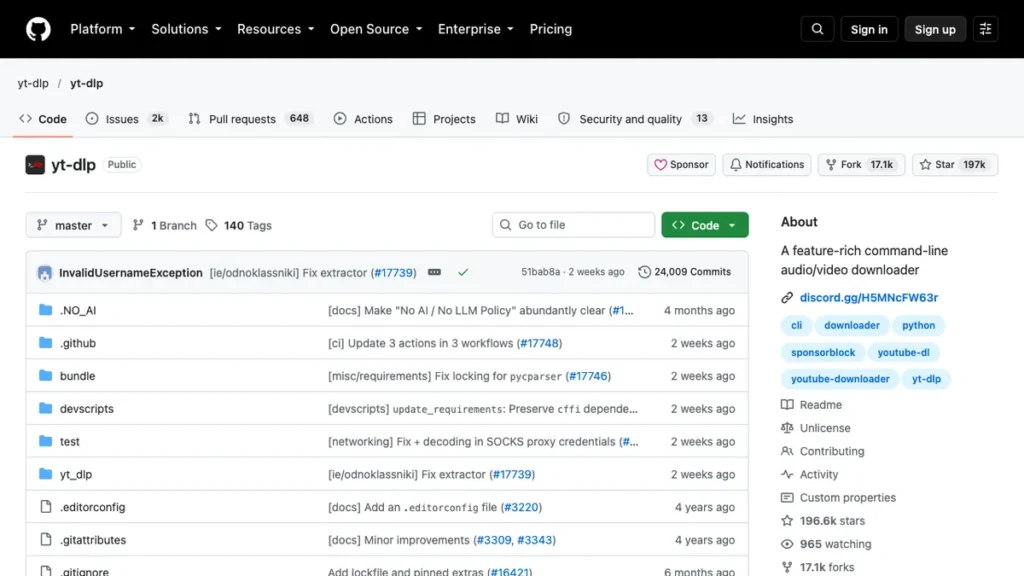
yt-dlp is a free, open source command-line tool that downloads video and audio from YouTube and hundreds of other sites with far more control than any website offers. Standout feature: it supports downloading entire playlists or channels in one command, with format and quality fully specified upfront. Its open source roots put it in the same lineage as other community-driven AI and software projects, and the recent open source AI funding coverage touches on why tools built this way tend to stay reliable longer than closed alternatives.
Best for: Anyone comfortable with a terminal who wants full control.
Pricing: Free and open source.
Why I recommend it: It has never failed on a link that a browser-based site choked on. Limitation: there’s no visual interface, so it’s not an option for anyone who wants to avoid the command line entirely.
2. ClipGrab: A Simple Desktop App With No Catch
Best for: Casual users who want a real app, not a browser tab.
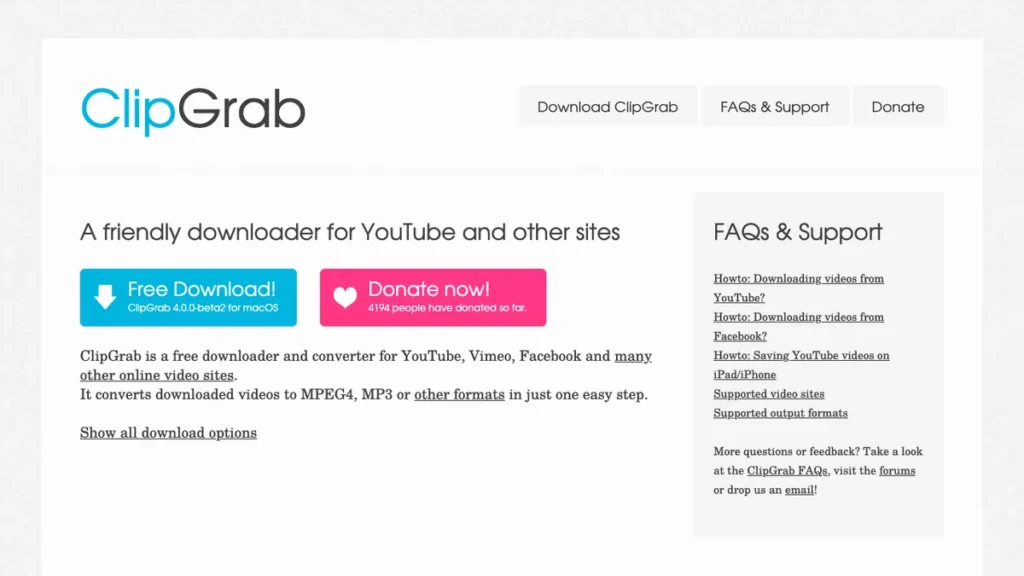
ClipGrab is a free desktop application for Windows, Mac, and Linux that downloads and converts YouTube video with a simple paste-and-click interface. Standout feature: it converts directly to MP3, MP4, or AVI without needing a separate converter afterward.
Pricing: Free, no ads, no account required.
Why I recommend it: It’s the tool I point non-technical friends toward since it just works without any command-line knowledge. Limitation: the interface feels a little dated compared to newer web tools.
3. Y2mate: Fast Browser Downloads With Format Choice
Y2mate lets you paste a YouTube link and pick from multiple resolution and format options before downloading, all inside the browser. Standout feature: it offers audio-only extraction alongside video, useful for pulling a podcast-style upload without the visual track.
Pricing: Free, ad-supported.
Best for: Quick browser-based downloads with resolution choice.
Why I recommend it: The format selection screen is clearer than most competing sites. Limitation: ad placement around the download button can be confusing on first use.
Once a video is downloaded, turning raw footage into something polished is a separate step, and the Glif AI review covers a tool worth checking if you plan to generate supporting visuals or thumbnails for whatever you download.
4. SaveFrom.net: The Long-Running Standby
SaveFrom.net has been around long enough to reliably handle format changes YouTube makes to its platform, which trips up newer, less-maintained tools. Standout feature: a browser extension version exists alongside the website, so you can download without visiting a separate site each time.
Pricing: Free, ad-supported.
Best for: A dependable fallback when other downloaders stop working temporarily.
Why I recommend it: Its longevity says something, since a lot of competitors from a few years back have simply stopped working. Limitation: the browser extension route requires more trust in third-party permissions than a plain website.
5. VideoProc Converter: Built for Heavy, Repeated Downloading
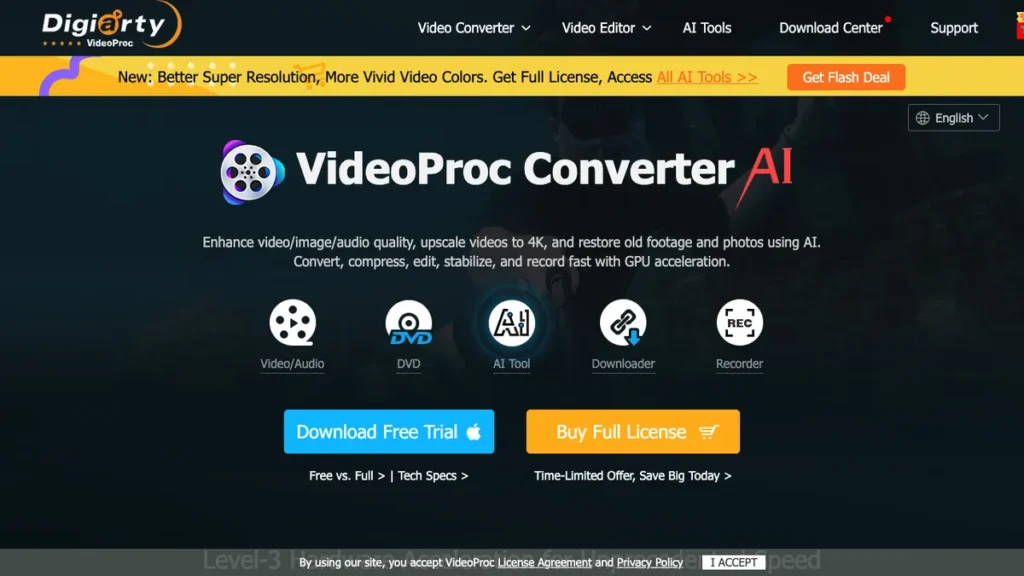
VideoProc Converter is a paid desktop app that downloads YouTube video in bulk with GPU-accelerated processing, keeping large batches fast even on modest hardware. Standout feature: it can download an entire channel’s back catalog and convert everything to a chosen format in one queued job.
Pricing: Free trial available. One-time license around $38.
Best for: Archiving large volumes of video on a regular basis.
Why I recommend it: It’s the only tool on this list I’d trust with an overnight batch job of fifty or more videos. Limitation: the one-time cost is hard to justify for someone downloading only occasionally.
6. NewPipe: The Privacy-Focused Android Option
NewPipe is a free, open source Android app that plays and downloads YouTube video without using Google’s official API, which keeps it independent of account tracking. Standout feature: it supports background audio playback, so you can extract just the sound and keep listening with the screen off.
Pricing: Free and open source.
Best for: Android users who want downloading and privacy in one app.
Why I recommend it: It’s replaced the official YouTube app entirely on my personal phone. Limitation: it’s not available on the Google Play Store, so installation requires sideloading the APK.
7. TubeMate: The Classic Mobile Downloader
TubeMate is an Android app built specifically around downloading, with a built-in browser so you never leave the app to search for a video. Standout feature: it lets you queue multiple downloads at different quality settings without repeating the search each time.
Pricing: Free, ad-supported.
Best for: Mobile users who want an all-in-one browse-and-download app.
Why I recommend it: Having search and download in a single app removes a step compared to switching between YouTube and a separate downloader. Limitation: like NewPipe, it isn’t on the Play Store, so it requires manual installation.
Matching the Tool to How Often You Download
Someone saving the occasional tutorial has very different needs from someone archiving an entire channel weekly. Casual users are usually best served by a browser tool like Y2mate or SaveFrom, while anyone downloading in volume should lean toward yt-dlp or VideoProc Converter instead. For extracting just the audio from a video, whether for a podcast clip or background music, the underlying approach isn’t far from what’s covered in the Spotify AI audio generation piece, worth a look if audio is your main interest rather than video.
- Choose open source tools like yt-dlp or NewPipe if you’re cautious about ads or tracking.
- Check format support before committing, since not every tool handles 4K or HDR downloads equally well.
- Use a desktop app instead of a website if you’re downloading regularly, since browser tools tend to have daily limits.
- Respect copyright and platform terms before redistributing anything you download.
The Short Version
For most people, Y2mate or ClipGrab covers everyday needs without any setup. If you download often or want full control over quality and format, yt-dlp is worth the small learning curve. Pick based on how often you’ll actually use it, not which tool looks the most polished.
Frequently Asked Questions
What is the best free YouTube video downloader?
yt-dlp is free, open source, and handles more edge cases than any browser-based tool. For something with a visual interface, ClipGrab is the strongest free option that still requires no ads or account.
Is it legal to download YouTube videos?
Downloading for personal offline use generally falls into a gray area and varies by region, while YouTube’s own terms of service technically restrict downloading outside its official offline feature. Always check the video’s license and avoid redistributing downloaded content without permission.
Can I download just the audio from a YouTube video?
Yes. Most tools on this list, including Y2mate, ClipGrab, and yt-dlp, support extracting audio as an MP3 without the video track. This is common for saving music, podcasts, or lecture audio.
Do YouTube downloaders work on mobile?
Browser-based tools like Y2mate and SaveFrom work fine on a mobile browser. For a dedicated app experience on Android, NewPipe and TubeMate both handle downloading natively without needing a browser at all.
Which YouTube downloader should I try first?
Start with ClipGrab if you want a simple desktop app with no learning curve. If you’re comfortable with a bit more setup and want the most reliable results, yt-dlp is worth the extra five minutes to install.