
TL;DR: Captioned Reels and Shorts consistently hold attention longer on mobile, since most viewers watch with sound off, and AI caption generators now handle the timing and styling automatically instead of requiring manual subtitle work.
- Submagic and Reap lead on caption accuracy, with word-level timing that stays aligned even through fast talking or overlapping audio.
- CapCut and InShot bundle captioning inside a full editor, useful for creators who want captions and cuts in one app.
- OpusClip and Descript go further than captioning alone, turning long recordings into ready to post Reels and Shorts with captions already applied.
Platforms reward captioned video with longer watch time, and manually timing subtitles to match speech has never scaled for creators posting daily. AI caption generators solve that by transcribing speech automatically, matching the text to the exact moment it is spoken, and styling it to match the short-form look that performs on Reels and Shorts.
This article covers nine AI caption generator tools built for or heavily used on Instagram Reels and YouTube Shorts in 2026, compared on accuracy, styling, and whether captioning is the whole product or one feature inside a larger editor. It is written for creators and social teams deciding which captioning workflow fits their content, a decision that ties directly into the broader content plan in our social media marketing roadmap.
1. Submagic
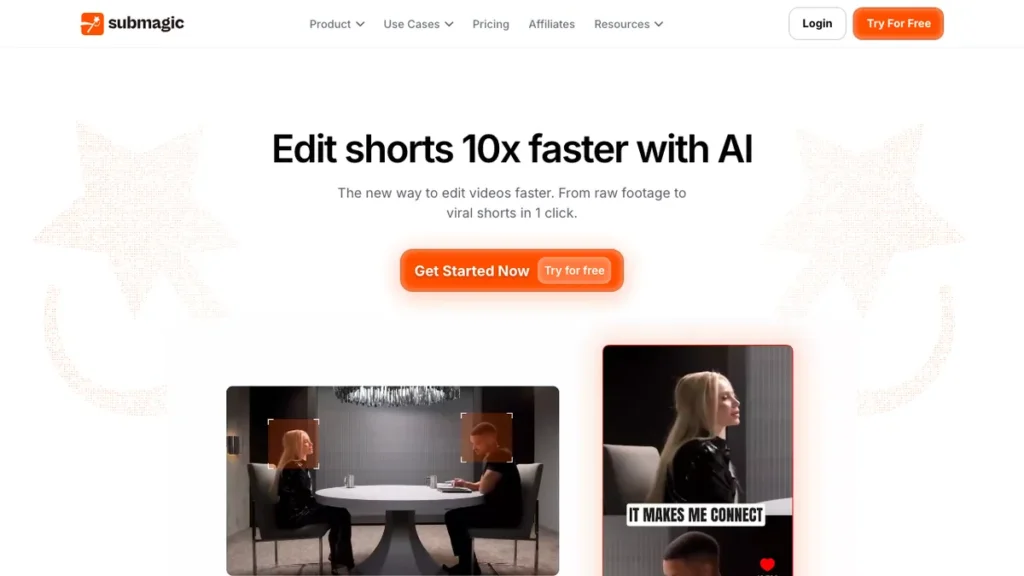
Submagic focuses entirely on one job: adding animated, word by word captions in the style that defines short-form video, along with emoji, B-roll suggestions, and sound effects. Testing that ran the same clip through multiple editors found Submagic’s caption timing the most accurate of the group, including on fast talking sections where competing tools dropped words.
The differentiator is that as of March 2026, Submagic added direct scheduling and publishing to Instagram, TikTok, YouTube Shorts, LinkedIn, and X, so captioned clips can go out without leaving the app. It stays narrowly focused on captions and pacing rather than trying to be a full editor.
This fits creators who already have footage and mainly need fast, accurate captioning with a proven style, not a full editing suite.
2. Reap
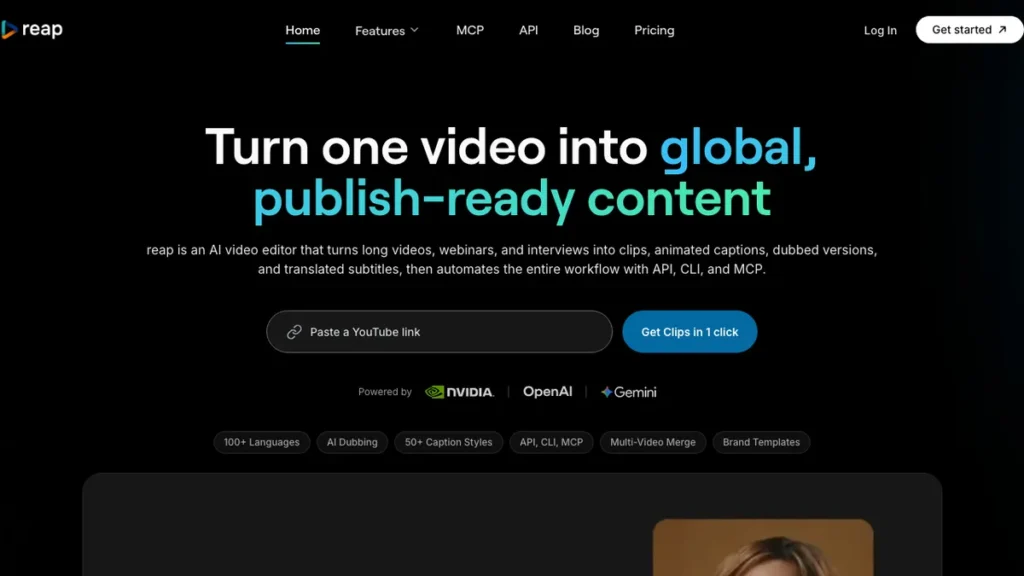
Reap generates captions with precise word-level timing that aligns to natural speech patterns, pauses, and emphasis, rather than dumping blocks of text onto the screen. It combines captioning with subtitle editing and short-form clipping in one product.
The differentiator is that it treats captions as part of a full production pipeline, clipping, reframing, translation, and voiceover, rather than a standalone feature bolted onto an editor. This avoids switching between separate caption, editing, and translation tools.
This fits creators and teams who want captioning bundled with clipping and translation for a multi-language Reels or Shorts workflow.
3. CapCut
CapCut remains one of the most widely used tools for Instagram Reels and YouTube Shorts creators, and its auto-caption feature is fast, accurate, and beginner friendly. It sits inside a full editor with smart crop for vertical reformatting and trend-aware templates.
The differentiator is that captioning is one feature inside a much larger free editor, so creators get cuts, effects, and captions without switching apps. It requires more manual input than dedicated caption-only tools for fine-tuning styles.
This fits creators who want captions handled inside the same app they already use for editing and cropping to vertical format.
4. Zeemo
Zeemo is built specifically around auto-captioning for short-form video, positioned alongside CapCut and Captions as a go-to option for Reels, Shorts, and TikTok creators. It focuses on quick turnaround from raw clip to captioned, styled output.
The differentiator is that short-form-first focus, tuning its default styles and timing specifically for vertical, sound-off viewing rather than general subtitle work.
This fits creators who want a captioning tool defaulted to short-form norms without adjusting settings built for longer video.
5. Captions
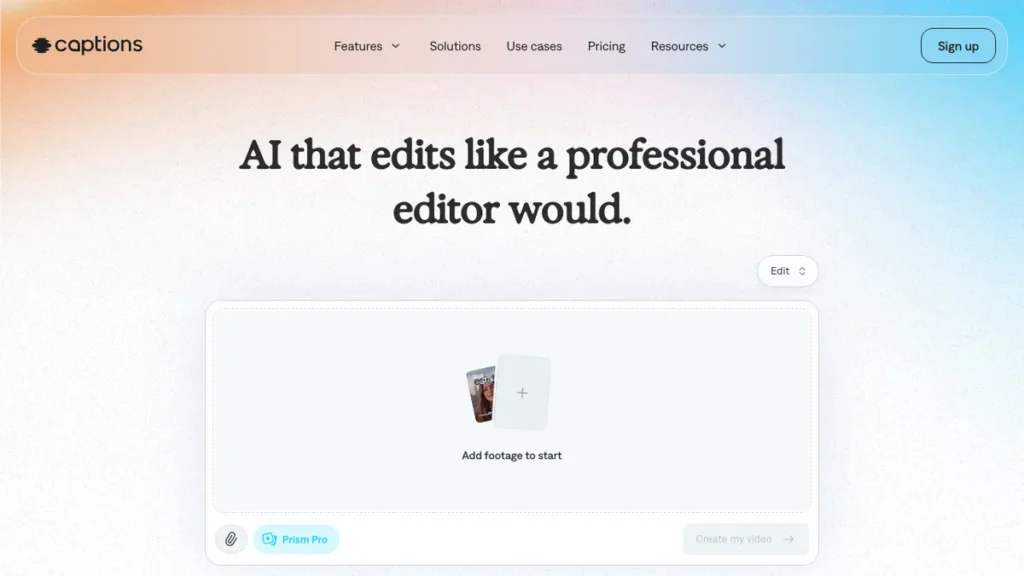
Captions is a mobile-first app aimed at creators and professionals who need more than basic transcription. Alongside auto-captioning, it includes AI-assisted features like dubbing and on-camera correction tools built for talking-head style Reels and Shorts.
The differentiator is that broader AI toolkit around the caption layer, useful for creators recording themselves directly rather than editing pre-existing footage with a voiceover.
This fits creators making talking-head Reels or Shorts who want AI polish on the recording itself, not just the caption text.
6. InShot
InShot is a simple, mobile-friendly video editor that includes AI subtitle generation alongside standard cutting and effects tools. It is built for quick, on-the-go editing rather than a desktop workflow.
The differentiator is that lightweight mobile footprint. InShot keeps the interface simple, prioritizing fast turnaround over the deeper template libraries found in CapCut, an approach that pairs well with the quick-post workflows covered in our AI video tools roundup.
This fits creators who edit and caption entirely from a phone and want minimal setup between filming and posting.
7. Descript
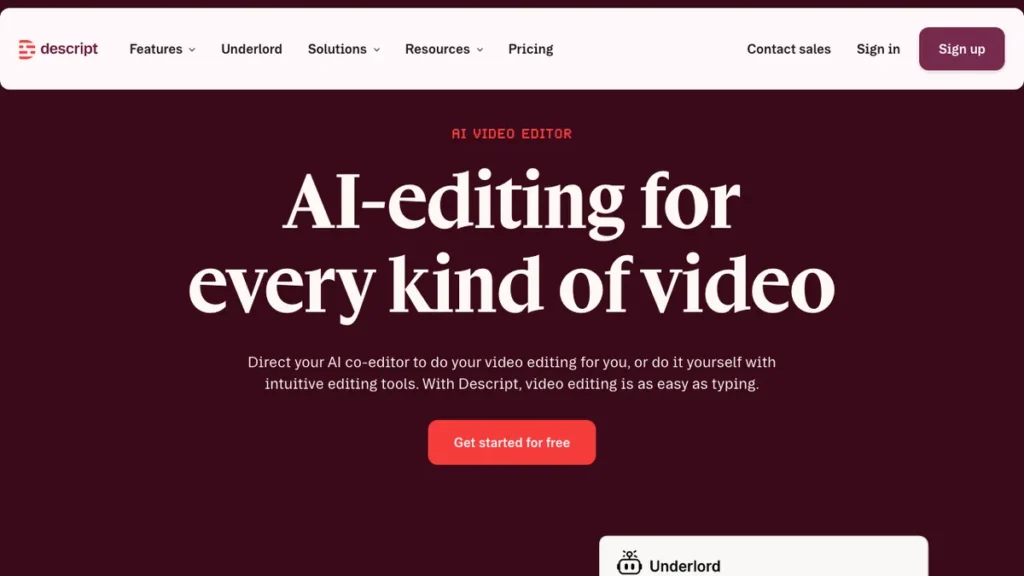
Descript takes a different approach to captioning by letting you edit the video through its transcript. Record a Reel, and Descript transcribes it automatically, then deleting a sentence from the text deletes that section of video, with captions generated as part of the same process.
The differentiator is that text-based editing model, particularly suited to podcast-to-Reel conversion where the spoken content needs trimming as much as captioning.
This fits podcasters and interview-style creators who want to edit by cutting text rather than scrubbing a timeline.
8. OpusClip
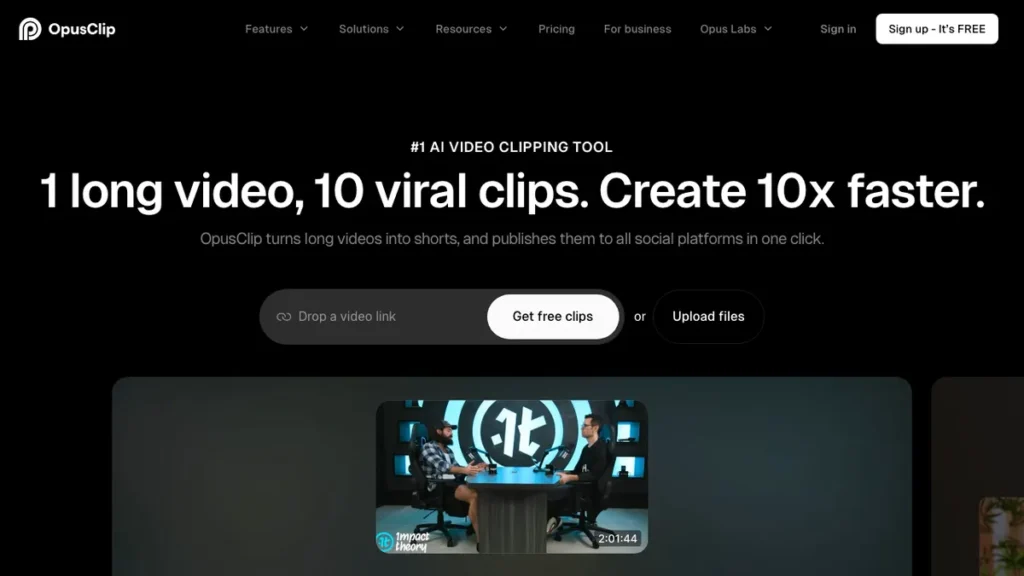
OpusClip takes long-form video, podcasts, webinars, YouTube videos, and AI-clips it into short vertical Reels and Shorts with captions and a virality score already applied. One 30-minute recording can produce 15 or more captioned clips.
The differentiator is the virality score, which ranks clips by hook strength, pacing, and emotional cues so creators know which output to prioritize without reviewing every suggestion manually.
This fits creators repurposing long recordings who want captioning bundled with clip selection and ranking, not a standalone caption tool.
9. Kapwing
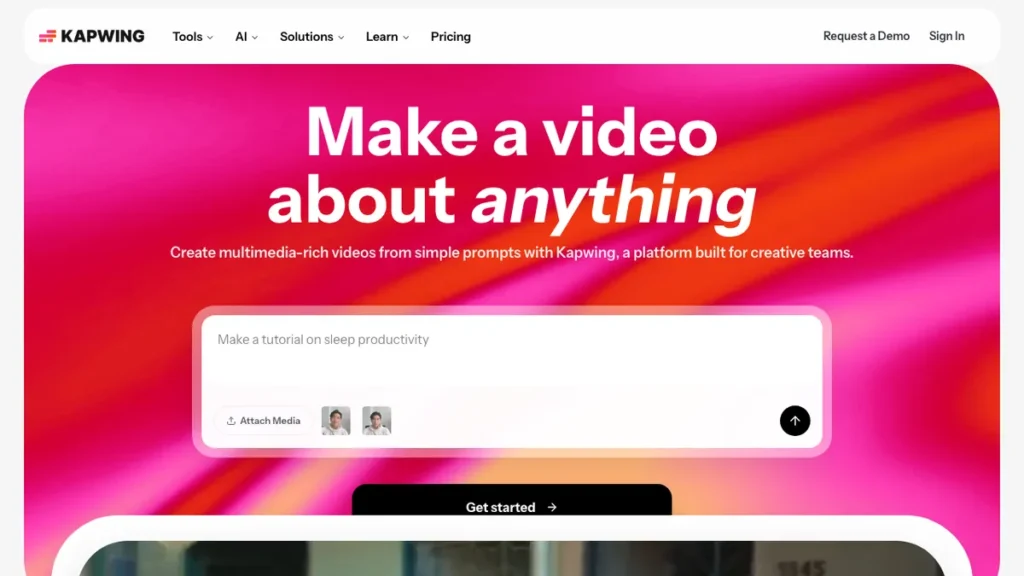
Kapwing is a browser-based editor with auto-caption generation built in, requiring no software install. It covers standard editing tools alongside captioning, similar in structure to CapCut but accessible entirely from a browser tab.
The differentiator is that no-install, cross-device access, letting creators generate and edit captions from any computer without managing a local app, an option worth weighing against the freelancer-friendly tools in our roundup of AI tools for freelancers.
This fits creators who switch between devices often and prefer browser-based tools over installed software.
Which AI Caption Generator Fits Your Workflow
The right tool depends on whether captioning is your only need or one step inside a larger editing and repurposing workflow. Matching the tool to that scope avoids paying for features you will not use.
Choose Based on Your Use Case
Caption accuracy above everything else: Submagic and Reap both tested strongest on word-level timing, especially through fast or overlapping speech.
Captions bundled with a full editor: CapCut and InShot handle cutting, cropping, and captioning in the same app, desktop or mobile.
Talking-head Reels recorded directly to camera: Captions adds dubbing and on-camera correction tools around the caption layer.
Repurposing long recordings into multiple clips: OpusClip and Descript both start from long-form content rather than a single short clip.
Multi-language captioning and translation: Reap’s pipeline includes translation and voiceover alongside standard captioning.
Browser-only, no install workflow: Kapwing covers editing and captioning entirely online.
How to Add AI Captions to a Reel or Short
Step 1: Decide if captioning is your only need Confirm whether you need a standalone caption tool or one that also handles cutting, reframing, or repurposing, since that determines which category fits.
Step 2: Upload or import your footage Load raw footage into a caption-focused tool like Submagic or Zeemo, or a long recording into a repurposing tool like OpusClip if you need clips generated first.
Step 3: Let the AI generate captions Most tools return timed captions within minutes, matching text to speech automatically rather than requiring manual sync.
Step 4: Review timing on fast or overlapping speech Check accuracy specifically on quick dialogue or background noise, since this is where caption tools vary most in quality.
Step 5: Apply a caption style Choose an animated or static style that matches your content, adjusting size and placement for readability on a small vertical screen.
Step 6: Export or publish directly Export the captioned file, or publish directly if the tool supports it, checking formatting on the target platform before it goes live.
Conclusion
Submagic and Reap are the strongest picks when caption accuracy is the priority, while CapCut and InShot make more sense for creators who want captioning bundled inside a full editing app. OpusClip and Descript solve a different problem entirely, turning long recordings into multiple captioned clips rather than captioning one short video at a time.
Whichever tool you choose, test it on your fastest-paced footage first, since that is where the gap between caption tools shows up most clearly.
Frequently Asked Questions
Which tools are most accurate for caption timing?
Submagic and Reap both tested strongest on word-level timing, staying aligned even through fast talking or overlapping audio, while some competing tools dropped words in the same tests.
Can I publish directly from a caption tool?
Yes. As of March 2026, Submagic added direct scheduling and publishing to Instagram, TikTok, YouTube Shorts, LinkedIn, and X, so captioned clips can go out without leaving the app.
What’s the difference between CapCut/InShot and a dedicated caption tool like Submagic?
CapCut and InShot bundle captioning inside a full editor with cuts, effects, and cropping, useful if you want everything in one app. Submagic and Reap focus entirely on captions and pacing, without the overhead of a full editing suite.
Which tool is best for repurposing long recordings into multiple captioned clips?
OpusClip and Descript both start from long-form content. OpusClip can turn one 30-minute recording into 15 or more captioned clips with a virality score, while Descript lets you trim by editing the transcript.
Is there a browser-only captioning tool with no install?
Kapwing is browser-based with auto-caption generation built in, requiring no software install and working across devices from any computer.
Which caption tool adds multi-language translation?
Reap’s pipeline includes translation and voiceover alongside standard captioning, aimed at a multi-language Reels or Shorts workflow.
You May Also Like
- Fliki AI Review: a review of an AI video tool worth comparing against the script-to-video features in some caption generators.
- Best AI Tools for Digital Marketers: a roundup of AI tools built for marketing teams managing multiple content channels.
- Gemini AI Prompts for Instagram Reels: prompt ideas for planning Reels content before it goes through a caption generator.