
A single prompt rarely turns into a finished, publishable short anymore. Generation, editing, and captioning each favor different tools, so most creators end up running two or three specialists in sequence instead of trusting one platform to do everything. This breakdown covers eleven tools that each own a specific part of that pipeline, what each one is actually good at, and how to combine them so the final clip looks like it came from a real production process instead of a single unedited export.
Key takeaways
- No single tool covers the full path from a text prompt to a finished, platform-ready short. The strongest results come from pairing a generator with a separate editing or captioning tool.
- Runway and Kling lead on prompt-to-video generation quality, with Kling holding a clear edge on keeping subjects and backgrounds coherent across a full clip.
- Luma Dream Machine and PixVerse are built around fast, social-ready output rather than cinematic depth, which suits short-form content better than a slower, more deliberate generator.
- OpusClip solves a different problem entirely: turning existing long-form video into shorts, rather than generating new footage from a prompt.
- A two-tool pipeline, generate in one tool and edit in another, consistently produces cleaner shorts than expecting a single platform to handle the entire job.
1. Runway
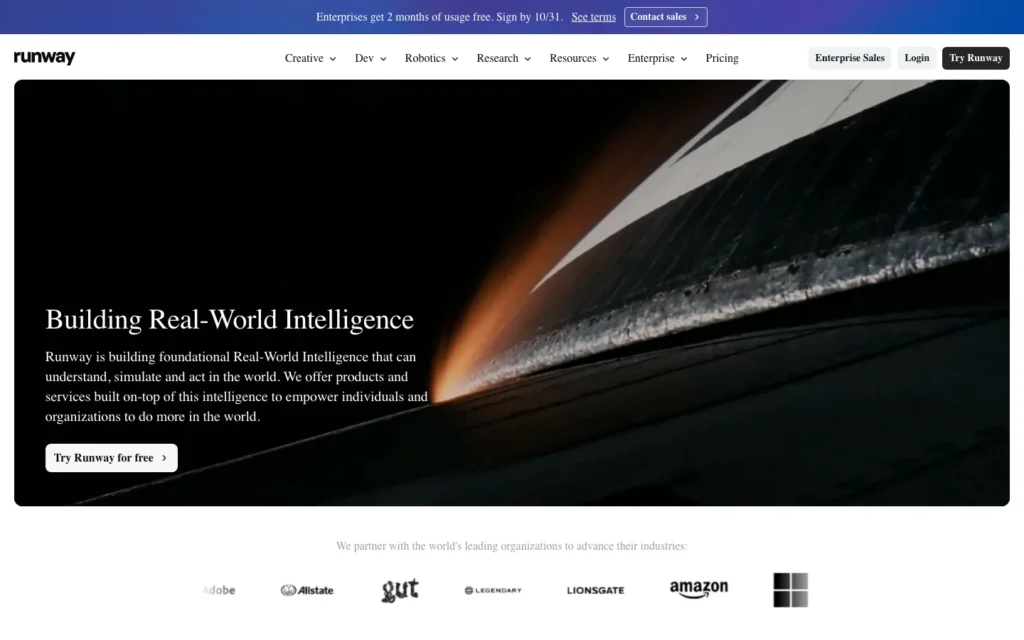
Runway’s Motion Brush feature lets you paint a specific region of an image and set exactly how that region should move, which gives it a level of directorial control most prompt-to-video tools don’t offer. Instead of typing a description and hoping the model interprets movement the way you intended, you’re telling it directly.
That control is what separates Runway from a simple text box. It behaves more like a professional editing tool than a generator, which matters for anyone who wants a specific camera pan or object movement rather than a single unpredictable roll of the dice.
Runway is available at runwayml.com.
2. Kling
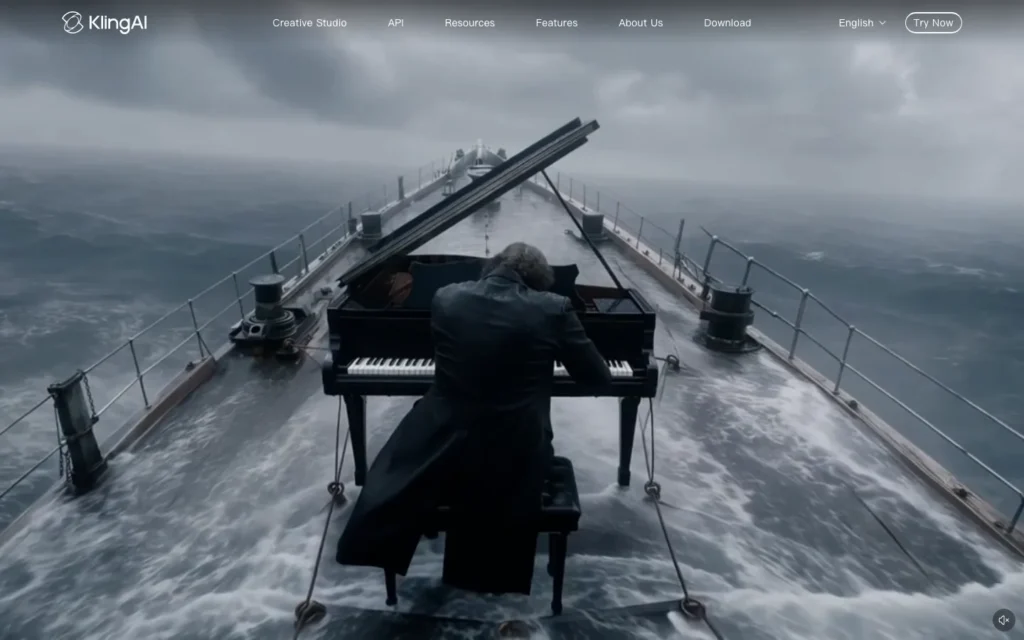
Kling generates clips up to roughly 10 seconds and holds subjects and backgrounds together across the entire duration instead of drifting into a different scene halfway through. That consistency is rarer than it sounds. Plenty of generators produce a strong first two or three seconds before the composition starts to wander.
For a short that needs to hold a single continuous shot, Kling’s ability to stay coherent for the full clip length is the reason it gets picked over faster but less stable alternatives.
Kling is available at klingai.com.
3. Luma Dream Machine

Luma Dream Machine works from a start image and an end image rather than a prompt alone. Upload both, and it generates the motion that connects them. That keyframe approach fits transformation or glow-up content particularly well, the kind of before-and-after clip that performs consistently on Reels.
Most other generators only work from a single starting point, so Luma’s two-image method is a genuinely different way of directing a clip rather than a variation on the same idea.
Luma is available at lumalabs.ai.
4. Pika
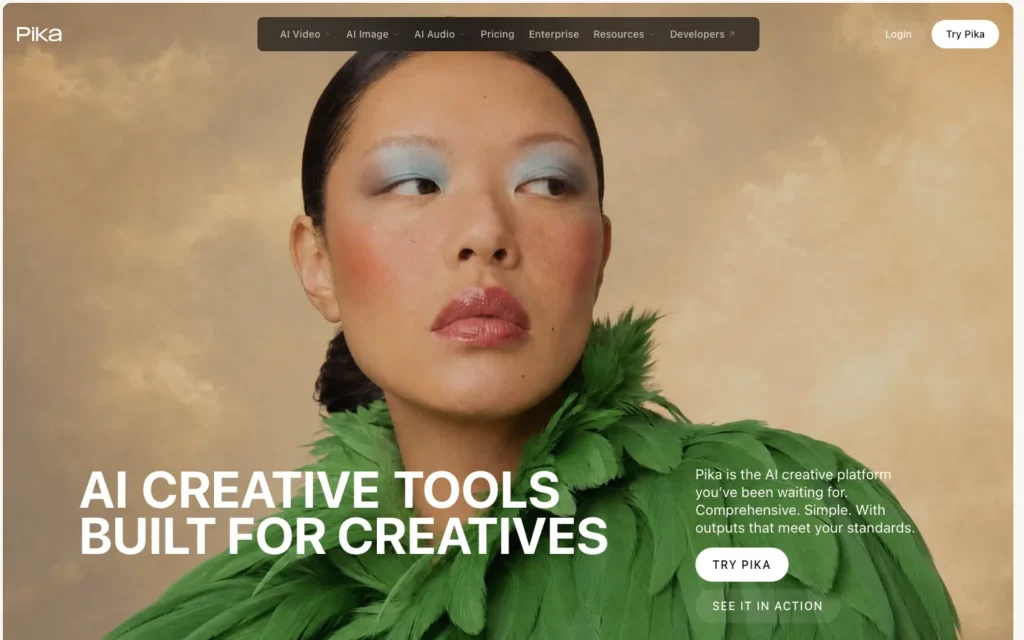
Pika trades polish for speed. The output has a slightly rougher, more playful look than a cinematic generator, but clips come out fast and the barrier to trying another variation is low.
That tradeoff makes sense for a high-volume content strategy, where testing five or six quick ideas beats spending the same time perfecting one. Pika fits a workflow built around iteration rather than a single carefully composed shot.
Pika is available at pika.art.
5. PixVerse
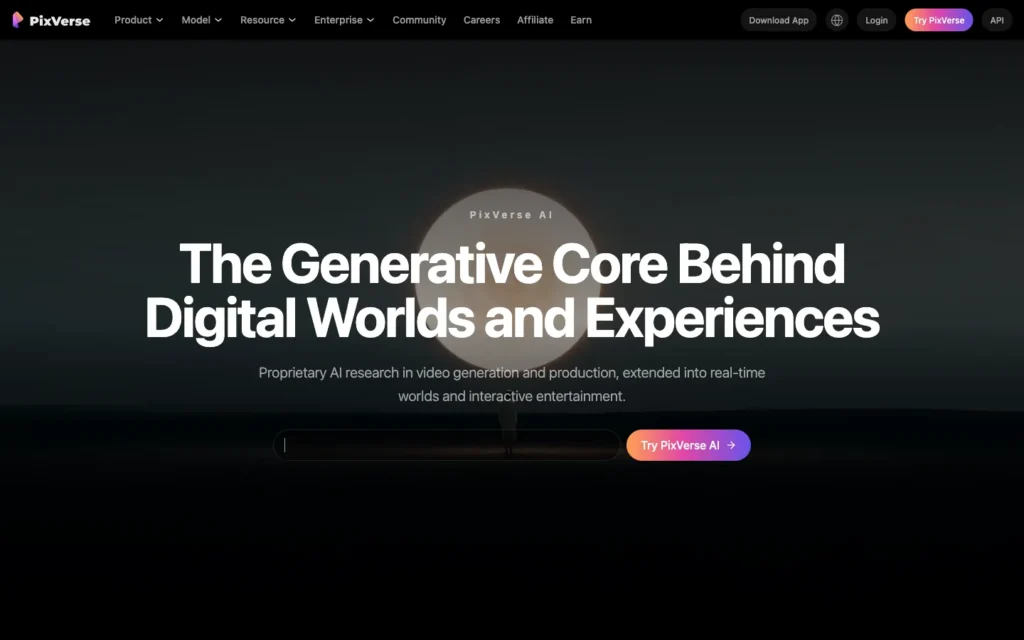
PixVerse was built from the ground up for short, dynamic, social-ready clips rather than adapted afterward from a general-purpose video model. That origin shows in the output: quick visual impact takes priority over longer-form depth or cinematic pacing.
For a creator who only ever needs 5 to 10 seconds of punchy motion, that focus is an advantage rather than a limitation.
PixVerse is available at pixverse.ai.
6. OpusClip
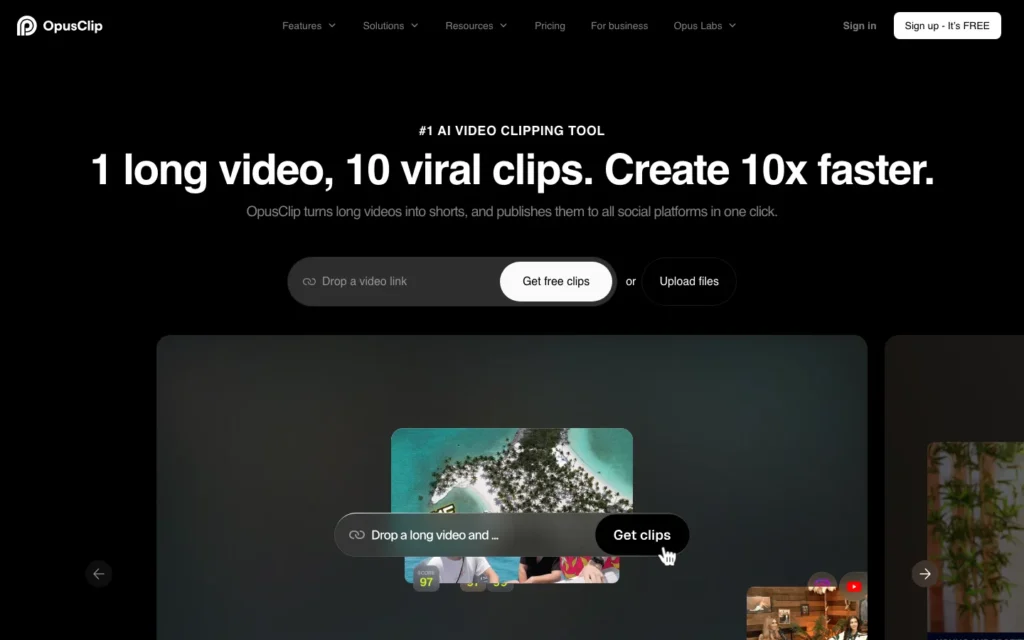
OpusClip solves a different problem than the five tools above. Instead of generating anything new, it analyzes existing long-form video, a podcast, a webinar, a full-length upload, and identifies the segments most likely to hold attention, then reframes them into vertical shorts with captions already added.
For anyone sitting on hours of unused long-form footage, this repurposing approach gets more mileage out of content that already exists than starting a fresh generation from scratch. Best AI tools to turn long videos into shorts covers this repurposing category in more depth alongside OpusClip’s direct competitors.
OpusClip is available at opus.pro.
7. InVideo AI
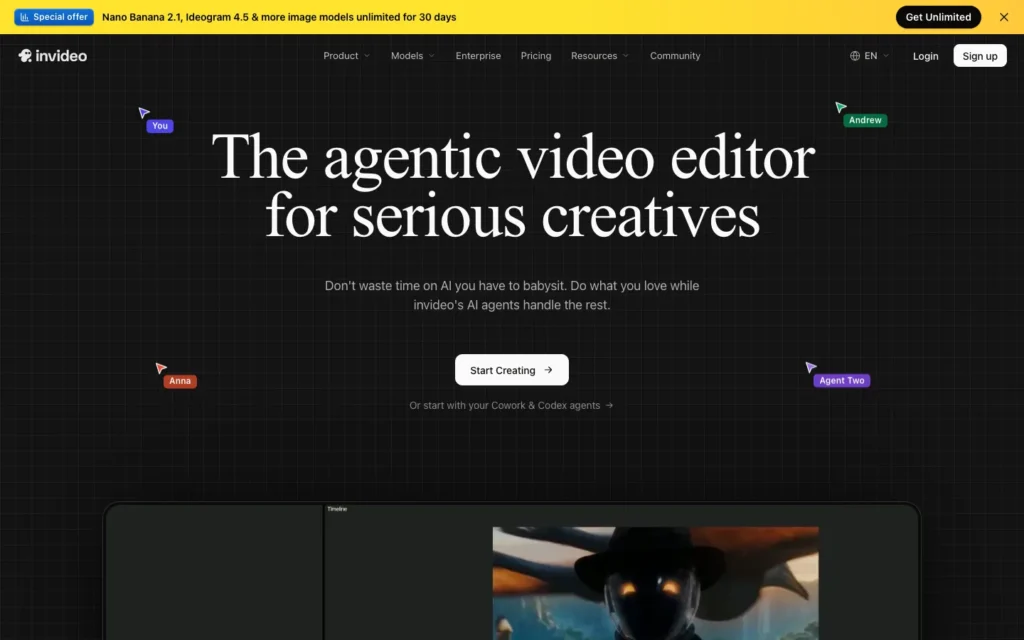
InVideo AI takes a prompt and carries it through the entire pipeline: scene generation, a voiceover, and caption assembly, all inside one platform. You’re not exporting from one tool and importing into another between each step.
That all-in-one structure puts it in similar territory to how Fliki handles script-to-video generation, though the two diverge in template style and the range of voice options on offer.
InVideo is available at invideo.io.
8. HeyGen

HeyGen’s strength is avatar realism, specifically the lip-sync. A generated presenter’s mouth movements stay accurate even when the script gets translated into another language, which is a harder problem than it sounds since most translation tools break sync the moment the audio timing shifts.
For a talking-head short, that avatar accuracy matters more than raw visual generation quality. It’s a narrower use case than the pure video generators above, but within that use case HeyGen is difficult to match.
HeyGen is available at heygen.com.
9. Leonardo
Leonardo started as an image generator, and that background carries over into its video features. The image guidance tool includes a motion strength slider, which stops a generated clip from moving too erratically once animation is added to a still image.
The result is video output that moves more deliberately than what you’d get from a generator without that image-first foundation, since the model is fundamentally working from a strong still frame rather than generating motion and composition at the same time.
Leonardo is available at leonardo.ai.
10. CapCut
CapCut is where most AI-generated clips end up after generation, not because it creates footage itself but because it’s free and built specifically around the editing patterns short-form platforms reward: captions, transitions, and trending audio layered on top of raw footage from a generation tool.
It costs nothing, which is part of why it shows up in nearly every two-tool pipeline described below. Best AI video editors for TikTok creators compares CapCut against its direct paid alternatives in more detail.
11. Descript

Descript edits video by editing a transcript. Delete a word from the script, and the corresponding clip cuts automatically, no scrubbing through a timeline to find the exact frame. For narration-heavy shorts, that text-based approach speeds up trimming considerably compared to a traditional timeline editor.
It’s a genuinely different interaction model, not a faster version of the same editing process. Anyone used to cutting video by ear will need a few minutes to adjust, but the time saved on narration-driven content is significant once it clicks.
Descript is available at descript.com.
Building a pipeline instead of relying on one tool
The creators producing the most consistent viral shorts are rarely running everything through a single platform. Raw footage comes from one specialist, then gets handed to a second tool for editing, captions, or avatar work.
Generation first. Pick a generator based on the specific visual the concept needs: Kling for consistency across a longer clip, Pika for speed and iteration, Luma for a transformation-style transition.
Editing second. Run the raw output through CapCut or Descript to add captions, trim pacing, and match the editing style the target platform expects.
Repurposing for volume. If long-form content already exists, OpusClip can produce several shorts from it before any new generation is needed at all.
Avatar work as its own step. HeyGen handles talking-head content specifically, and it’s usually worth keeping that step separate from pure visual generation rather than expecting one tool to do both well.
Testing across generators. Different tools have different visual strengths, so running the same concept through two generators before committing often reveals which one actually fits the idea.
A closer look at a tool built specifically around trend-aware, virality-focused generation is available in this NemoVideo review.
How to build your first AI short from a prompt
Write the concept as a full sentence. A specific, complete concept translates into a stronger prompt than a vague idea left to be figured out mid-generation.
Pick a generator matched to the visual style. A transformation reveal fits Luma’s keyframe feature, while a fast, punchy visual fits Pika or PixVerse better.
Generate several versions before choosing one. Running the same prompt two or three times, or with small variations, usually surfaces something stronger than the first result.
Edit the raw clip for pacing and captions. Move the chosen generation into CapCut or Descript to trim it down and add the captions short-form platforms expect.
Add avatar narration if the concept needs it. If the short needs a talking presenter, generate that separately in HeyGen instead of asking a pure video generator to handle dialogue.
Export at the correct aspect ratio. Confirm the final export matches the vertical 9:16 format most short-form platforms require before publishing.
Conclusion
None of these eleven tools handle the entire path from a text prompt to a finished, polished short on their own. The strongest results still come from pairing a generator suited to the specific visual with an editing tool suited to short-form pacing and captions.
Testing two or three of these tools against the same concept, rather than committing fully to one platform, remains the fastest way to find the combination that actually fits a given content style.
Frequently Asked Questions
What is the best AI video prompt generator for viral shorts?
No single tool covers the whole path. Kling leads on keeping subjects and backgrounds coherent across a clip, Pika and PixVerse are built for fast social-ready output, and Runway offers the most directorial control through Motion Brush.
Why use more than one tool to make a short?
Generation, editing, and captioning each favor different tools. Pairing a generator with a separate editor such as CapCut or Descript consistently produces cleaner shorts than expecting one platform to do everything.
Which tool is best for before-and-after or glow-up clips?
Luma Dream Machine. It works from a start image and an end image and generates the motion between them, which suits transformation content on Reels.
Which tool turns long videos into shorts?
OpusClip. It analyzes long-form video such as podcasts and webinars, finds the segments most likely to hold attention, and reframes them into vertical shorts with captions added.
Which tool is best for talking-head shorts?
HeyGen. Its avatar lip-sync stays accurate even when the script is translated into another language.
Which tool edits video by editing a transcript?
Descript. Deleting a word from the transcript cuts the matching clip automatically, which speeds up trimming narration-heavy shorts.
Is there a free editor for finishing AI-generated clips?
CapCut. It is free and built around the editing patterns short-form platforms reward, such as captions, transitions, and trending audio.
What aspect ratio should a short be exported in?
Vertical 9:16, which most short-form platforms require.
You may also like
- Speel.co Review: a closer look at a tool built around AI-generated UGC-style ad content.
- Adobe Firefly vs Midjourney: Complete Comparison: a deeper comparison of the image generation tools several video platforms build on.
- Flux vs Midjourney vs DALL-E 3 Comparison: a further breakdown of image generators relevant to anyone building a starting frame for video generation.