
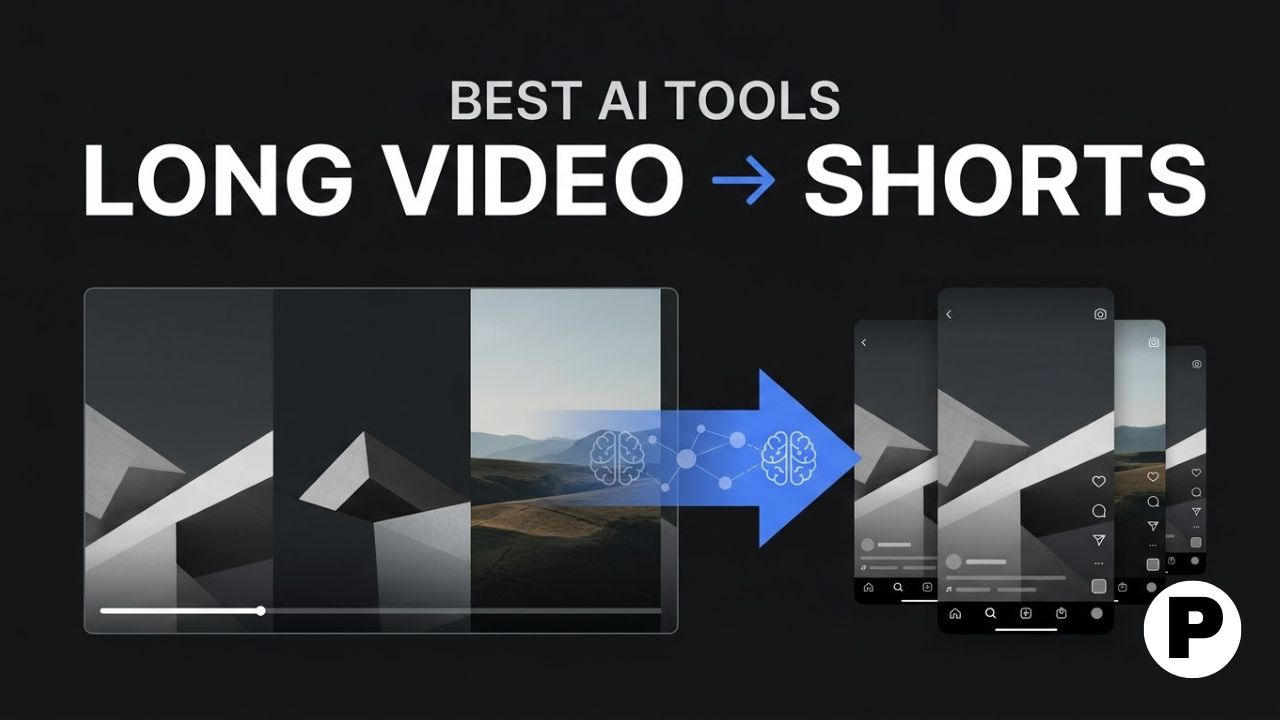
TL;DR: Growth in 2026 happens on Shorts, Reels, and TikTok even when a creator’s primary output is long-form, and AI clipping tools solve the real bottleneck, turning one 60-minute recording into a week of vertical clips without a timeline editor.
- Vizard.ai and Choppity lead on complete, all-in-one workflows, covering highlight discovery, reframing, and multilingual captions in one pass.
- Opus Clip’s virality scoring and Kapwing’s prompt-based generation take two different hands-off approaches to picking which moments matter.
- Vozo AI stands apart on localization, adding dubbing, lip sync, and voice cloning for creators repurposing content across regional audiences.
With YouTube openly prioritizing the cleanup of low-quality synthetic filler in 2026, the bar for short-form content has gone up rather than down. AI video clipping tools respond to that shift by handling highlight discovery, vertical reframing, and captioning automatically, so creators can post consistently from real long-form source material instead of flooding a feed with disconnected clips, a strategy worth pairing with the broader repurposing tactics in our roundup of AI tools for digital marketers.
This article covers nine AI tools built for turning long videos into shorts in 2026, compared on highlight detection accuracy, editing depth, and how much manual review each workflow still requires. It is written for podcasters, YouTubers, and course creators repurposing long-form recordings into short-form output across multiple platforms.
1. Vizard.ai

Vizard.ai offers the most complete workflow among clipping tools, combining highlight discovery, vertical reframing, text-based editing, multilingual captions, team collaboration, and distribution in one platform. It is positioned as the most all-in-one pick for scaling output without scaling headcount.
The differentiator is workflow breadth, an approach that fits naturally into the wider channel planning covered in our social media marketing roadmap. Rather than handling clipping alone, Vizard.ai covers the steps that would otherwise require two or three separate tools.
This fits teams and agencies managing multiple channels who want one platform covering the full repurposing pipeline instead of stitching several tools together.
2. CapCut
CapCut automates highlight detection, subtitle generation, formatting for different platforms, and publishing in a single workflow. It is frequently rated as the most balanced option for speed, accuracy, and usability among creators scaling short-form output.
The differentiator is that balance across the whole pipeline, from finding key moments to exporting platform-ready clips, without requiring separate apps for each step.
This fits creators who want a dependable, well-rounded tool without needing the deepest customization at any single stage of the process.
3. Opus Clip
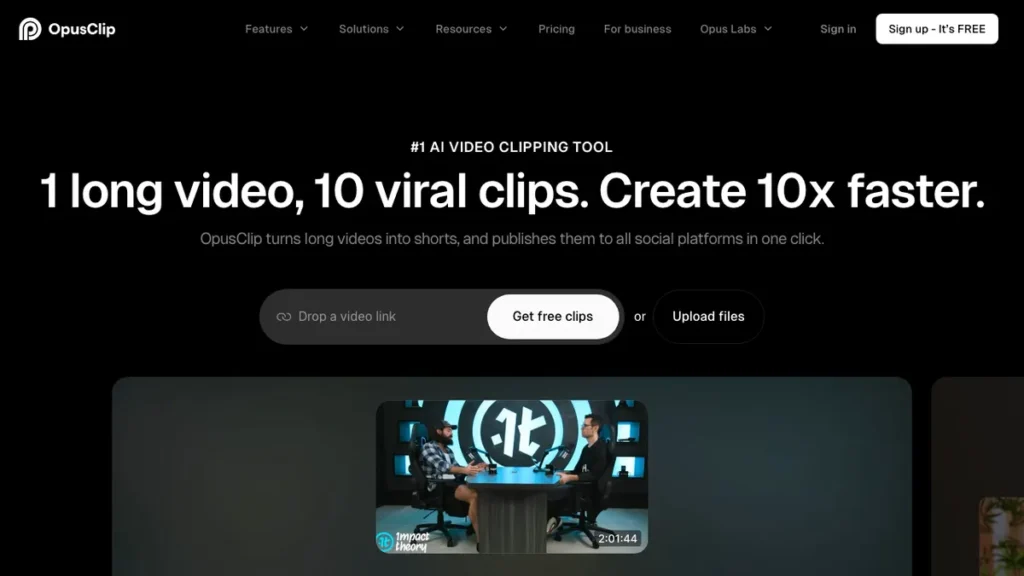
Opus Clip scores each detected clip with a virality rating based on hook strength, pacing, and emotional cues, letting creators prioritize which output to post first without manually reviewing every suggestion. It remains a common pick for hands-off clip generation.
The differentiator is that ranking layer on top of detection. Rather than just finding highlight moments, Opus Clip tells you which ones are statistically more likely to perform before you spend time editing any of them further.
This fits creators publishing high volumes of short-form content who want AI to help prioritize output rather than reviewing every clip equally.
4. Vozo AI
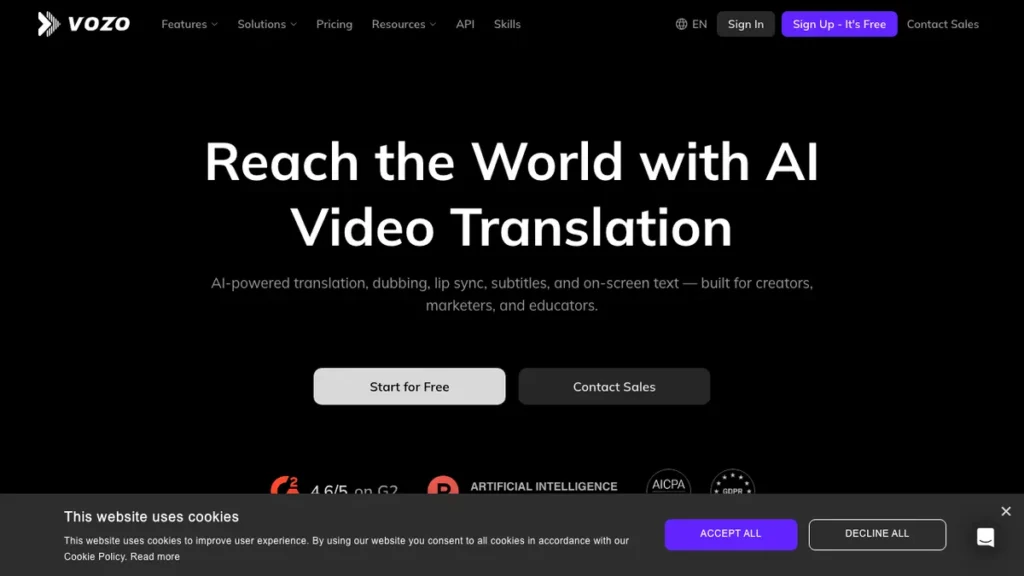
Vozo AI is built for creators, podcasters, and marketers who need to localize their shorts after clipping, adding dubbing, lip sync, subtitles, and voice cloning for international audiences. Clip detection is paired directly with a translation and localization layer.
The differentiator is that localization focus. Most clipping tools stop at English captions, while Vozo AI lets the same source video serve multiple regional audiences from one upload.
This fits creators with a multilingual or international audience who need shorts localized, not just clipped and captioned in the original language.
5. Kapwing
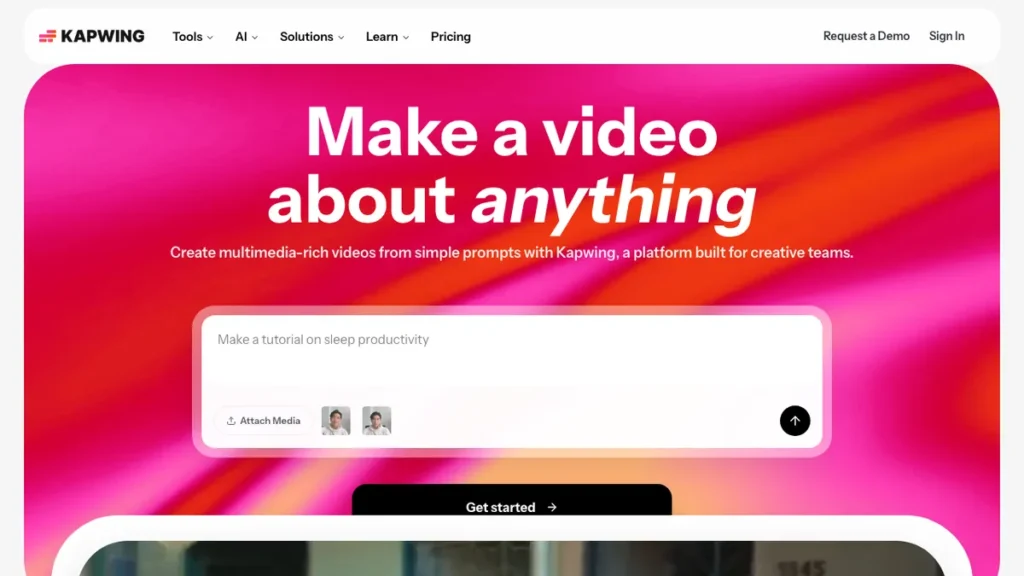
Kapwing uses prompts to generate clips from long videos, letting creators describe what they want rather than manually searching through footage. It also offers the strongest free tier among the tools compared here, though free exports include a watermark.
The differentiator is that prompt-driven generation, closer to describing intent than scrubbing a timeline, which several testers found intuitive though results vary depending on how detailed the input prompt is.
This fits creators who prefer describing the clip they want in plain language and are comfortable iterating on prompts when results are inconsistent.
6. Wisecut
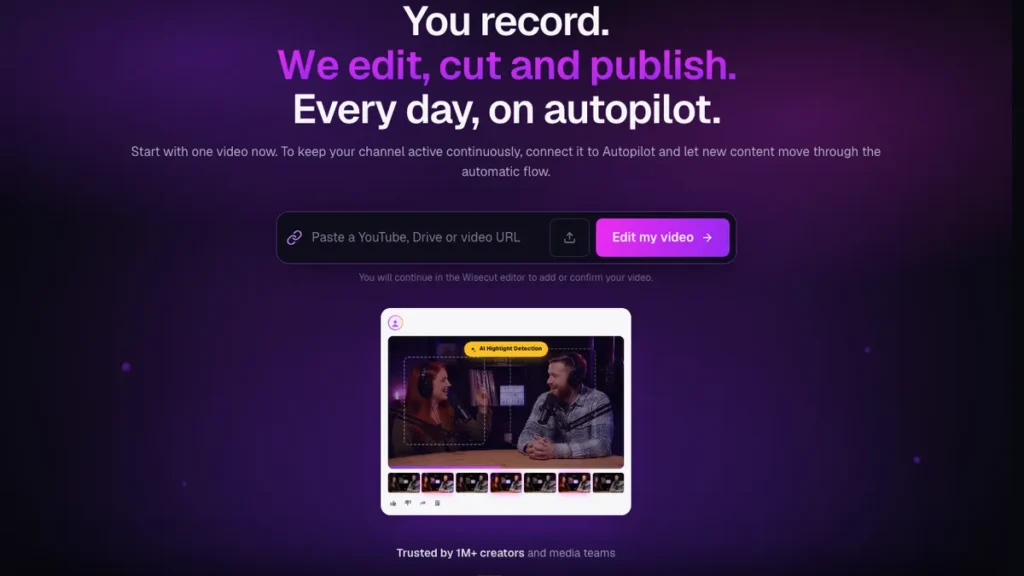
Wisecut focuses specifically on producing viral-ready clips automatically, tuned particularly well for TikTok-style content. It prioritizes fast turnaround over deep customization or advanced editing controls.
The differentiator is that narrow focus on speed for short, punchy clips, at the cost of the deeper editing depth found in fuller platforms like Vizard.ai or VEED.io.
This fits creators who mainly need quick, TikTok-style clips fast and do not need advanced editing controls in the same tool.
7. Choppity
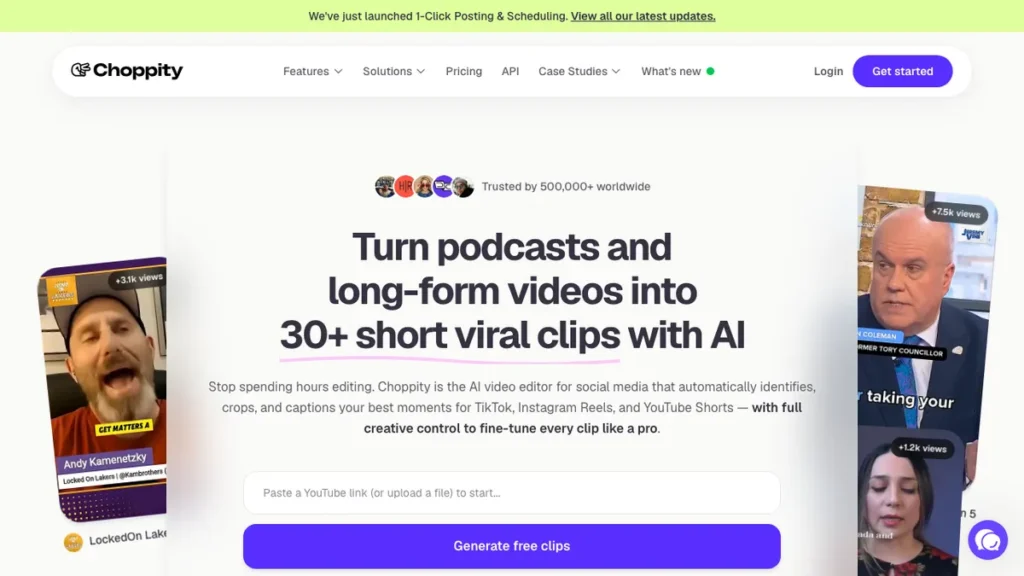
Choppity lets creators set custom AI criteria, telling it what kind of moments to look for before it processes the video, rather than accepting a fixed detection model. It processes a 60-minute video in minutes and includes animated captions and face tracking.
The differentiator is that custom criteria input, giving creators more control over what counts as a highlight for their specific content type instead of relying entirely on a generic detection model.
This fits creators whose content does not fit typical highlight patterns and want to define what a good clip looks like for their niche specifically.
8. Pictory

Pictory, covered in more depth in our Pictory AI review, works well for quickly turning long lectures and educational content into short clips, though testers noted less precision compared to more clip-focused tools when handling complex, non-linear narratives.
The differentiator is that educational content fit. Pictory tends to perform best on structured, lecture-style source material rather than fast-moving interviews or podcasts with overlapping speakers.
This fits educators and course creators repurposing lecture or training content into shorter clips more than podcasters or interview-based creators.
9. VEED.io
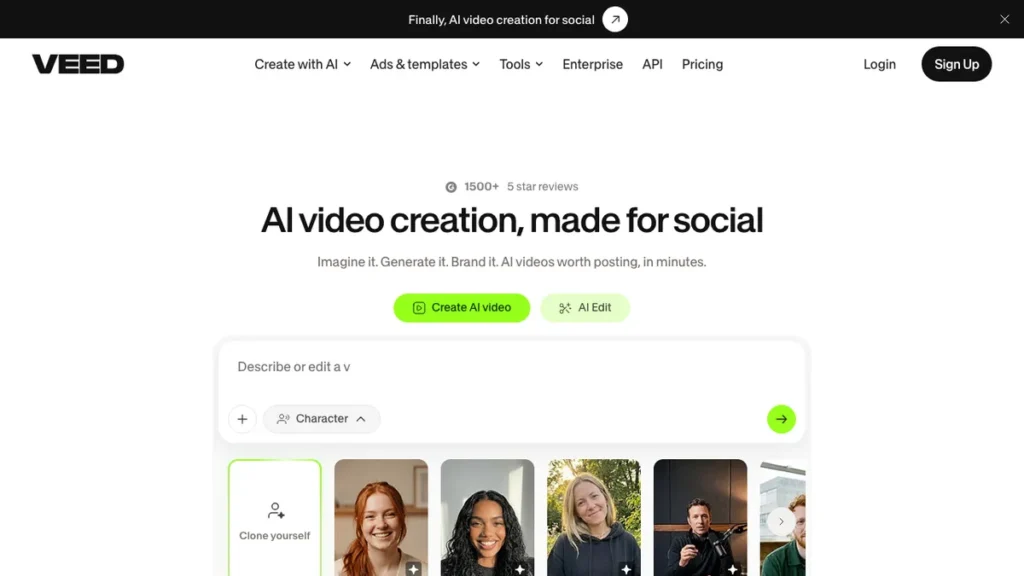
VEED.io is a collaborative platform that combines AI clipping with a fuller set of professional editing tools, useful for teams that need more than a hands-off clip generator. It supports multiple users working on the same project.
The differentiator is that collaboration layer alongside clipping, though several testers noted it can feel heavier than necessary for a solo creator focused purely on long video repurposing.
This fits teams that need multiple people editing and reviewing clips together rather than a single creator working through a solo workflow.
Which Long-to-Short Tool Fits Your Workflow
The right pick depends on how much of the pipeline you want automated and whether you are working solo or with a team. A single creator repurposing a weekly podcast and an agency managing several client channels need different tools.
Choose Based on Your Use Case
A full, all-in-one pipeline: Vizard.ai and CapCut both cover detection, editing, and export without requiring separate apps, a workflow also worth comparing against the freelancer-focused tools in our roundup of AI tools for freelancers.
Hands-off prioritization of output: Opus Clip’s virality scoring tells you which clips to post first without reviewing everything manually.
Multilingual and international audiences: Vozo AI adds dubbing and voice cloning on top of standard clipping and captioning.
Prompt-based, descriptive generation: Kapwing lets you describe the clip you want instead of scrubbing footage manually.
Fast, TikTok-style output only: Wisecut prioritizes speed over deeper editing customization.
Content that does not fit standard highlight patterns: Choppity’s custom AI criteria let you define what counts as a highlight for your niche.
Educational or lecture-style source material: Pictory performs best on structured content over fast-moving, multi-speaker footage.
Team collaboration on the same project: VEED.io supports multiple editors working together rather than a solo workflow.
How to Turn a Long Video into Multiple Shorts
Step 1: Decide how much automation you need Choose between a fully automated, hands-off tool like Opus Clip or a more customizable option like Choppity, depending on how much control you want over highlight selection.
Step 2: Upload your long-form source video Import a podcast episode, webinar, interview, or lecture recording, ideally with clear audio, since detection accuracy depends heavily on clean source material.
Step 3: Let the AI detect highlight moments Most tools return several candidate clips within minutes, ranking or flagging the strongest moments depending on the platform’s approach.
Step 4: Review clip selection for relevance Check that the highlighted moments actually stand alone as a complete idea, since a clip that requires earlier context often underperforms even with strong pacing.
Step 5: Apply captions and reframing Confirm vertical reframing keeps speakers centered and captions are accurately timed before exporting, since these details vary in quality between tools.
Step 6: Export and schedule across platforms Export the finished shorts and publish or schedule them across TikTok, Reels, and YouTube Shorts, adjusting captions or thumbnails per platform where needed.
Conclusion
Vizard.ai and CapCut remain the strongest all-in-one picks for creators who want detection, editing, and export in one workflow, while Opus Clip and Choppity take different approaches to hands-off prioritization and custom highlight criteria. Vozo AI stands apart for localization, and Pictory fits best on structured, lecture-style content rather than fast-moving interviews.
Whichever tool you choose, review clip selection before publishing rather than trusting automated detection blindly, since even strong tools occasionally surface a moment that needs earlier context to make sense.
Frequently Asked Questions
Which tool offers the most complete, all-in-one workflow?
Vizard.ai combines highlight discovery, vertical reframing, text-based editing, multilingual captions, team collaboration, and distribution in one platform, covering steps that would otherwise require two or three separate tools.
Is there a free option, and does it have a watermark?
Kapwing offers the strongest free tier among the tools compared, but free exports include a watermark.
Which tool is best for prioritizing which clips to post first?
Opus Clip scores each detected clip with a virality rating based on hook strength, pacing, and emotional cues, letting creators prioritize output without manually reviewing every suggestion.
Which tool is best for creators with an international or multilingual audience?
Vozo AI is built specifically for localization, adding dubbing, lip sync, subtitles, and voice cloning so the same source video can serve multiple regional audiences from one upload.
Which tool works best for lecture or educational content versus podcasts?
Pictory works well for quickly turning long lectures and educational content into short clips, though testers noted less precision on complex, non-linear narratives like fast-moving interviews with overlapping speakers.
Which tool lets me describe the clip I want instead of manually searching footage?
Kapwing uses prompts to generate clips from long videos, letting creators describe what they want rather than scrubbing through footage manually, though results vary depending on how detailed the prompt is.
You May Also Like
- Best AI Video Review — a roundup of AI video tools worth comparing against the clipping platforms covered here.
- Vidu AI Review 2026 — a look at an AI video generation tool for creators pairing generated visuals with repurposed clips.
- DeepBrain AI Studios Review — a review of an AI video production tool for creators building longer source content before clipping it down.