
ASMR used to require a quiet room, a specialized microphone, and hours of patient recording. AI video generators have replaced most of that setup with a text prompt and a model capable of rendering convincing textures and trigger sounds. This guide covers nine tools that handle different parts of the ASMR production pipeline, from raw generation to the editing layer around it, along with a realistic look at where AI still falls short and what to add around it.
Key takeaways
- Google Veo 3 was the first major model to generate synchronized audio and video together, removing the biggest technical hurdle ASMR content faced.
- Purpose-built ASMR tools handle whispered tone and trigger sounds more reliably than general-purpose video generators.
- AI-generated audio still benefits from real recorded sound layered on top for complex or nuanced textures.
- ASMR tends to earn a lower ad RPM than most content categories, so consistent output matters more than any single viral clip.
- Testing the same trigger across multiple models before committing to one tool per project produces better results.
1. Google Veo 3 (via Google Flow)
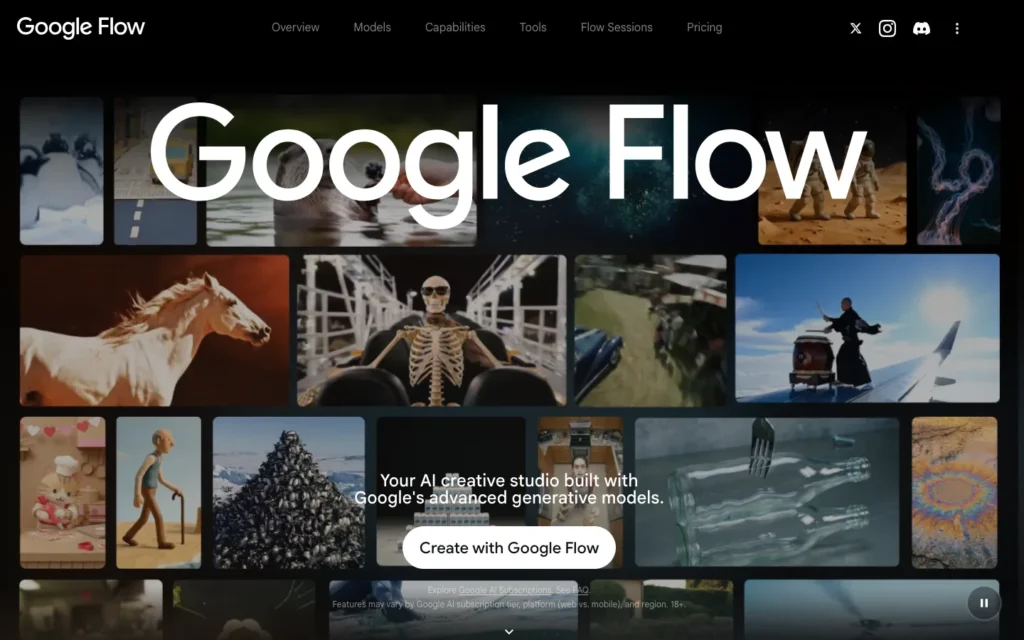
Google Veo 3 generates synchronized audio and video in a single pass instead of requiring sound to be added as a separate step afterward. That native sync matters for ASMR specifically: a knife moving through glass or fingers tapping a surface needs to match the visual moment precisely, or the clip feels off rather than satisfying.
Veo 3 is available directly through Google Flow, and several third-party platforms route requests to it as well.
2. OpenArt

OpenArt gives creators access to Veo 3 and several other video models through a single interface, so testing output across models does not require juggling separate accounts. Different trigger types sometimes render more convincingly on one model than another, and comparing them in one place saves real production time.
3. CapCut Dreamina
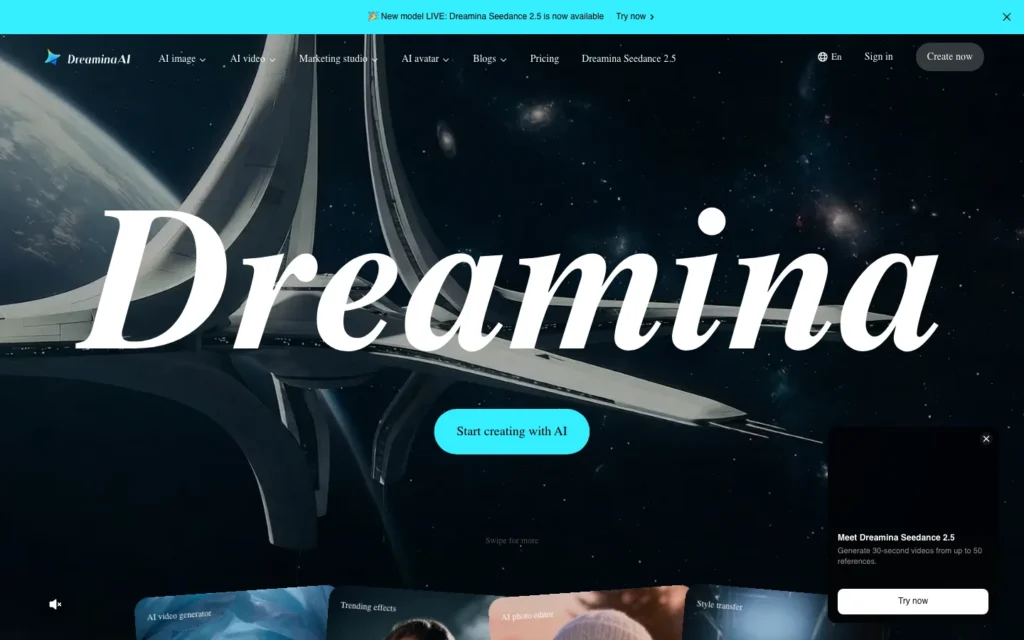
Dreamina, CapCut’s generation feature, pairs Veo 3-powered video with CapCut’s existing editing tools for trimming, captioning, and assembling a finished clip. Generation and editing sit in the same platform, which removes the step of exporting from one tool and importing into another.
4. Adobe Firefly
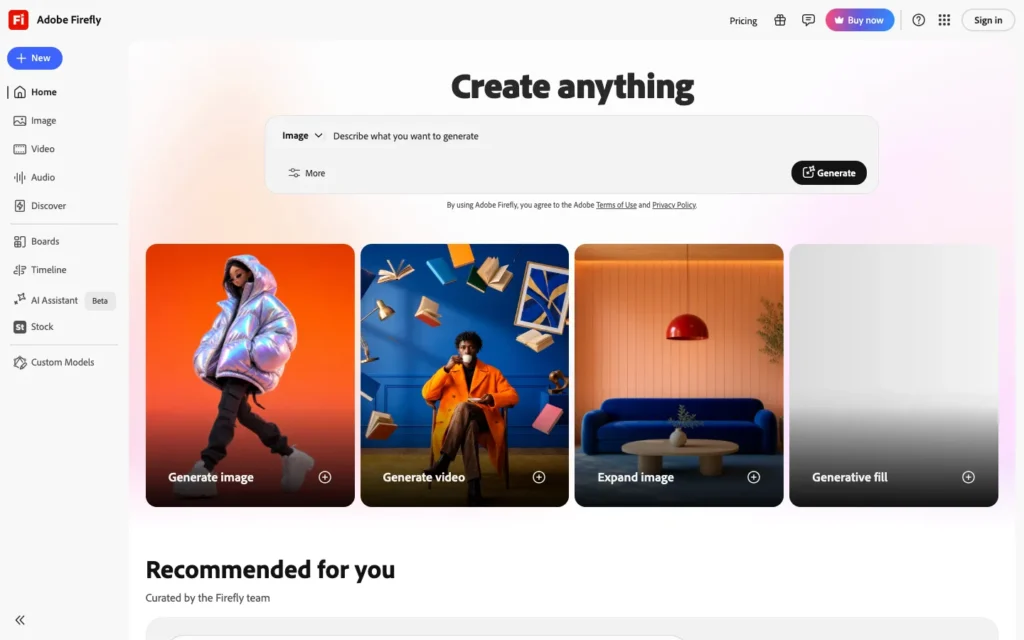
Adobe Firefly trains on licensed Adobe Stock content, Creative Commons material, and public domain images. That commercial-safety profile makes it a lower-risk choice for creators planning to monetize ASMR content at scale, since copyright uncertainty becomes a real cost once a channel starts working with brands or running ads. Anyone new to the platform can start with this beginner’s guide to Adobe Firefly, which walks through the core workflow.
5. Kapwing
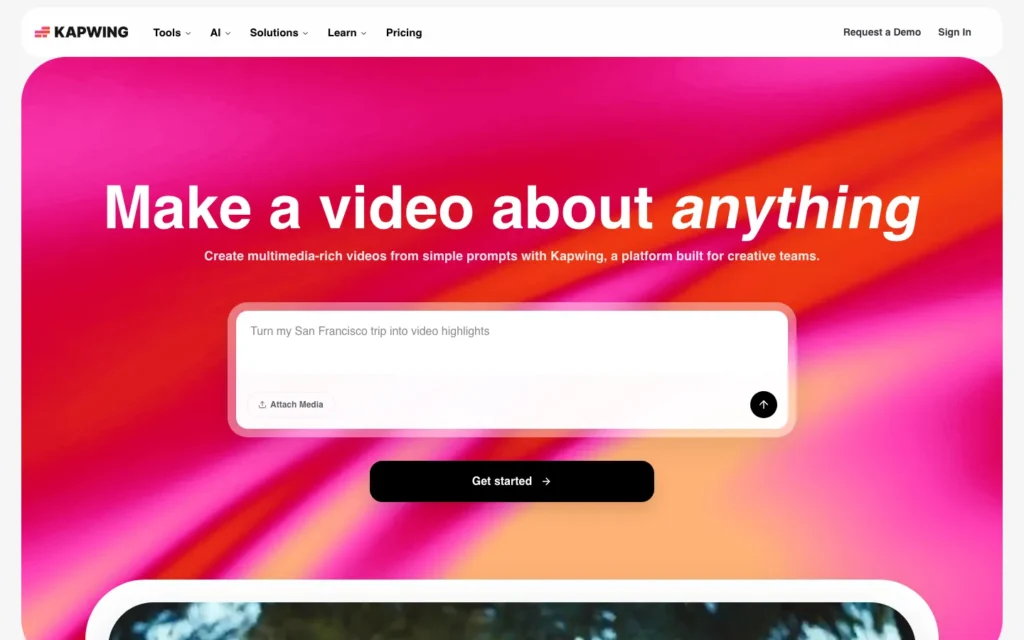
Kapwing produces a more realistic visual effect for physical, texture-based triggers than some competitors, which counts for a lot in slicing, cutting, or crushing clips where believability drives how satisfying the video feels. It fits trigger types built around visible material change rather than ambient or atmospheric ASMR styles.
6. Wondershare Filmora
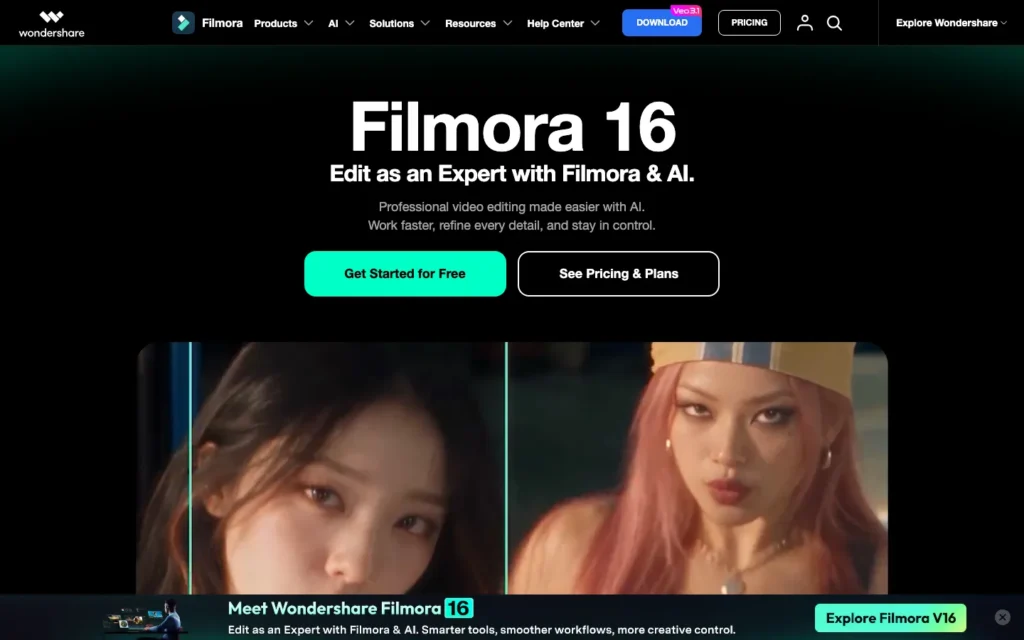
Filmora’s image-to-video feature lets creators choose from several underlying models, Veo 3 included, to turn a static image into a moving ASMR clip. Since Filmora also carries its own editing suite, that model choice sits alongside tools most creators already need for a finished video. Being able to pick a model per project matters because different trigger types perform differently depending on the generator behind them.
7. VEED
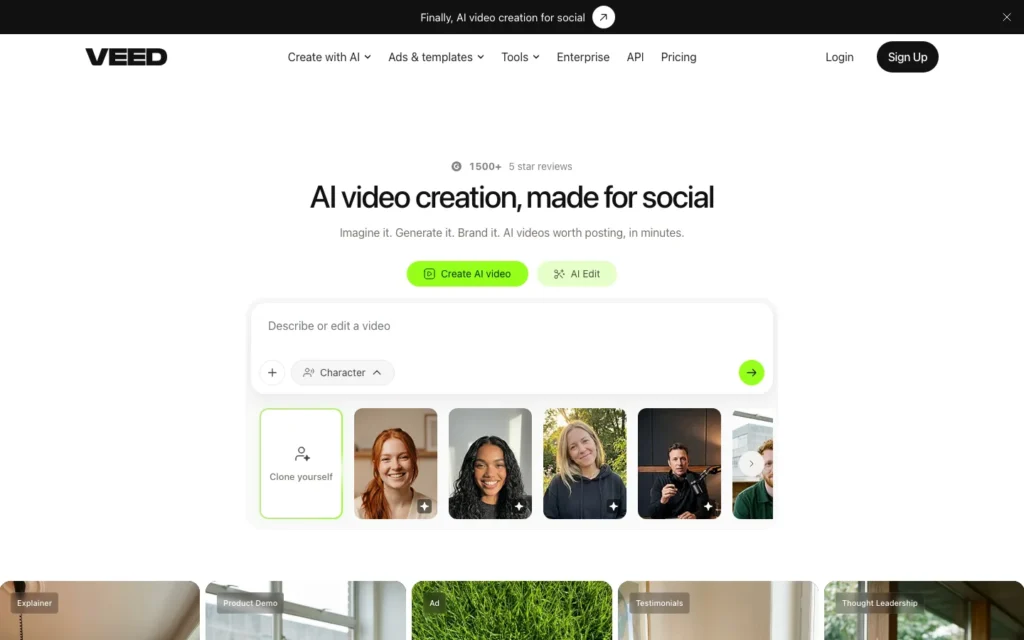
VEED covers both generation and post-production, adding captions, background music, and basic effects directly to AI-generated footage. For creators who want fewer tools in their pipeline, that combined workflow beats pairing a specialist generator with a specialist editor.
8. GoEnhance
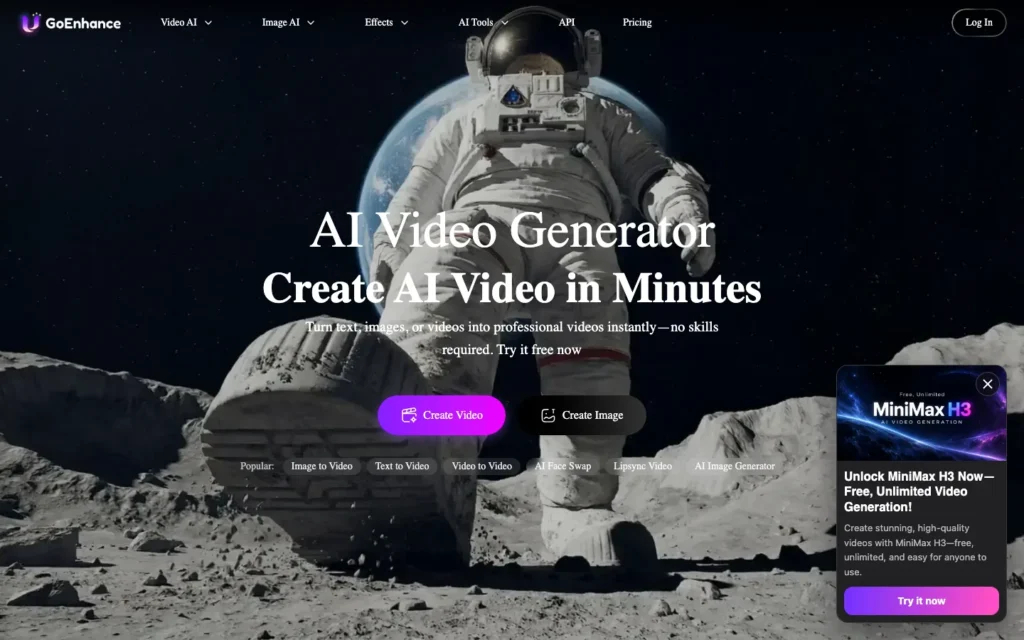
GoEnhance focuses on enhancing and upscaling footage that already exists. It works as a second step rather than a starting point, useful when an AI-generated ASMR clip comes out of the original generation slightly soft or low-resolution.
9. Dedicated ASMR AI tools
A small category of tools exists specifically for ASMR, accepting a text prompt or even an uploaded document and returning a video styled around the format’s whispered tone and pacing. Specialization is the differentiator here: these tools are tuned for ASMR rather than adapted from a general-purpose generator, though they tend to suit quick drafts and experimentation more than a fully polished final product.
Building a realistic ASMR content pipeline
No single tool on this list handles the entire production process well on its own. The strongest results still come from combining AI generation with real recorded audio layered on top for the most complex or nuanced trigger sounds.
AI handles the visual generation. Veo 3 or a similar model covers the visual side and basic synchronized audio for straightforward triggers.
Real audio fills in the complexity. Whispering, layered ambient textures, and subtle sound design still benefit from real recorded audio blended with the AI-generated base.
A second tool handles enhancement. Running the raw generation through an upscaling tool like GoEnhance improves visual quality before publishing.
Monetization expectations stay realistic. ASMR’s ad RPM runs lower than many other content categories, which means view volume matters more here than in higher-RPM niches.
Models get tested against each other. Glass cutting, food sounds, and tapping often render differently across generators, so testing before committing to one tool per project pays off.
A closer look at the image generation approaches behind several of these video tools is available in this Adobe Firefly vs Midjourney comparison.
How to create your first AI ASMR video
Pick one trigger type to start. Glass cutting, soap carving, and crystal cracking remain the most established entry points, with widely available prompt examples to learn from.
Write a specific, detailed prompt. Name the exact material, action, and camera angle instead of a general description. Specificity produces more convincing textures.
Generate with a model that supports synchronized audio. Veo 3 handles this natively, which removes the need to source or layer separate sound effects for straightforward triggers.
Add narration if the format calls for it. Script-to-video tools like Pictory can add a narrated layer for talk-through or explainer-style ASMR content.
Enhance and edit the final clip. Run the raw generation through an editing or enhancement tool to clean up quality and add captions before publishing.
Post consistently and track what performs. Since ASMR runs on lower RPM, consistent volume and knowing which specific triggers your audience responds to matters more than any single viral clip.
Conclusion
AI has removed most of the traditional production barriers ASMR content used to require, but it has not replaced the nuance real recorded audio still offers for complex, layered sound design. The strongest AI ASMR channels treat these tools as a fast starting point, not a full substitute for careful sound work. Realistic expectations about ASMR’s lower ad RPM, paired with consistent posting and a willingness to layer real audio where AI falls short, matter more to long-term results than chasing whatever model releases next.
Frequently Asked Questions
Which AI model is best for ASMR video?
Google Veo 3. It was the first major model to generate synchronized audio and video together, which matters for ASMR because a trigger like a knife moving through glass has to match its sound precisely.
Can AI generate ASMR audio on its own?
For straightforward triggers, yes, since Veo 3 generates synchronized audio natively. For whispering, layered ambient textures, and subtle sound design, real recorded audio blended with the AI-generated base still gives better results.
Which tool is best for testing the same trigger across models?
OpenArt. It gives access to Veo 3 and several other video models through one interface, so you can compare how a trigger renders across models without juggling accounts.
Which AI video tool is safest for monetized ASMR channels?
Adobe Firefly. It trains on licensed Adobe Stock content, Creative Commons material, and public domain images, which lowers copyright risk once a channel works with brands or runs ads.
What can I use to upscale an AI ASMR clip?
GoEnhance. It enhances and upscales existing footage as a second step, useful when a generated clip comes out slightly soft or low-resolution.
Which trigger types are good for beginners?
Glass cutting, soap carving, and crystal cracking are the most established entry points, with widely available prompt examples to learn from.
How should I write an ASMR video prompt?
Name the exact material, action, and camera angle instead of a general description. Specificity produces more convincing textures.
Does ASMR content earn well on ads?
ASMR tends to earn a lower ad RPM than most content categories, so consistent output and view volume matter more than any single viral clip.
You may also like
- 20 Adobe Firefly prompts for fantasy art: a source of prompt structure that adapts well into ASMR-style texture and material prompts.
- Fliki AI review: a closer look at a script-to-video tool suited to narrated ASMR formats.
- Best AI tools to turn long videos into shorts: a way to repurpose a longer ASMR video into shorter clips for other platforms.