

Dragons, alien cities, and physics that were never meant to work in the real world are exactly where AI video generation earns its keep. Fantasy and sci-fi content never had a cheap way to look convincing on screen, and the right model now handles what used to require a studio budget.
This list breaks down ten tools built or well suited for genre work, what each one actually does differently, and how to get consistent results across a full short instead of one lucky clip.
Key takeaways
- Character consistency across multiple shots is the hardest technical problem in sci-fi video generation specifically, since the same protagonist has to look identical scene to scene.
- Aggregator platforms that bundle several leading models under one login are becoming the practical default, because fantasy and cinematic sci-fi content often benefits from more than one model’s specific strengths.
- Dark fantasy and retro-futurism styles are performing well on social platforms right now, giving genre creators a distribution edge over more literal, realistic video styles.
- Locking a character reference image before generating anything matters more than fixing inconsistency after the fact.
1. Grok Imagine
Grok Imagine reads a prompt and pushes it toward something narrative and emotionally charged rather than photorealistic, with cinematic lighting and atmospheric design baked into how it interprets a scene.
Clips run up to 15 seconds and come with music and ambient sound generated automatically to match the mood. That built-in audio, paired with a house style that already leans fantasy, suits creators who want a distinctly imaginative look for magical or otherworldly content without hand-tuning every visual cue themselves.
2. Seedance 2
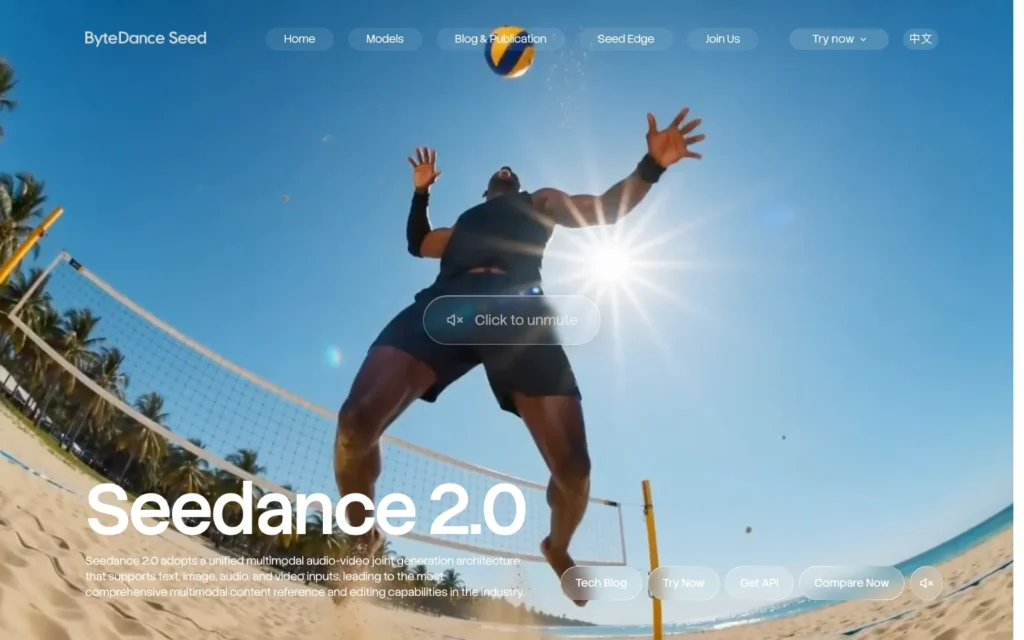
Seedance 2’s output looks expensive. Atmospheric, high-production-value scenes come out of it naturally, which makes it a strong fit for epic fantasy or dramatic sci-fi moments that need to carry visual weight.
Access is more limited than some competitors, so it’s worth checking availability before building a production timeline around it. For creators who care more about polish than fast iteration or easy sign-up, that trade-off is usually worth making.
3. Kling 3.0
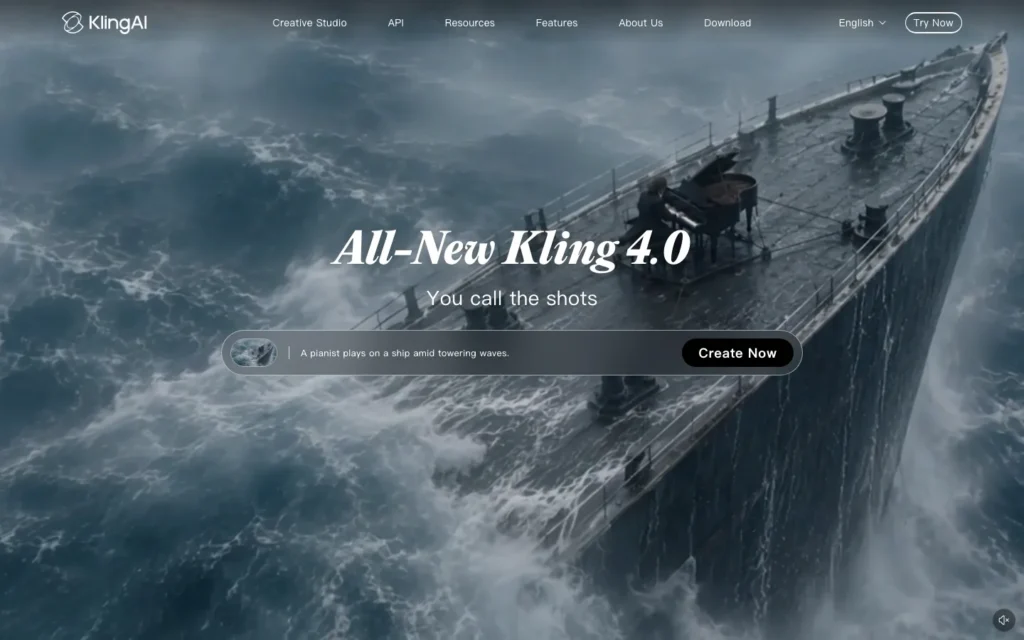
Genre shorts rarely live or die on one clip. They need several consistent shots strung together into something coherent, and Kling 3.0’s strength is delivering that reliability at scale rather than a wide range of hit-or-miss generations.
Creators building a full short with connected scenes, where the same character and setting need to hold up across five or six shots, will get more mileage out of this dependability than out of a model with a wider but less predictable visual range.
4. Runway Gen-4.5
Runway Gen-4.5 understands filmmaking concepts directly: timed beats, camera choreography, panning, trucking, and a handheld feel. Its Aleph model goes a step further, letting a creator edit already-generated footage with text prompts, changing lighting, framing, or angle after the fact instead of starting over.
That combination of real filmmaking language and post-generation editing fits creators with some camera or shot background who want precise control rather than accepting whatever a single text prompt happens to produce.
5. Luma Ray3

Luma Ray3’s biggest advantage isn’t a specific feature so much as how little friction stands between a creator and a good-looking result. The interface is genuinely pleasant, and the output is elegant and visually refined without much fiddling required.
Creators newer to AI video generation, who want strong results without climbing a technical learning curve first, tend to get the most out of it.
6. HappyHorse 1.0
HappyHorse 1.0 has climbed to the top of independent text-to-video and image-to-video leaderboards, outranking several more established names in head-to-head evaluations.
Being newer doesn’t mean being weaker here, and it’s worth testing directly rather than defaulting to a more familiar brand out of habit. Creators open to trying a less established platform stand to gain from output quality that currently outperforms bigger names on independent benchmarks.
7. ImagineArt
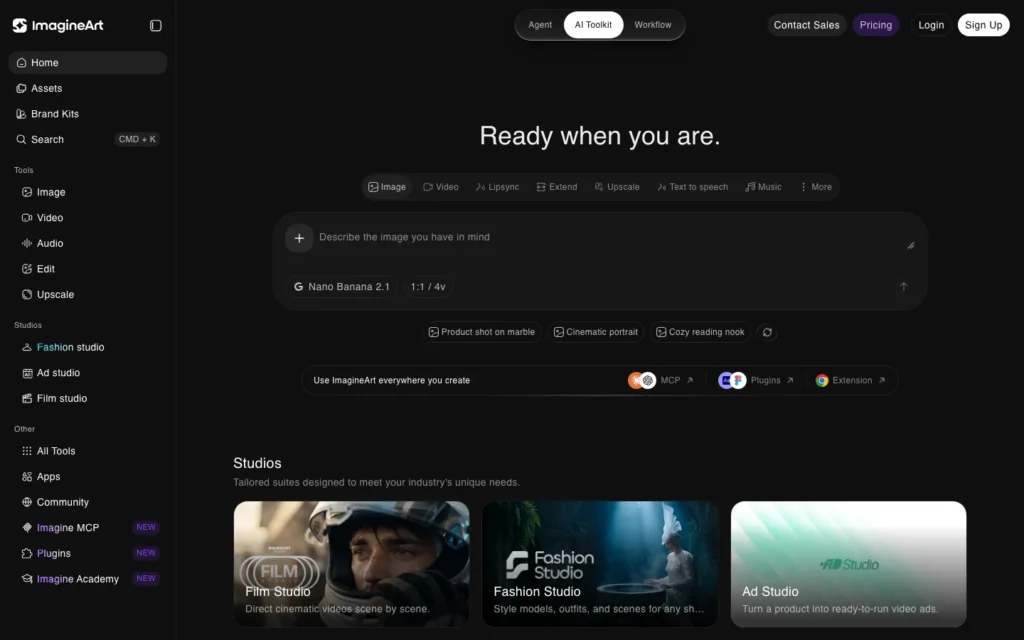
ImagineArt gives access to 28 different video model versions, including Kling, Veo, Runway, and Sora, through a single login. That means routing different shots in the same project to whichever model handles that specific job best, combining Seedance’s narrative direction, Kling’s motion realism, and Runway’s professional output without paying for four separate subscriptions.
This fits creators producing a full short film who need different models for different shots rather than one tool trying to do everything.
8. LTX Studio
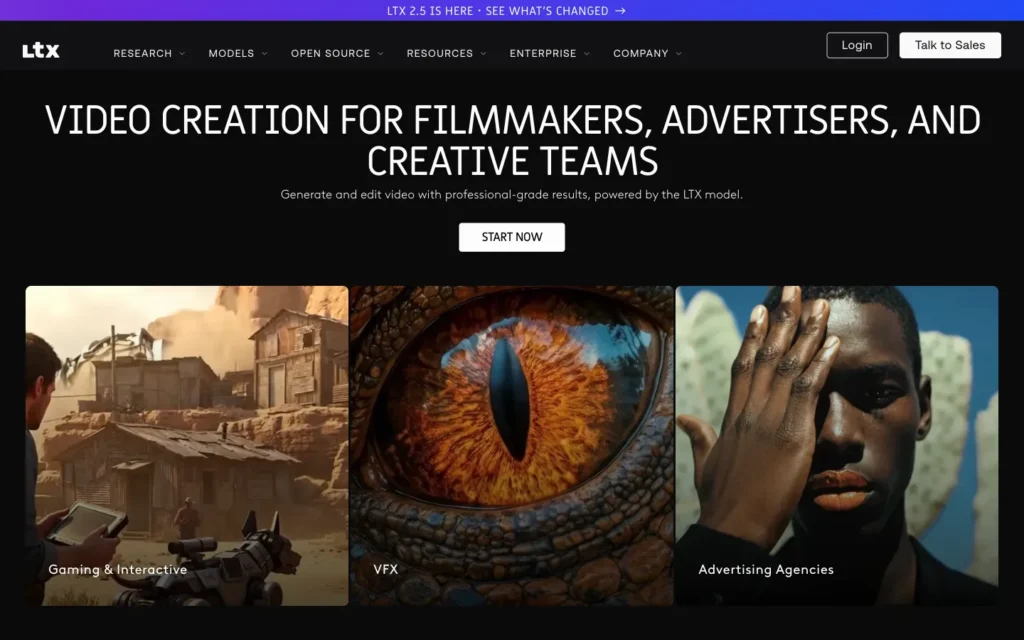
LTX Studio pairs AI scriptwriting with video generation, automating the path from storyboard to finished clip. It exports a completed MP4, an editing package for professional software, or a pitch deck for creators looking to develop the concept further.
The pitch deck export in particular makes this a fit for anyone treating a short as a proof of concept for something bigger, rather than a standalone piece of content meant to end where it starts.
9. Reelmind
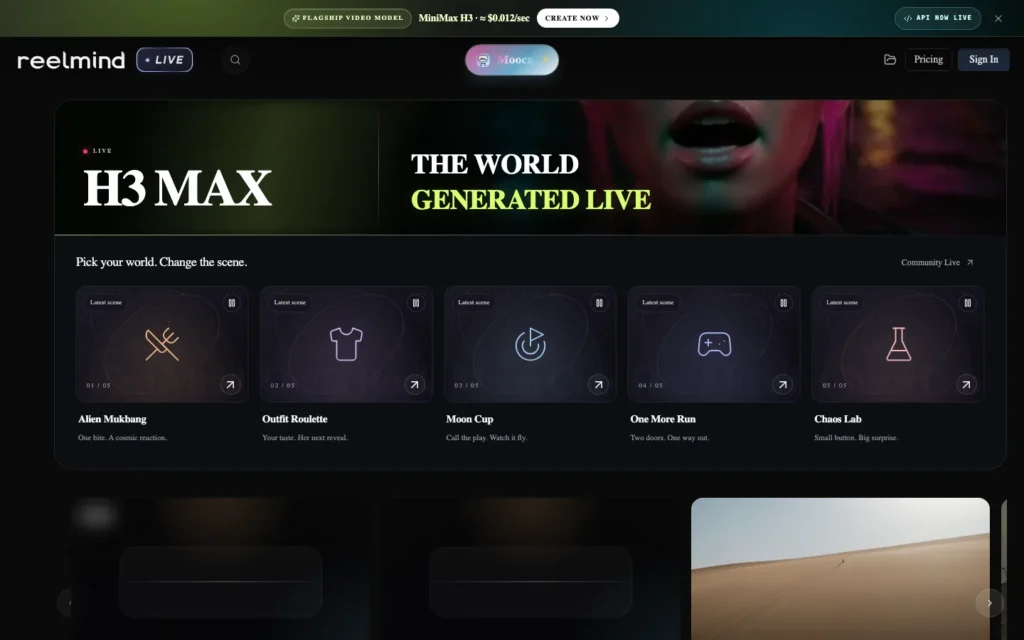
Reelmind was built with sci-fi storytelling specifically in mind. Its multi-image fusion keeps a protagonist looking the same across close-ups and wide shots, which addresses one of the genre’s most persistent production problems: a character who subtly changes face or outfit from scene to scene.
Locking that likeness in early matters more than trying to fix it later. Starting from a defined visual direction, the kind explored in neon cyberpunk ai portrait prompts, gives the fusion process a clearer target before generation even begins. Reelmind also offers style presets ranging from retro-futurism to biomechanical horror, plus a GPU-optimized engine for faster iteration, which makes it a natural pick for anyone building a narrative short around a recurring protagonist.
10. HitPaw Online AI Video Generator
HitPaw handles complex artistic styles well and supports image-to-video specifically for character art, which makes it a strong option for fantasy content, dragons, elven cities, or anything in between, without requiring a large production budget.
Starting from strong source art matters here. These Adobe Firefly fantasy art prompts work well for generating the kind of detailed character and creature art that HitPaw then animates. Creators who already have, or can generate, solid fantasy artwork and want to bring it to life rather than generating video from text alone will get the most out of this one.
Solving the consistency problem that defines genre content
Fantasy and sci-fi content depends on whether the same character, world, and visual style hold together across an entire short, not just in one impressive shot.
What actually produces consistent genre content
A few habits separate a coherent short from a pile of disconnected clips:
- Starting from a locked, detailed character image rather than a text description alone produces far more consistent results across multiple shots.
- Sticking with one model for the full short, when possible, avoids the jarring style shift that comes from switching mid-project.
- Built-in style presets, retro-futurism, dark fantasy, biomechanical horror, hold up better across shots than describing the same style fresh in every prompt.
- Routing only the hardest, consistency-dependent shots through an aggregator like ImagineArt lets a creator test which model handles that specific challenge best without abandoning the rest of the project.
- Writing a real script before generating anything gives shots a reason to connect. Tools like LTX Studio that build scripting into the pipeline close the gap between a strong visual and an actual story.
Anyone cutting a longer AI-generated genre piece down for social platforms can pair it with Pictory, which is built to handle the kind of fantasy and impossible-scenario footage that stock-footage-based tools simply can’t produce.
How to produce your first fantasy or sci-fi short
Write a short script or beat sheet first. Even a simple three-act structure gives generated shots a reason to connect instead of existing as disconnected, good-looking clips.
Generate or source a consistent character reference. Lock in your protagonist’s appearance before generating any scene. Retrofitting consistency after the fact rarely works.
Choose a model suited to the genre’s specific visual needs. Grok Imagine or HitPaw for a more stylized fantasy look, Reelmind or Kling for consistency-critical sci-fi narrative.
Generate scene by scene, checking consistency at each step. Compare each new shot against your locked character reference before moving on to the next scene.
Use an aggregator for the hardest shots. If one model struggles with a specific effect or camera move, route just that shot through a platform like ImagineArt instead of abandoning the rest of the project.
Edit for pacing and add sound design last. Genre content depends heavily on sound design and music, and that should be layered in during editing rather than left to whatever a generator produces on its own.
Conclusion
Fantasy and sci-fi content has more to gain from AI video generation than almost any other genre, since the visuals these stories need were never realistic to film with a real budget in the first place. The challenge has shifted from access to visual quality toward keeping a character and a world consistent across an entire narrative short.
The creators getting the strongest results treat character consistency and script structure with the same seriousness as the generation itself, instead of expecting one impressive shot to carry the whole story.
Frequently Asked Questions
What is the hardest problem in AI sci-fi video?
Character consistency across multiple shots. The same protagonist has to look identical scene to scene, which is why locking a character reference image before generating anything matters more than fixing inconsistency afterward.
Which tool is best for a full short with consistent shots?
Kling 3.0. Its strength is delivering reliable, consistent shots at scale, which suits a full short where the same character and setting must hold up across five or six scenes.
Which tool keeps a protagonist consistent in sci-fi?
Reelmind. Its multi-image fusion keeps a protagonist looking the same across close-ups and wide shots, and it offers style presets from retro-futurism to biomechanical horror.
Why use an aggregator like ImagineArt?
It gives access to 28 video model versions, including Kling, Veo, Runway, and Sora, under one login, so you can route each shot to the model that handles it best without paying for several subscriptions.
Can I edit footage after it is generated?
Yes. Runway’s Aleph model lets you edit already-generated footage with text prompts, changing lighting, framing, or angle instead of starting over.
Which tool is best for turning a short into a pitch?
LTX Studio. It pairs AI scriptwriting with video generation and exports a finished MP4, an editing package for professional software, or a pitch deck.
How do I animate fantasy character art?
HitPaw supports image-to-video for character art, so you can animate dragons, elven cities, and similar artwork you already have or generate elsewhere.
What should I do before generating any shots?
Write a short script or beat sheet and lock a detailed character reference. A script gives shots a reason to connect, and a locked reference keeps the character consistent from scene to scene.
You may also like
- Adobe Firefly vs Midjourney: Complete Comparison: A closer look at the image generation tools several of these video platforms rely on for character references.
- Nano Banana Trend: 10 Google Gemini AI Prompts to Create Viral Aesthetic Instagram Portraits: Stylized portrait references that adapt well into fantasy character work.
- Best AI Tools to Turn Long Videos into Shorts: A way to repurpose a longer genre short into multiple pieces for different platforms.