
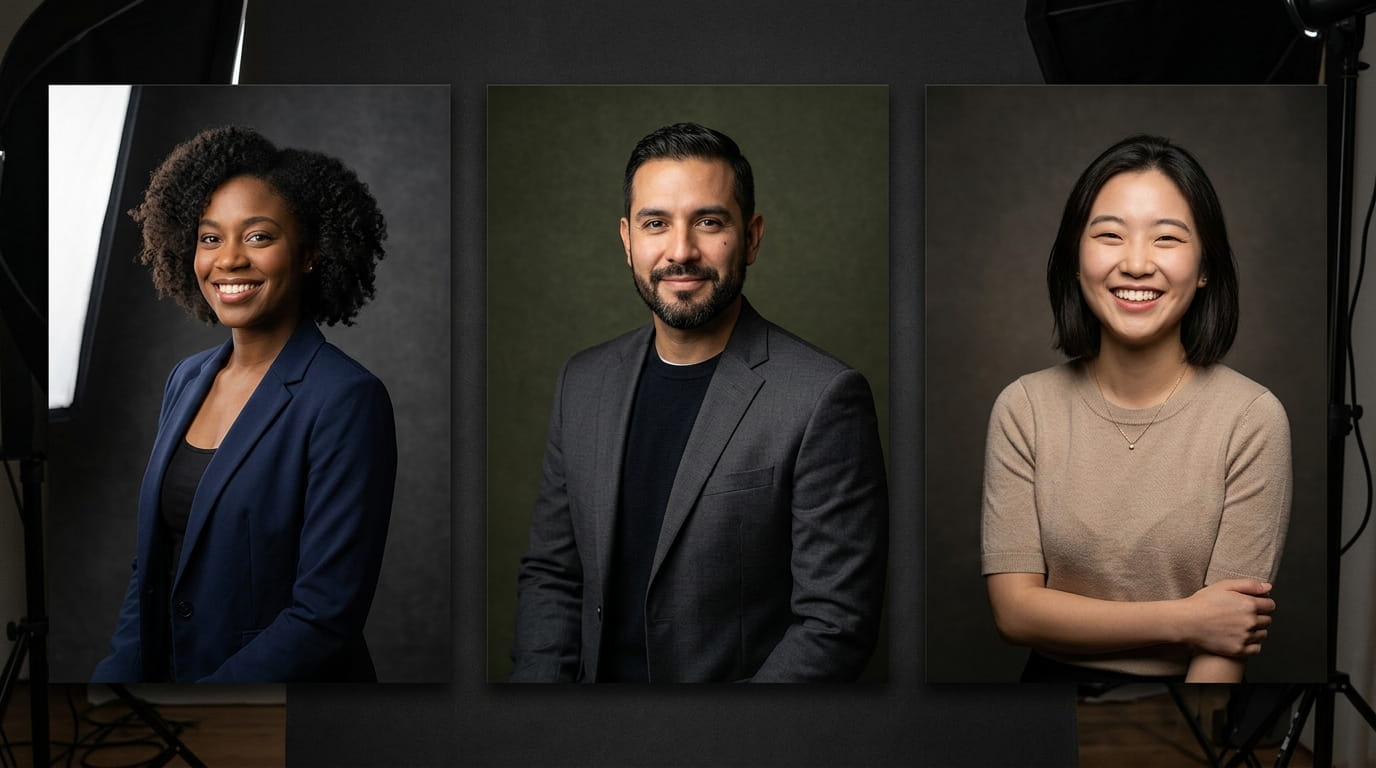
Studio lighting is what separates a snapshot from a portrait, not the camera or the backdrop. Every shadow in a real studio session has a reason: it’s placed by a specific light at a specific angle, not left to whatever the room happened to provide. Rembrandt van Rijn was doing this with window light in his Amsterdam studio four centuries before anyone called it “portrait lighting,” and the technique still carries his name.
The 10 prompts below are organized by lighting technique, not mood or occasion, since understanding which setup does what is what makes results repeatable rather than lucky. Each one tells ChatGPT exactly how to handle light direction, shadow depth, and skin rendering, matching how a real studio session is actually planned before a single frame is shot.
Why the Light Placement Matters More Than the Prompt Wording
A vague prompt produces a vague result, since “studio lighting” alone describes dozens of genuinely different setups. Naming the specific technique, and where the light sits relative to the face, is what makes the difference.
- Controlled shadow shape defines cheekbones and jawline without any retouching involved
- Consistent skin rendering holds up across print and screen without a separate color-correction pass
- Clean background separation works even on a plain or low-budget backdrop
- The same setup, reused, gives a matching look across an entire portrait series
- Moving one light source changes the entire mood of the same face
Preparing Your Source Photo
A source photo with a clear, unobstructed view of the face works best. Photos taken near a window or in open shade outdoors already carry some directional light the AI can enhance and redirect, a genuine advantage over a flat, evenly-lit selfie. Avoid a source photo where the face sits in full shade, is heavily backlit, or has dark clothing against a dark background, all three make it harder for the AI to read where light should fall.
For a series, keep framing consistent across every photo, a mid-shot from the chest up gives the AI enough space to apply lighting across the face, neck, and shoulder line the same way each time.
10 ChatGPT Prompts for Studio Lighting Portraits
Classic Professional Setups
Prompt 1: Rembrandt Lighting. Subject using uploaded reference photo, medium shot, 85mm lens. One main light positioned high and to the left, creating a small triangle of light on the shadowed cheek. Deep, defined shadow on one side of the face. Warm studio background. Portrait Mode.
Prompt 2: Butterfly Lighting. Subject using uploaded reference photo, medium shot, 85mm lens. Single light positioned directly in front and high above, creating a small butterfly-shaped shadow beneath the nose. Even light across both cheeks. Clean white or grey background. Portrait Mode.
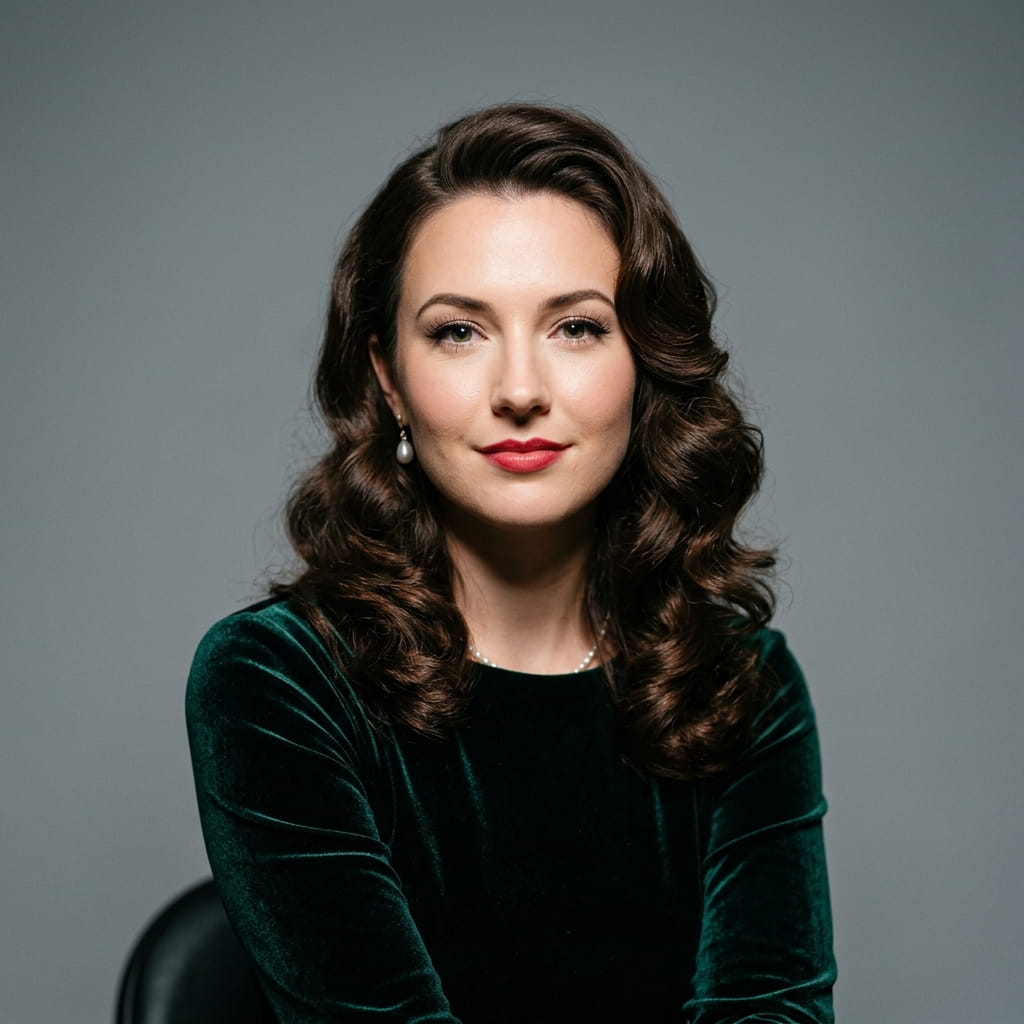
Prompt 3: Split Lighting. Subject using uploaded reference photo, medium shot, 85mm lens. Exactly half the face in bright light, the other half in deep shadow, the dividing line running straight down the center. Strong contrast. Dark background. Portrait Mode.
These three cover the foundational range from balanced to dramatic. For subjects who want the split and Rembrandt patterns pushed toward something moodier, our villain dark look Gemini prompts extend the same shadow logic further.
Soft and Commercial Lighting
Prompt 4: Soft Box Headshot. Subject using uploaded reference photo, medium shot, 85mm lens. Large, diffused light source on the left, a white reflector filling shadow on the right. No harsh shadow anywhere. Neutral grey background. Portrait Mode.
Prompt 5: Beauty Dish. Subject using uploaded reference photo, close medium shot, 85mm lens. Crisp but flattering light, more defined than a soft box, softer than a bare flash, direct eye contact with camera. Clean white background. Portrait Mode.
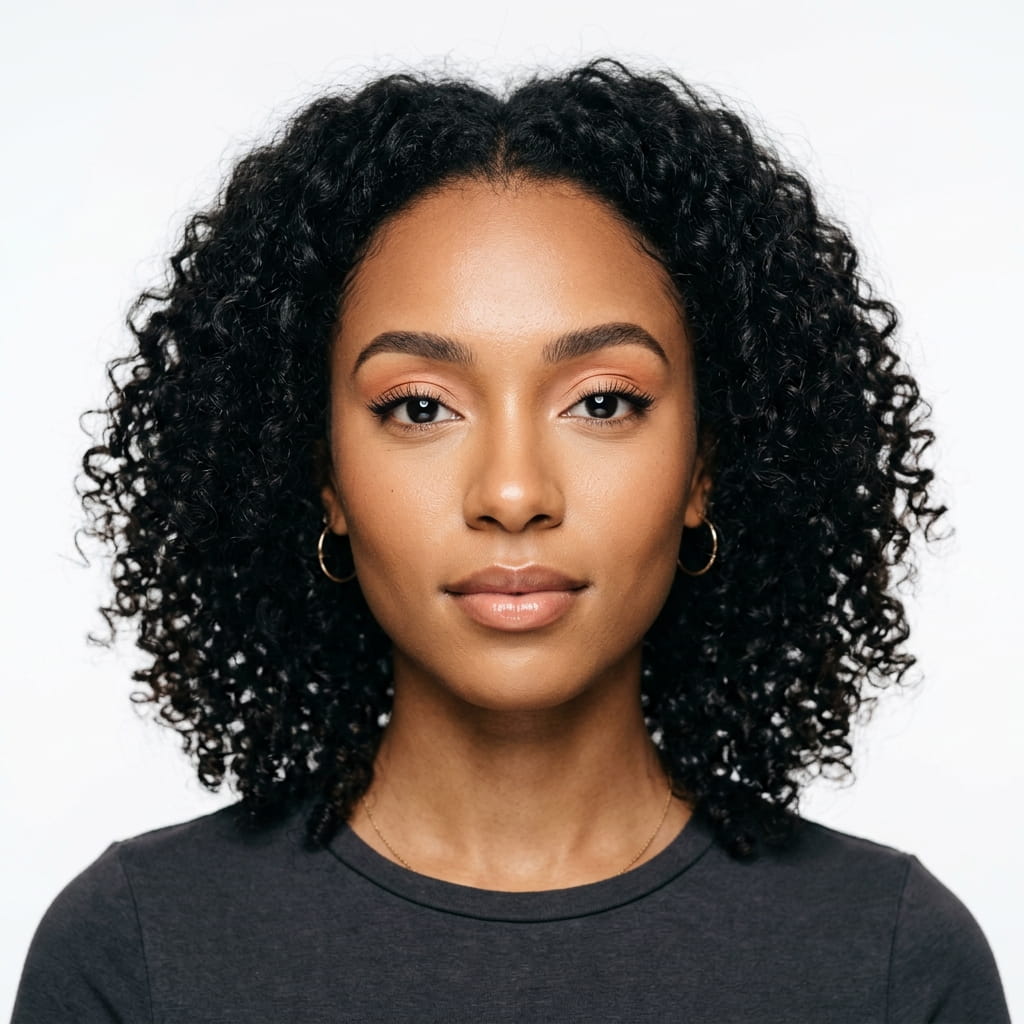
Prompt 6: Clamshell Lighting. Subject using uploaded reference photo, medium shot, 85mm lens. Main light above, a reflector or second light below, producing even, shadow-free illumination with skin texture still visible. Seamless white or light grey background. Portrait Mode.
Clamshell and soft box setups suit bridal and formal work particularly well, our bridal portrait Gemini prompts use the same soft, shadow-controlled approach throughout.
Dramatic and Artistic Setups
Prompt 7: Loop Lighting. Subject using uploaded reference photo, medium shot, 85mm lens. Main light slightly to the side and above eye level, creating a small loop shadow from the nose toward the corner of the mouth. Neutral background. Portrait Mode.

Prompt 8: Rim Lighting. Subject using uploaded reference photo, medium shot, 70mm lens. Strong light behind and to the side of the subject, creating a sharp rim of light along hair and shoulder against a dark background, with a subtle fill light on the face itself. Portrait Mode.
Prompt 9: Colored Gel. Subject using uploaded reference photo, medium shot, 85mm lens. One light with a deep blue or red gel as the main source, a second neutral white light as fill. Dark seamless background, skin tones picking up color from the gelled light. Portrait Mode.
Environmental Studio Aesthetic
Prompt 10: Large Window Light. Subject using uploaded reference photo, medium shot, 85mm lens. Positioned close to a large, diffused window, strong directional light from one side, gentle fill from a reflector on the other. Studio-clean background despite the natural source. Portrait Mode.
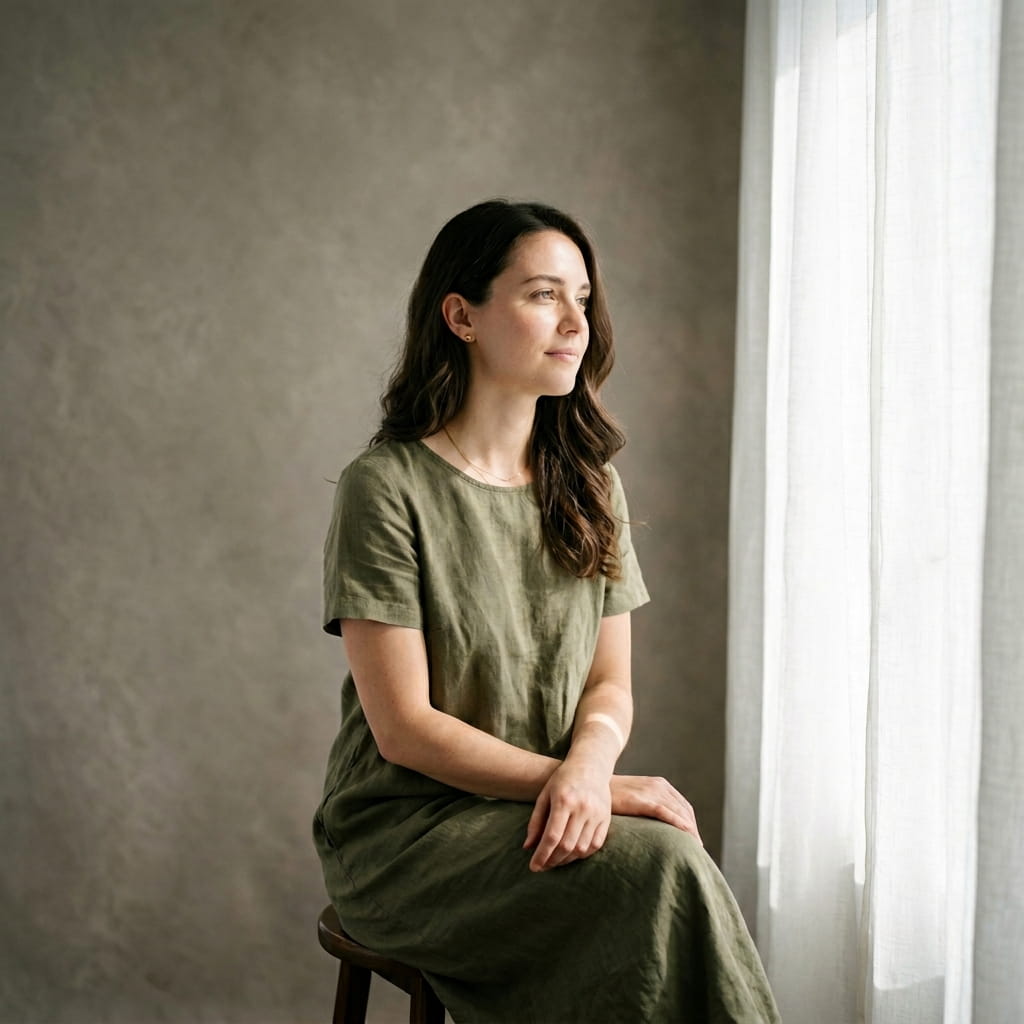
Bonus Prompt: Ring Light. Subject using uploaded reference photo, close medium shot, 50mm lens. Even, frontal light with a small circular catchlight visible in both eyes, minimal shadow anywhere on the face. Clean, simple background. Portrait Mode. None of the 10 classic setups above cover this, and it’s the single most common lighting source for anyone shooting content on a phone rather than in an actual studio.
Directing the AI for Consistent Results
The most common mistake with these prompts is being vague about light position. Specific directional language gets a specific result.
- Name the light position directly: high left, directly above, behind and to the right
- Specify shadow quality: deep and dramatic, soft and filled, or minimal and even
- Mention background tone, since it changes how the light reads against the subject
- If a result comes back too flat, ask specifically to “deepen shadow contrast” rather than just “make it more dramatic”
- For a matching series, reuse the exact same prompt text rather than retyping it each time, small wording changes shift the interpretation
Building Out a Full Set
Ten distinct lighting setups means ten different moods from one set of source photos, worth moving through the range rather than repeating one favorite.
- A soft box or clamshell headshot for professional and commercial use
- A Rembrandt or split lighting version for something more personality-forward
- A rim lighting shot for clean background separation on a website or press page
- The bonus ring light prompt for anything meant to match everyday phone-shot content
Photographers building a full personal-brand library often pair this set with our LinkedIn professional headshot Gemini prompts, and for portrait work that pushes past studio setups into something more atmospheric, our black and white artistic Gemini prompts cover that next step.
Where These Techniques Actually Come From
Prompt 1 isn’t named after a lighting brand, it’s named after Rembrandt van Rijn (1606 to 1669), the Dutch Golden Age painter whose portraits consistently angled a sitter’s face so the ridge of the nose split the face between bright light and shadow. He was painting by north-facing studio window light, not deliberately inventing a technique, later photographers named the pattern after him because his work remains the clearest example of it.
Butterfly lighting has an equally specific origin. It’s also called “Paramount lighting” after the studio that popularized it for 1930s Hollywood glamour photography, and George Hurrell, the photographer behind MGM’s portrait department in the early 1930s, used exactly this setup on Jean Harlow, Joan Crawford, and Norma Shearer to define what a movie star’s studio portrait was supposed to look like.
Frequently Asked Questions
Do these prompts work with any photo I upload?
Yes, ChatGPT applies these lighting transformations to any uploaded portrait photo. A clean, sharp source image produces a more precise result than a blurry or very dark one.
Which setup is most flattering for most faces?
Loop and clamshell lighting are the most universally flattering, since both minimize harsh shadow while still adding dimension. Rembrandt adds more character but reads as more dramatic than commercial-friendly.
How do I get consistent results across a series of photos?
Reuse the exact same prompt text for every photo in the set rather than retyping it. Small wording differences shift how the AI interprets the lighting.
Is there a setup for everyday content, not a formal portrait?
Yes, the bonus ring light prompt above matches the lighting most people already shoot with on a phone, useful when a result needs to blend in with other everyday content rather than read as an obvious studio shot.
Can I use these for a professional headshot on a resume or business site?
For personal use and most business applications, yes. For paid commercial or editorial work, check ChatGPT’s current terms of service on generated-image usage, since those policies change periodically.