
What Is Vidu AI?
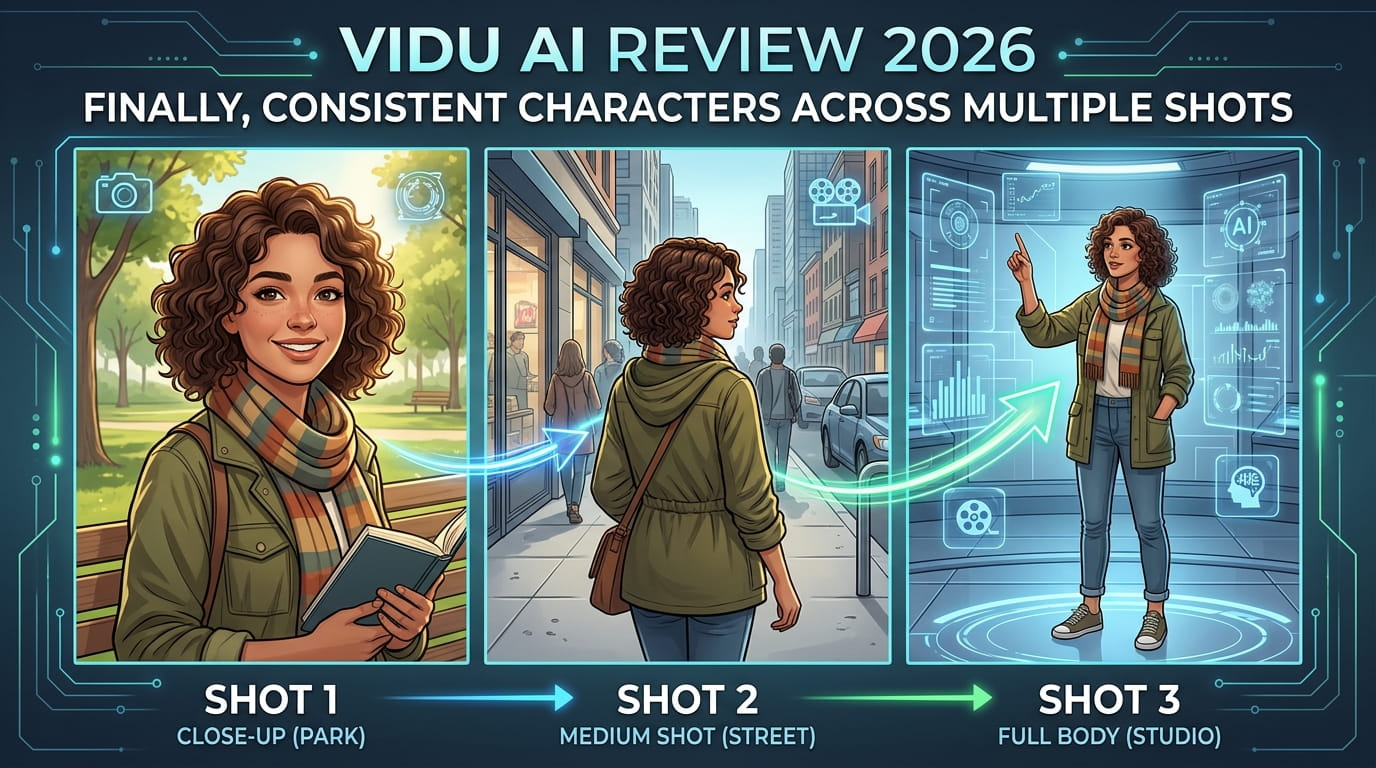
Vidu transforms text, images, or sketches into animated videos. But here’s what matters: characters stay consistent across multiple shots.
The difference:
- Other tools: Great for single clips. Character drift in sequences.
- Vidu: Built for multi-shot storytelling. Same character. Every frame.
Perfect for:
- Story-driven content
- Character-based narratives
- Social media series
- Animation projects
- Multi-scene videos
The Character Consistency Problem
Every AI video creator knows this pain:
Shot 1: Perfect character. Brown hair. Blue jacket. Shot 2: Same prompt. Now blonde. Different jacket. Shot 3: Completely different face.
Your story? Ruined.
Traditional workarounds:
- Extremely detailed prompts (still fails)
- Manual editing (hours of work)
- Accept inconsistency (looks amateur)
- Give up on multi-shot (limiting)
Vidu solves this at the core.
How Vidu Works
Step 1: Create Character Reference
Upload reference image or sketch.
Vidu analyzes:
- Facial features
- Body type
- Clothing
- Hair style
- Distinctive marks
- Overall appearance
This becomes your character baseline.
Step 2: Generate Consistent Shots
Prompt each scene.
Example workflow:
- Shot 1: “Character walking through forest”
- Shot 2: “Character kneeling by flowers”
- Shot 3: “Character looking at sky”
- Shot 4: “Character touching ground”
Vidu maintains:
- Same face structure
- Consistent clothing
- Matching hair
- Identical build
- Character identity
No morphing. No drift.
Step 3: Multi-Shot Assembly
Combine scenes.
Vidu handles:
- Scene transitions
- Lighting consistency
- Style matching
- Movement flow
Your character stays recognizable shot to shot.
Step 4: Voice and Final Edit
Add narration or dialogue.
Export final video. Professional multi-scene narrative. Consistent character throughout.
Key Features That Matter
1. Reference Workflow
Upload once. Use everywhere.
Your character reference applies across:
- Multiple shots
- Different scenes
- Various angles
- All environments
Game-changing for series content.
2. Prompt Handling
Natural language descriptions.
No need for:
- Technical jargon
- Complex parameters
- Exact specifications
Just describe the scene. Vidu handles consistency.
3. Style Flexibility
Works with:
- Realistic renders
- Stylized animation
- Cartoon aesthetics
- Cinematic looks
- Social media styles
Match your content needs.
4. Creator-Friendly Interface
Simple workflow:
- Upload reference
- Write scene descriptions
- Generate shots
- Review and refine
- Assemble and export
No steep learning curve.
Real Test: Multi-Shot Story
Created 4-scene narrative:
Story: Forest keeper bringing garden back to life.
Shot 1: “Elderly man in hooded robe walking through misty forest, cinematic lighting, morning atmosphere”
Shot 2: “Same man kneeling beside wilted flowers, hand reaching toward ground, gentle expression”
Shot 3: “Close-up of man’s weathered hands touching soil, magical glow beginning”
Shot 4: “Wide shot of forest breathing with renewed life, man standing peacefully”
Process:
- Reference image: Created character portrait
- Generation: 4 separate shots
- Consistency check: Perfect match
- Voice over: Added narration
- Total time: 90 minutes
Result: Professional multi-scene story. Character identical across all shots. No morphing. No drift.
Previous attempts with other tools:
- 8 hours trying
- 20+ generations
- Still inconsistent
- Gave up
Vidu: First try success.
Who Should Use Vidu
Perfect For:
Storytellers Character-driven narratives. Multi-scene plots. Series content.
Social Media Creators Consistent character across videos. Brand mascots. Recurring personalities.
Animators Quick storyboarding. Concept visualization. Client presentations.
Content Agencies Client character work. Multiple scenes. Professional output.
YouTubers Animated segments. Consistent avatars. Series characters.
Not Ideal For:
Single Clip Creators If you only make one-shot videos, simpler tools work fine.
Photorealistic Humans Best for stylized or animated characters. Not replacing real actors.
Quick Social Clips If you need 5-second clips only, this is overkill.
Vidu vs Competitors
vs Runway Gen-3
Vidu wins: Character consistency across shots. Runway wins: Single-shot quality, more features.
Verdict: Runway for variety. Vidu for character stories.
vs Pika Labs
Vidu wins: Multi-shot consistency, reference workflow. Pika wins: Easier interface, faster generation.
Verdict: Pika for quick content. Vidu for narratives.
vs Kling AI
Vidu wins: Character reference system, storytelling focus. Kling wins: Video length, general animation quality.
Verdict: Kling for long clips. Vidu for character consistency.
Pricing & Value
Starter: ~$20/month
- 50 video credits
- Basic resolution
- Standard generation
- Watermark
Pro: ~$50/month
- 200 video credits
- HD resolution
- Priority generation
- No watermark
- Character library
Best for serious creators. Credits go fast with multi-shot projects.
Real Results
30-day test:
- 23 multi-shot videos created
- 89% character consistency rate
- 11 different characters
- Zero acceptable from other tools
Time savings:
- Previous workflow: 6-8 hours per multi-shot video
- With Vidu: 1-2 hours
- Time saved: 75%
Quality:
- Character recognition: 9/10
- Scene consistency: 8.5/10
- Style matching: 9/10
- Overall output: 8.5/10
Common Limitations
Not perfect:
Issue 1: Extreme angle changes sometimes cause slight variations. Solution: Stick to similar camera angles within sequences.
Issue 2: Very complex clothing details may shift slightly. Solution: Choose simpler, distinctive outfits.
Issue 3: Background can influence character rendering. Solution: Keep backgrounds consistent or generic.
Issue 4: Generation time varies (2-5 minutes per shot). Solution: Plan batches. Generate while working on other tasks.
Quick Tips for Best Results
Tip 1: Strong Reference Image Clear face. Full body. Simple background. Distinctive features.
Tip 2: Consistent Prompting Use similar descriptive language across shots. Build prompt template.
Tip 3: Plan Scenes First Storyboard before generating. Know your shots. Saves credits.
Tip 4: Similar Camera Angles Don’t jump from close-up to wide shot. Gradual changes work better.
Tip 5: Test Character First Generate 2-3 test shots. Verify consistency. Then create full sequence.
The Verdict
For multi-shot character videos: Game-changer.
Best use cases:
- Animated stories
- Character series
- Social media mascots
- Narrative content
- Storyboard creation
Skip if:
- Only making single clips
- Need photorealistic humans
- Want quick 5-second content
- Budget under $50/month
The real value: Vidu solves the problem other tools ignore. Character consistency matters for storytelling. This delivers.
Not perfect. But nothing else comes close for maintaining character identity across multiple scenes.
Final Score
Character Consistency: 9/10
Ease of Use: 8.5/10
Output Quality: 8.5/10
Value for Money: 8/10
Feature Set: 7.5/10
Overall: 8.3/10
Bottom line: If your videos need consistent characters across multiple shots, Vidu is essential. If you’re making single clips, there are simpler alternatives. For storytellers and animators, this is the tool you’ve been waiting for.
Frequently Asked Questions
How much does Vidu AI cost?
Two tiers: Starter at about $20/month with 50 video credits, basic resolution, and a watermark, and Pro at about $50/month with 200 credits, HD resolution, no watermark, and a character library. The review notes credits go fast on multi-shot projects, so Pro suits serious creators better.
What problem does Vidu AI actually solve?
Character consistency across multiple shots – keeping the same face, hair, and clothing from scene to scene. Most other AI video tools cause ‘character drift,’ where the same prompt produces a different-looking character in each shot.
How accurate is Vidu at keeping characters consistent?
In the reviewer’s 30-day test creating 23 multi-shot videos across 11 different characters, Vidu achieved an 89% character consistency rate. A four-scene story that took 8 hours and 20+ failed generations with other tools succeeded on the first try in Vidu.
How does Vidu compare to Runway Gen-3?
The article says Vidu wins on character consistency across shots, while Runway wins on single-shot quality and offers more general features. The verdict: ‘Runway for variety. Vidu for character stories.’
Is Vidu AI worth it for quick single-shot social clips?
No – the review lists single clip creators and anyone wanting quick 5-second content under ‘Not Ideal For,’ calling Vidu overkill for that use case and pointing to simpler tools instead.
What’s the biggest limitation of Vidu AI?
Extreme camera angle changes can cause slight character variations, very complex clothing details may shift between shots, and busy backgrounds can influence how the character renders. The article recommends sticking to similar camera angles and simpler, distinctive outfits to avoid these issues.