
Veo 3.1, Kling 3.0, and Seedance 2.0 currently lead AI video generation, but they solve prompting and character consistency in different ways. That gap is why most serious creators have stopped betting on one model and instead use a platform that gives them access to several. This guide walks through the twelve tools worth knowing, what each one actually does better than the others, and the prompt habits that separate a flat generation from something that looks intentional.
Key takeaways
- Veo 3.1 leads on visual quality and native audio, Kling 3.0 leads on motion physics and multi-shot storytelling, and Seedance 2.0 leads on building from your own reference images, video, or audio.
- Aggregator platforms that bundle several models into one account have become the practical default, since no single model wins at everything.
- Camera direction is roughly half of what separates a flat, static generation from one with real cinematic movement.
- Reference-based systems, like Seedance’s and Kling’s Elements, hold a character’s appearance more reliably across separate clips than describing it in text alone.
- English-language prompts still outperform prompts written in other languages on all three leading models, even when the platform’s interface supports those languages.
No single model dominates every type of shot, which is why the workflow most creators have settled into routes different scenes to whichever of these three handles that specific job best. The list below covers direct access to each model, plus the platforms that combine them.
1. Google Veo 3.1 (via Google Flow)
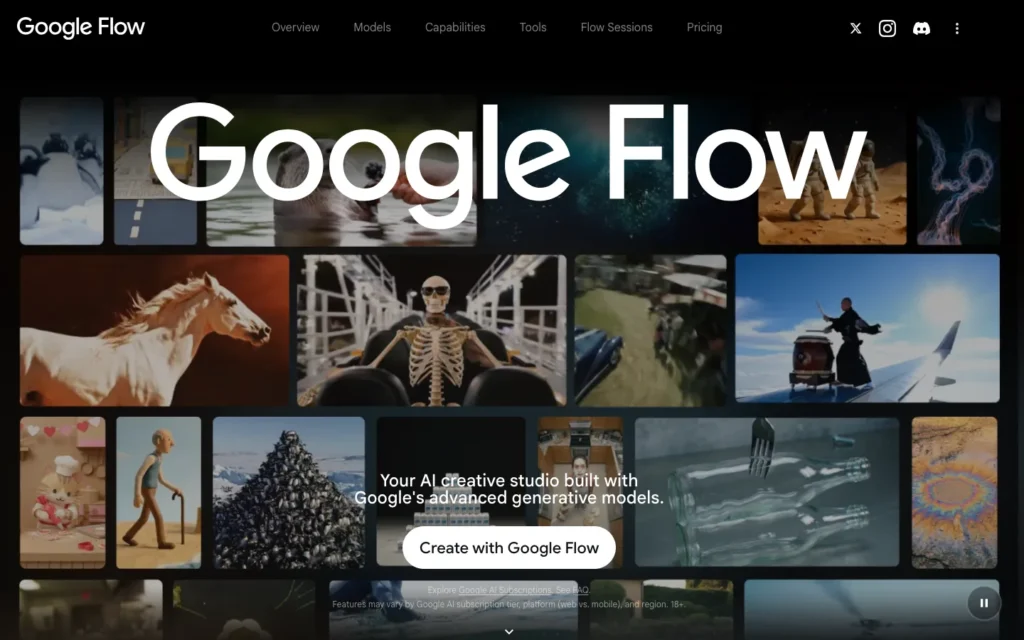
Veo 3.1 is still the strongest option for realistic marketing footage, mainly because it generates native audio directly alongside the video instead of leaving sound as a separate step. Its “Ingredients to Video” feature accepts reference images to keep a character looking consistent across a shoot.
What sets it apart is the combination of audio quality and prompt adherence, which usually means less post-production sound work than competing models require. That makes it a fit for creators prioritizing polished, broadcast-ready output over fast iteration.
2. Kling 3.0
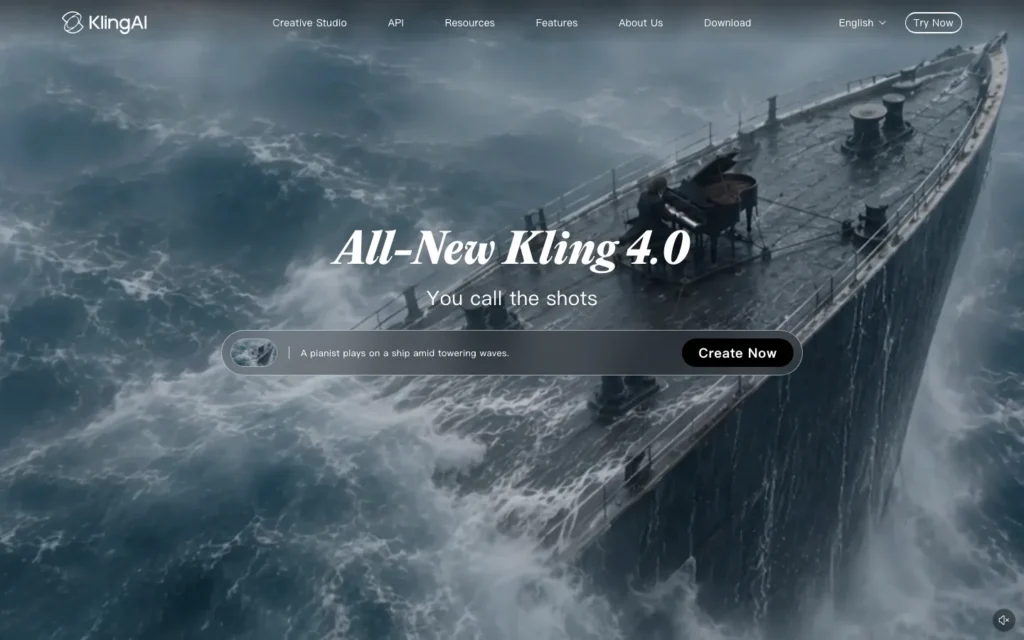
Kling 3.0 extends clips to around 15 seconds and holds up well through multi-shot sequences, which is where its motion physics stand out from the rest of this list. Character consistency runs through its Elements system, which accepts up to four reference images per character rather than relying on a written description.
That reference system is the real advantage here. It gives more direct control over how a character looks from one generation to the next than text alone ever manages, which makes Kling a natural pick for anyone building content around a recurring character who has to look the same across many separate clips.
3. Seedance 2.0
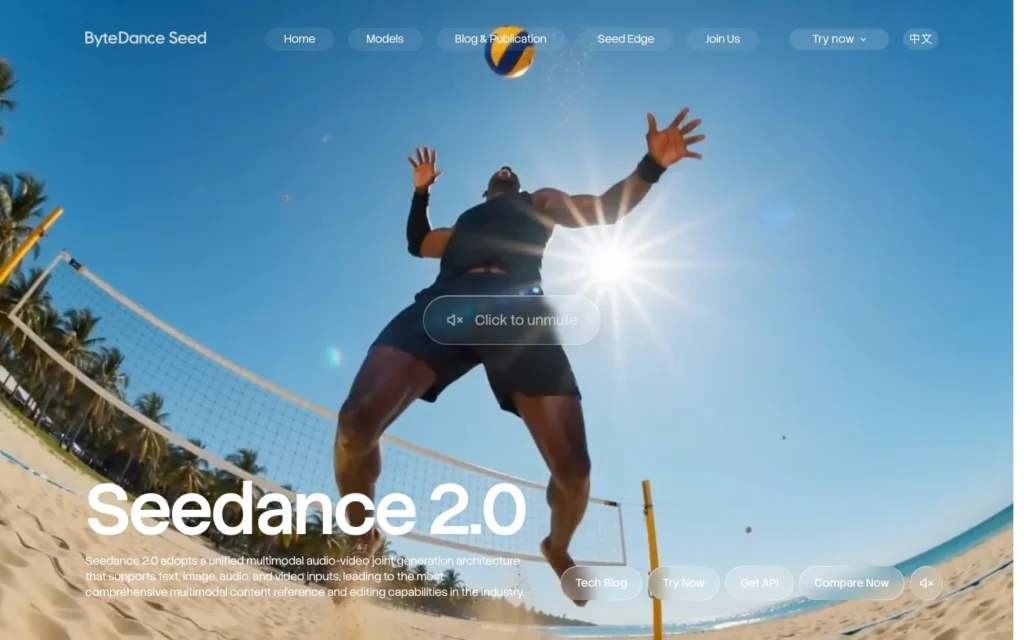
Seedance 2.0 takes a different approach to the whole prompting problem. Instead of writing a text description and hoping the model interprets it correctly, a creator uploads a reference image, video, or audio clip and builds the generation from that.
Native audio-video synchronization comes paired with this reference-based method, so a creator can define exactly how a character moves based on real footage rather than guessing at what text will produce. Anyone who already has reference footage, or a specific motion they need replicated precisely, gets more mileage out of Seedance than out of a purely descriptive prompt.
4. Clipia.ai
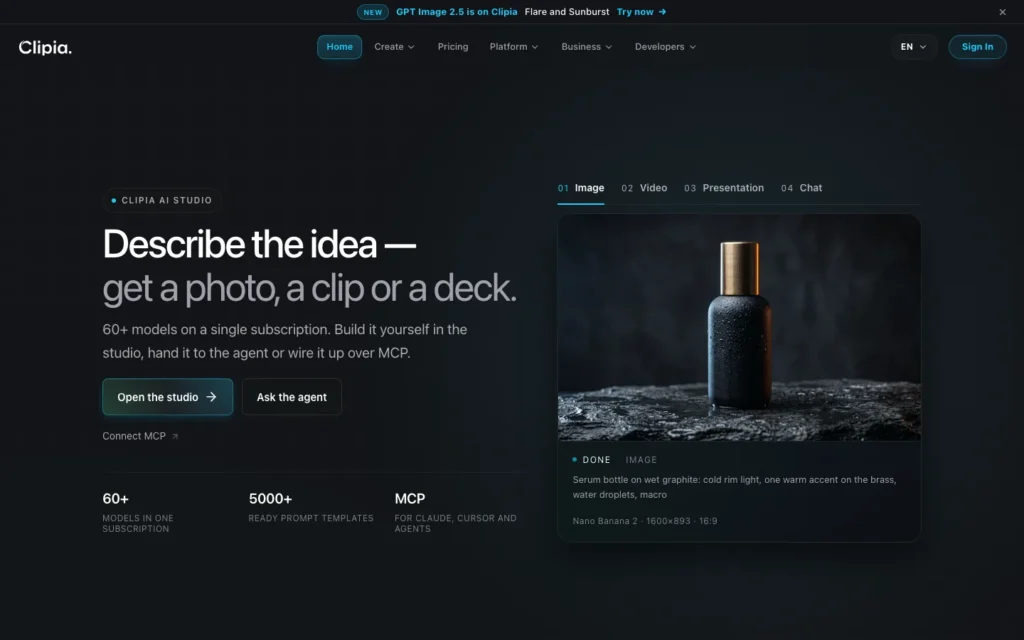
Clipia.ai puts Seedance 2.0 and Kling 3.0 behind a single login, so switching between the two models takes one click instead of juggling separate subscriptions.
The value here is being able to run the same prompt through both leading models before committing to either one, which matters for anyone who wants to see which model handles a specific shot better without paying for and logging into two separate accounts.
5. Rangy
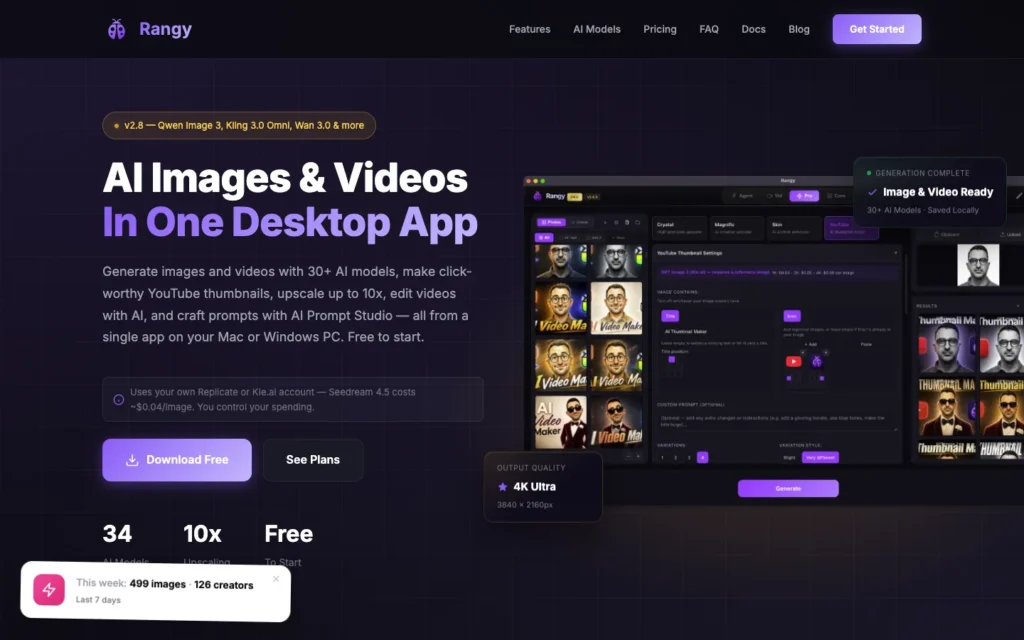
Rangy bundles Kling 3.0, Seedance 2, Grok Imagine, and WAN 2.7 into a single application, but the feature worth calling out is its prompt extraction tool. It can reverse-engineer a usable prompt structure from an existing video or image.
For someone still learning what a good prompt actually looks like, seeing the extracted pattern behind content that already works teaches more than trial and error does. That makes Rangy particularly useful early on, before a creator has developed an instinct for structuring prompts from scratch.
6. 3D AI Studio
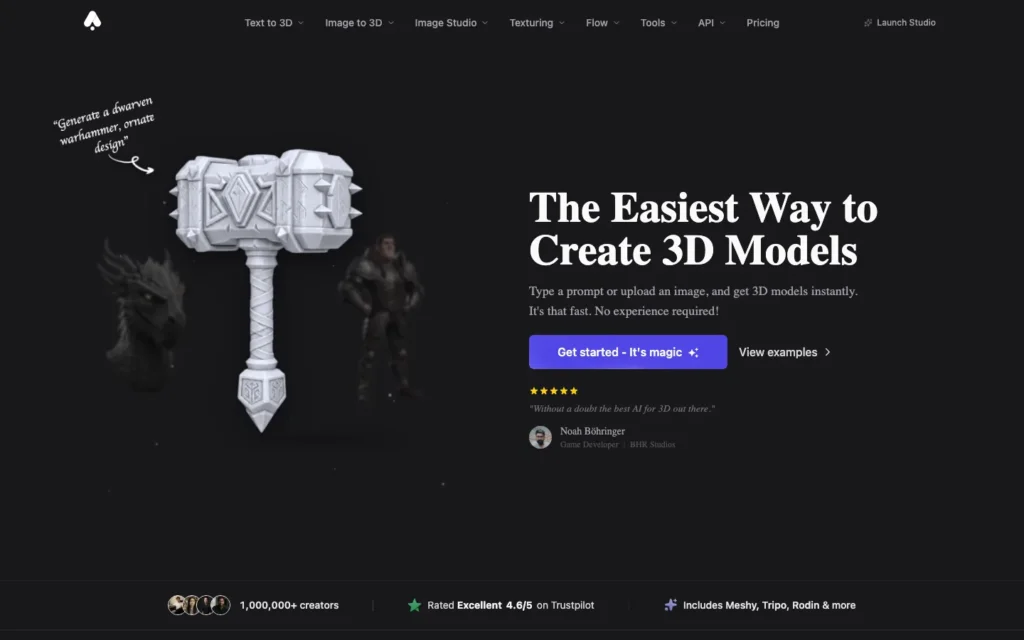
3D AI Studio’s Video Studio combines Kling 3.0, Seedance 2.0, and Veo 3.1 in one workflow, and lets a creator route different shots within the same project to whichever model fits that shot best. A dialogue-heavy scene might go to Veo while a character-driven sequence goes to Kling, all inside one project.
Per-shot model routing reflects how most real productions actually work: few videos need only one model’s strengths from start to finish. Creators producing longer, multi-shot content get the flexibility without exporting and reimporting footage between separate platforms.
7. PixVerse V6
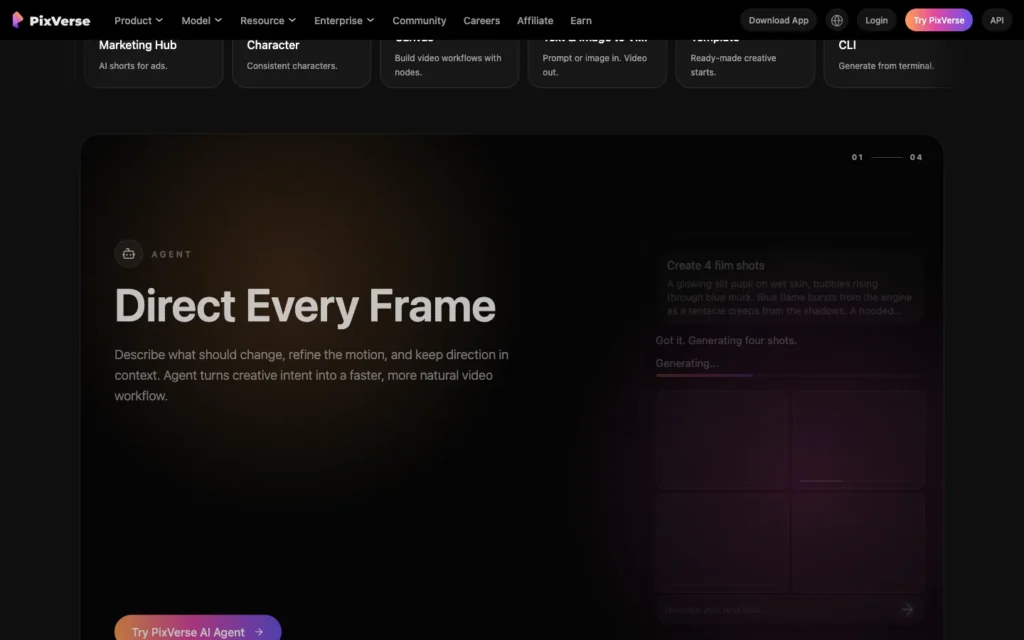
PixVerse V6 is built for short, social-ready output, with multi-shot generation, native audio, and support for both text-to-video and image-to-video workflows.
Its repeatable testing structure is the piece that stands out. Running the same prompt through consistent conditions makes it possible to isolate exactly what changed between two attempts, rather than guessing which variable moved the result. Creators iterating heavily on a single concept benefit most from this, since it turns trial and error into something closer to a controlled test.
8. Higgsfield
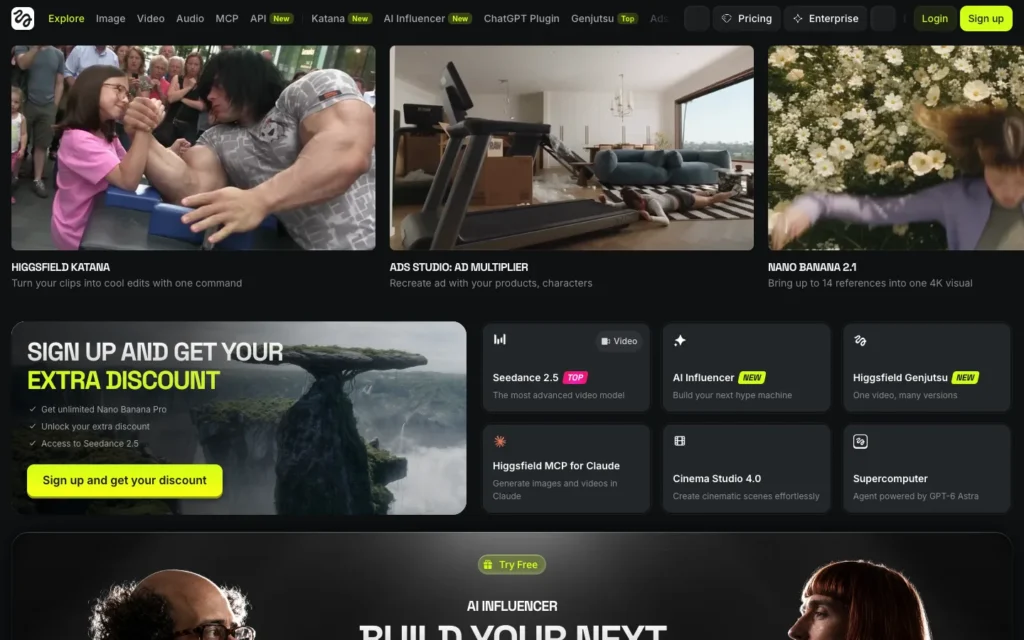
Higgsfield handles character consistency through a feature called Soul ID, which keeps a character looking the same across scenes. It also includes Character Swap, a face-swapping tool that drops a consistent character face into existing footage.
That face-swap capability is a distinct approach compared to the reference-image systems Kling and Veo use, and it fits a specific need: swapping a character face into footage that already exists rather than generating every scene from a blank slate.
9. Adobe Firefly
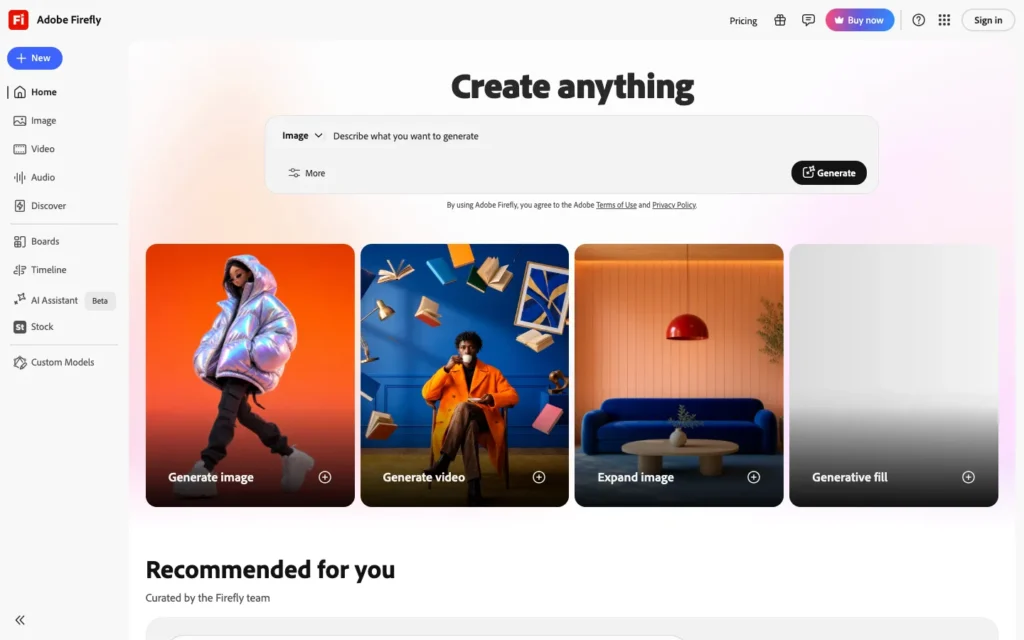
Adobe Firefly has added Veo 3 as one of several selectable models inside its existing creative suite, so a user can generate video alongside Firefly’s commercially safe image tools without leaving the platform.
The differentiator is legal, not creative. Firefly’s licensed training data, already a selling point for its image tools, extends to the video option as well, which matters to brands worried about exposure in commercial use. For teams already building out a broader Firefly workflow across image and video tools, adding video generation just means picking a different model inside a suite they already know, not learning a new platform end to end.
10. Canva AI Video
Canva’s AI video feature runs on Google Veo 3 under the hood, which means genuinely capable video generation sits inside an interface most people already find familiar.
It is not built for fine-grained control over generation parameters, and that trade-off is the point. Someone who already spends time in Canva for other design work gets the simplest possible entry point into AI video, without learning a specialized tool just to try it.
11. Glif
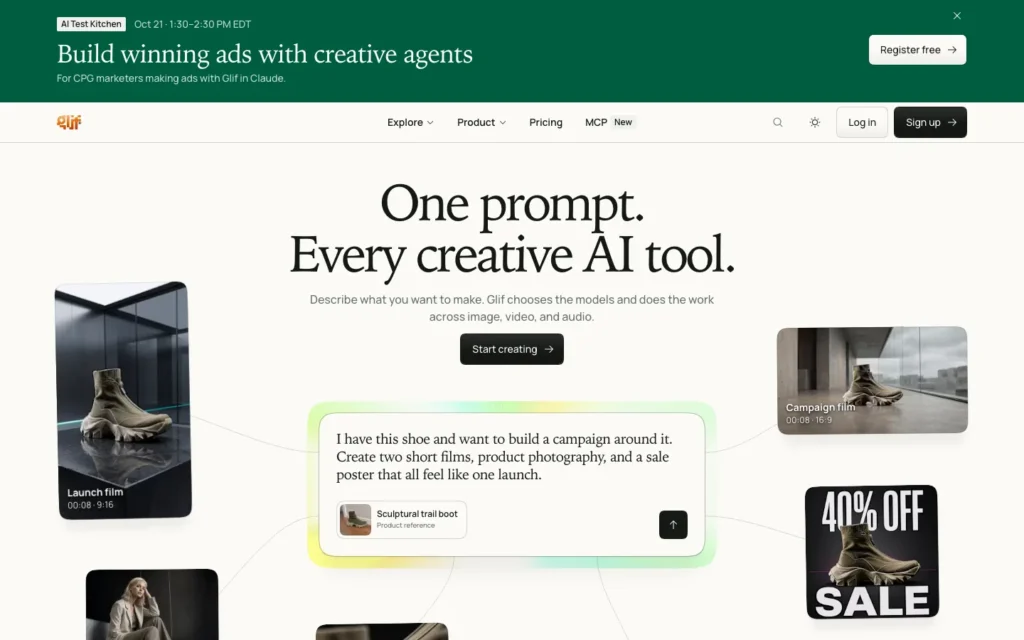
Glif automates and formats prompts across several models at once, including Kling and Sora, so a creator can describe an idea in plain language instead of learning each model’s specific syntax.
Automated prompt formatting is the core of the appeal here, since Glif is built around chaining several AI tools together rather than requiring anyone to memorize the precise prompting conventions each individual model expects. That leaves more attention for the creative concept and less for translating it into the right technical structure.
12. Runway Gen-4.5
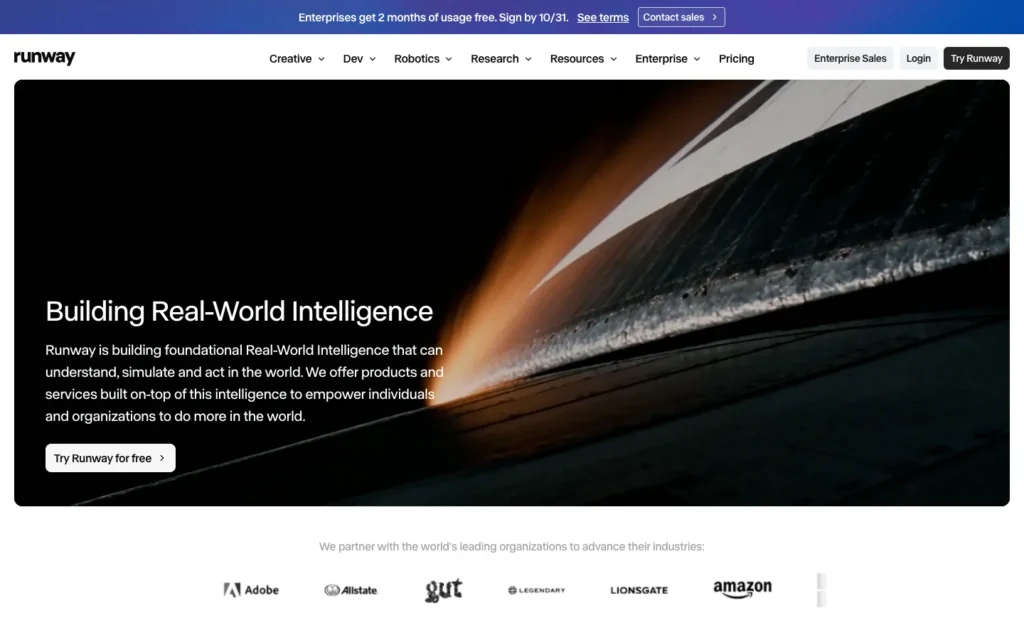
Runway Gen-4.5 offers granular camera and motion control through features like Motion Brush, which lets a creator paint a specific area of a frame and direct exactly how that area should move.
Precision is the trade here, and it comes with a steeper learning curve than most of the other tools on this list. Creators who want deliberate, directed camera movement rather than whatever motion a text prompt happens to produce will find that curve worth climbing.
What actually separates a strong prompt from a weak one
Camera direction accounts for roughly half of what separates a flat, static-feeling generation from one with real cinematic movement, and it is the detail most beginners skip entirely.
The prompt elements that matter most across all three models
Naming a specific camera move, a tracking shot, a dolly-in, a crane shot, handheld, a drone following the subject, gives the model something concrete to work with instead of defaulting to a static frame.
All three leading models are trained primarily on English data, so English-language prompts consistently produce noticeably better results than prompts written in other languages, even when the platform interface itself supports those languages.
Reference material outperforms pure description whenever precision matters. Seedance and Kling’s reference-based systems hold a character’s appearance more reliably than a written description does, especially across several separate generations of the same character.
One clear subject and action per prompt beats a crowded scene with multiple competing elements every time. All three models handle a single, well-defined focus far better than they handle several ideas at once.
Since each model has different strengths, running one prompt through Veo, Kling, and Seedance before committing to a full production often reveals which one actually suits that specific shot. Several of these video platforms build on image-generation techniques developed first for tools like Firefly and Midjourney, and looking at how those two handle prompt fidelity in image generation makes it clearer why explicit, detailed prompts consistently outperform vague ones in video too.
How to write your first effective video prompt
Describe the subject and action in one clear sentence. A specific, singular focus produces a more coherent generation than a prompt trying to capture several ideas at once.
Add a specific camera movement. Naming an actual camera direction, rather than leaving it out, is one of the single highest-impact additions to any prompt.
Specify lighting and mood. Naming a setup, golden hour, harsh overhead light, soft diffused light, gives the model a clear visual target instead of defaulting to flat, even lighting.
Choose the model based on the shot’s actual needs. A character-consistency-heavy shot fits Kling’s Elements system, while a shot built from existing reference footage fits Seedance better.
Generate multiple versions before choosing one. Running the same prompt two or three times, or adjusting one variable at a time, usually surfaces a stronger result than accepting the first output.
Test the same concept across more than one model. Since no single model wins at everything, comparing the same prompt across two platforms before committing budget to a full production run is worth the extra step. Once a full sequence comes together across several clips, many creators then cut that footage down into shorter pieces built for vertical, social feeds rather than publishing the long version everywhere.
Conclusion
The biggest shift in AI video over the past year is not any one model getting better. It is the recognition that no model wins at everything, which is why the practical default has become accessing several models through one platform rather than betting entirely on one.
Strong prompting still matters more than which specific tool generates the final clip. A clear subject, explicit camera direction, and deliberate lighting apply consistently across every model on this list, regardless of which one ends up rendering the shot.
Frequently Asked Questions
What is the best AI video model for realistic marketing footage?
Veo 3.1. It generates native audio alongside the video, and its combination of audio quality and prompt adherence usually means less post-production sound work than competing models require.
Which model is best for keeping a character consistent?
Kling 3.0 and Seedance 2.0 both use reference-based systems. Kling’s Elements accepts up to four reference images per character, and Seedance builds generations from an uploaded image, video, or audio clip. Both hold appearance more reliably than a text description alone.
Why use an aggregator platform instead of one model?
No single model wins at everything, so platforms like Clipia.ai, Rangy, and 3D AI Studio bundle several models into one account. That lets you run the same prompt through more than one model before committing to a full production.
What is the highest-impact thing to add to a video prompt?
A specific camera movement. Camera direction accounts for roughly half of what separates a flat, static generation from one with real cinematic movement, and naming a tracking shot, dolly-in, crane shot, or handheld gives the model something concrete to work with.
Should I write video prompts in English?
Yes. All three leading models are trained primarily on English data, so English prompts produce noticeably better results than other languages, even when the platform interface supports those languages.
Which tool can extract a prompt from an existing video?
Rangy. Its prompt extraction tool reverse-engineers a usable prompt structure from an existing video or image, which helps you learn what a good prompt looks like.
Which tool is best for precise camera and motion control?
Runway Gen-4.5. Motion Brush lets you paint an area of a frame and direct how it moves, though it has a steeper learning curve than most tools on this list.
Which option is safest for commercial use?
Adobe Firefly. Its licensed training data, already a selling point for its image tools, extends to the video option, which matters to brands worried about exposure in commercial use.
You may also like
- 20 Adobe Firefly prompts for fantasy art: detailed prompt structures that adapt well into video prompt writing.
- Fliki AI review: a script-to-video tool that handles scene generation without manual prompt writing for each shot.
- Best AI video editors for TikTok creators: where to take AI-generated footage once it needs cutting, captioning, and formatting for social platforms.