
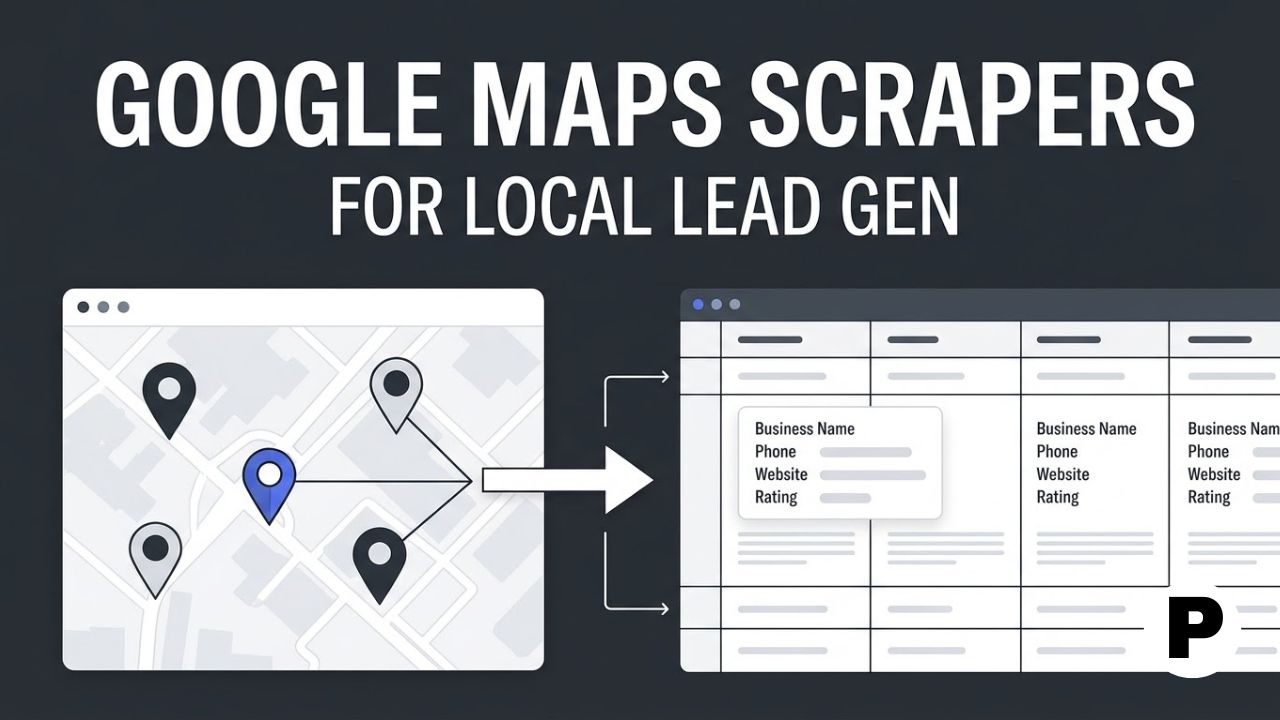
TL;DR: Google Maps is the richest free source of local business data available, names, addresses, phone numbers, websites, categories, and review counts, but pulling it manually means hours of copy-pasting for a few dozen leads.
- Apify’s Google Maps Scraper is the most used and reliable option for agencies, with over 490,000 users and 30 million runs behind it.
- Outscraper and Google’s own Places API sit at opposite ends of pricing and compliance, cheap per-record exports versus an official, rate-limited source.
- Chat4Data represents a newer, prompt-based approach, letting you describe what you need instead of configuring search parameters manually.
Every scraper on this list pulls from the same underlying source, so the raw data itself rarely differs much between tools. What separates them is everything that happens around extraction: how well they handle large searches without getting blocked, whether they surface a business website you can use to find an email, and how quickly a raw export turns into a list your sales team can actually work.
This article compares seven Google Maps scraper tools built for local lead generation in 2026, covering pricing models, compliance considerations, and how each one fits into a real outreach pipeline rather than just producing rows in a spreadsheet, a workflow that connects to the broader local targeting strategy in our performance marketing roadmap. It is written for agencies, sales teams, and local service providers building prospect lists by category and location.
1. Apify
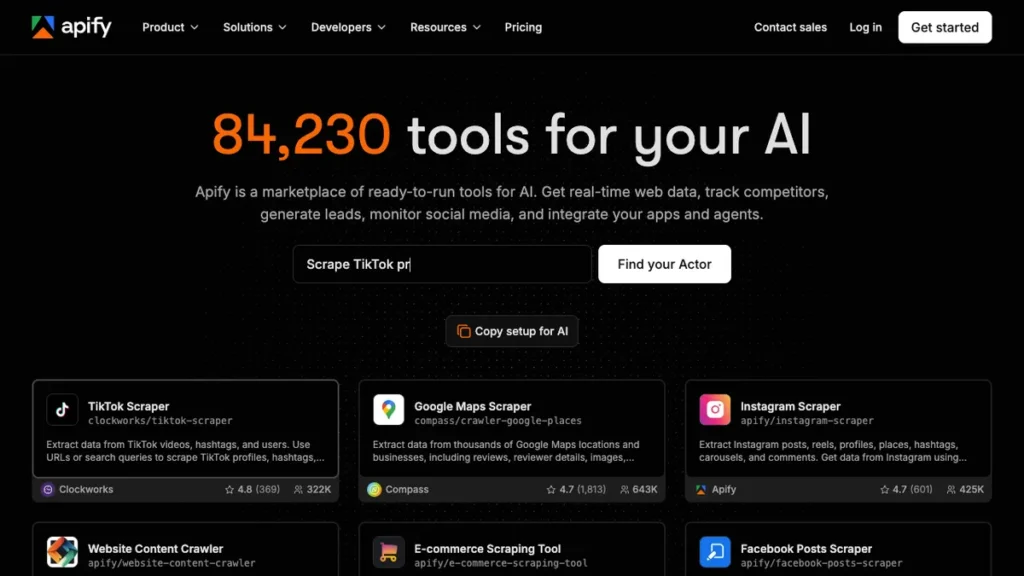
Apify’s Google Maps Scraper, built by Compass, is the most used and most reliable Maps Actor available, with more than 490,000 users and over 30 million runs. It supports custom search queries, controlled result counts, pagination, multiple export formats, and API-triggered runs.
The differentiator is that it plugs directly into Apify’s wider platform for enrichment, scheduling, and automation, rather than existing as a standalone export tool. This matters most for teams that want scraping to be one step in a larger, automated pipeline.
This fits agencies and lead generation teams that want the most configurable, actively maintained Maps scraper and plan to build enrichment or scheduling around it.
2. Outscraper
Outscraper prices its Google Maps Scraper on a per-record basis with a free-tier threshold before charges apply, making it one of the cheaper options for one-off exports rather than an ongoing subscription. It is positioned around business intelligence use cases beyond pure lead generation.
The differentiator is that per-record pricing model, which suits teams that need an occasional large pull rather than continuous scraping and do not want to commit to a monthly plan.
This fits teams that need a large, one-time export of local business data without paying for a recurring subscription they will not fully use.
3. Google Places API
The official Google Places API is the compliant source for the same underlying business data, returned in a structured format directly from Google rather than through a third-party scraper. It comes with usage-based pricing and stricter rate limits than most third-party tools.
The differentiator is compliance. For teams with strict legal or enterprise requirements around data sourcing, using Google’s own API avoids the terms-of-service questions that come with third-party scraping tools entirely.
This fits enterprise teams or regulated industries that need an unambiguous, compliant data source even if it comes with tighter limits and higher per-request cost.
4. Bright Data
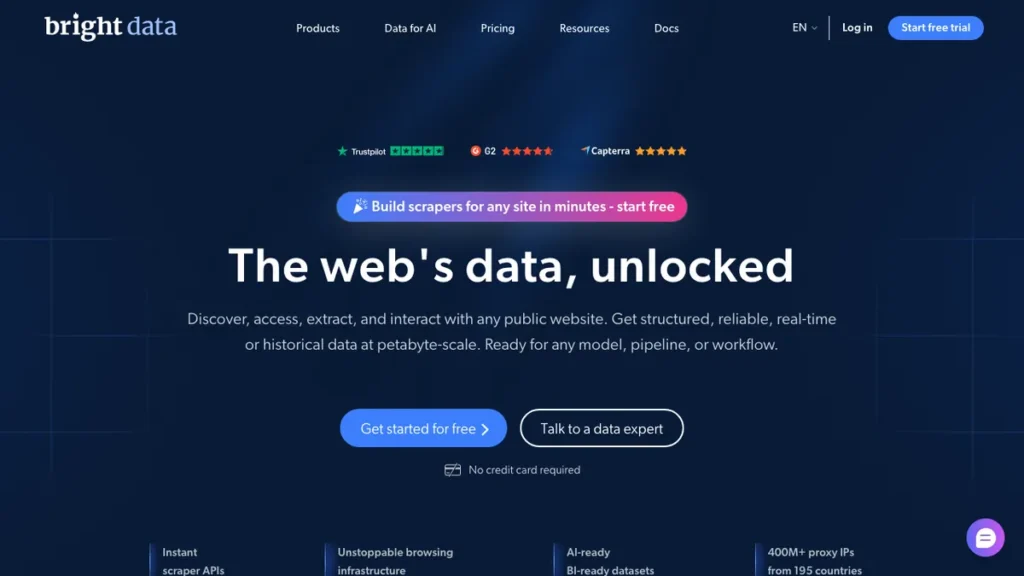
Bright Data brings its residential and ISP proxy network to Google Maps scraping specifically, which matters when pulling large volumes across many regions without triggering blocks. It covers enterprise-scale extraction alongside its broader web data platform.
The differentiator is proxy depth at scale, positioning it closer to an infrastructure provider than a simple Maps export tool, useful for agencies running scraping across dozens of cities or countries simultaneously.
This fits larger teams scraping at high volume across many geographies who need reliability against blocking more than a low-cost, low-volume option.
5. Chat4Data
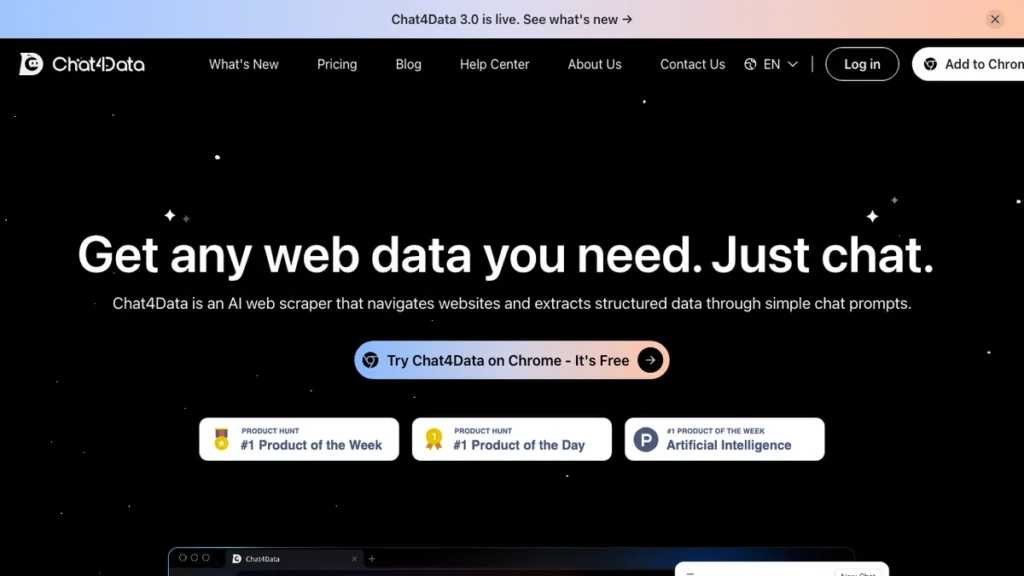
Chat4Data is a conversational AI agent for data collection, built to understand plain-language prompts and extract Google Maps data without configuring search parameters manually. This reflects a newer category of AI scrapers that interpret page structure using language models rather than following pre-written rules.
The differentiator is that prompt-based interface, similar in spirit to how AI systems interpret unstructured content covered in our explainer on entity recognition. Instead of setting search filters and export fields, you describe what you want and the agent handles configuration.
This fits users who want to skip the setup process entirely and are comfortable trusting an AI agent to interpret a plain-language request correctly.
6. Octoparse
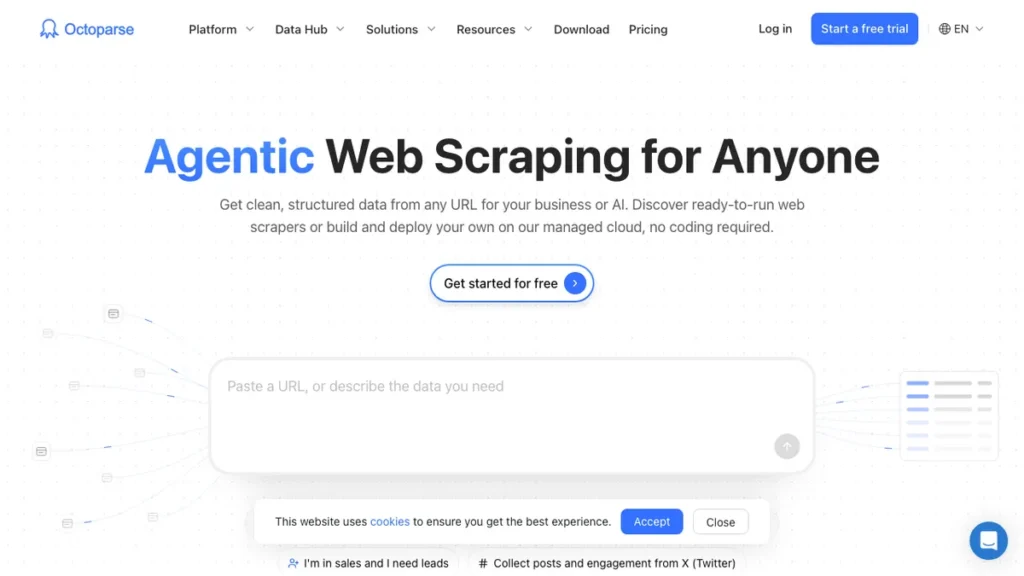
Octoparse offers a visual way to scrape thousands of Google Maps listings without learning an API or writing code, aimed at researchers and marketers who want a point-and-click workflow. A free plan is available before premium pricing applies.
The differentiator is that visual, no-code approach specifically for users who want to scrape at meaningful scale without touching an API or a scripting language.
This fits researchers and marketers who need to pull large volumes of listings visually and are not building an automated, code-driven pipeline.
7. PhantomBuster
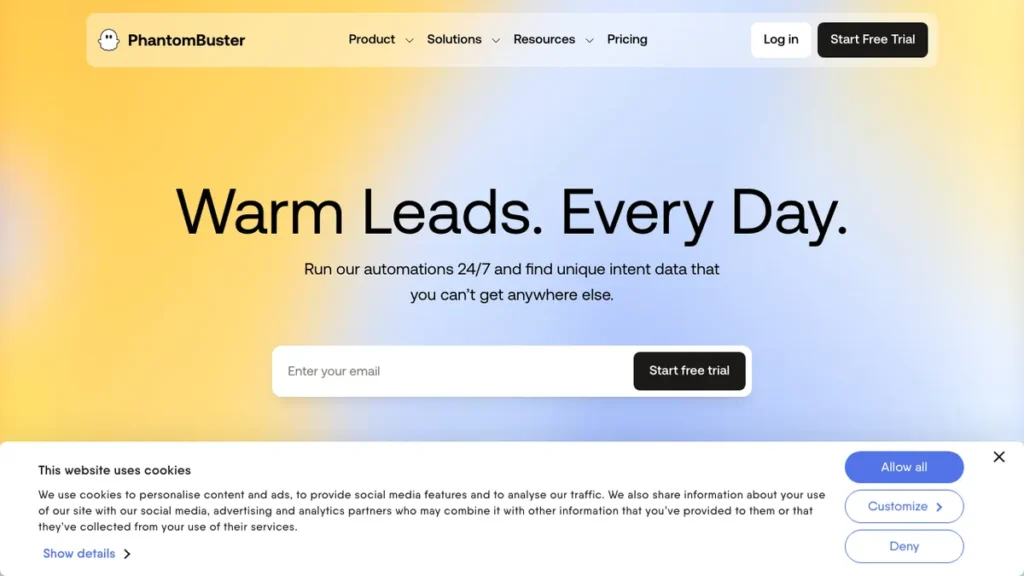
PhantomBuster extends its no-code automation approach to Google Maps alongside its broader social platform coverage, useful for teams already using it for LinkedIn-based outreach who want Maps data in the same workflow. Pricing runs on subscription tiers rather than per-record charges.
The differentiator is workflow consolidation. Teams already running PhantomBuster for social prospecting can add Maps scraping without introducing a completely separate tool and billing relationship.
This fits teams already using PhantomBuster for other outreach automation who want Maps data folded into the same platform rather than a standalone tool.
Which Google Maps Scraper Fits Your Lead Gen Workflow
The right pick depends on volume, compliance requirements, and whether Maps scraping needs to plug into a larger automated pipeline or stand alone as an occasional export. A local agency pulling one city and an enterprise team scraping nationwide need very different tools.
Choose Based on Your Use Case
Most configurable, pipeline-ready scraping: Apify’s Compass Actor remains the default choice for agencies building enrichment and automation around the raw export.
One-off, budget-conscious exports: Outscraper’s per-record pricing avoids paying for a subscription you will not use continuously.
Strict compliance requirements: Google’s own Places API sidesteps third-party terms-of-service questions entirely, at the cost of tighter rate limits.
High-volume scraping across many regions: Bright Data’s proxy depth handles scale that smaller tools struggle to sustain without getting blocked.
Skipping manual configuration entirely: Chat4Data’s prompt-based interface trades some control for a faster, plain-language setup.
Visual, no-code scraping at scale: Octoparse suits researchers who want volume without an API or coding requirement.
Consolidating with existing social outreach tools: PhantomBuster keeps Maps data in the same platform as LinkedIn-based prospecting.
How to Turn a Google Maps Export Into a Lead List
Step 1: Define your target category and geography Narrow your search to a specific business category and location rather than scraping broadly, since a tight, high-intent list outperforms a large, unfocused one for outreach response rates.
Step 2: Choose a tool matching your volume and compliance needs Use the comparison section above rather than defaulting to whichever tool is most recommended generally, since compliance and volume requirements vary significantly by industry.
Step 3: Run the scrape and export the raw data Pull business names, addresses, phone numbers, websites, and categories into a structured export, checking that pagination and result limits actually covered your full target area.
Step 4: Enrich and verify contact details Raw Maps data often lacks verified emails, so pair the export with an enrichment step before any outreach begins, a habit worth building into the broader tooling covered in our roundup of AI tools for freelancers.
Step 5: Filter for a specific, nameable problem For agencies selling websites, SEO, or local digital services, filter the list for a concrete issue, no website, slow load times, missing SSL, rather than treating every business as an identical lead.
Step 6: Route the finished list into outreach Export the verified, filtered list into your CRM or outreach tool, keeping the list narrow enough that each contact can receive a genuinely relevant message rather than a generic template.
Conclusion
Apify’s Compass Actor remains the default pick for most agencies given its reliability and pipeline integration, while Outscraper and Google’s own Places API sit at opposite ends of pricing and compliance for teams with different priorities. Bright Data handles scale that smaller tools cannot sustain, and Chat4Data points toward a faster, prompt-based future for teams who want to skip manual configuration entirely.
Whichever tool you choose, remember that raw extraction is the easy part. The teams turning Maps data into booked meetings are the ones pairing the scrape with real enrichment, verification, and a specific reason to reach out.
Frequently Asked Questions
Which Google Maps scraper is the most widely used?
Apify’s Google Maps Scraper, built by Compass, is the most used and reliable Maps Actor available, with more than 490,000 users and over 30 million runs.
Is there a compliant, official alternative to third-party scrapers?
Yes. The official Google Places API returns the same underlying business data directly from Google with usage-based pricing, avoiding the terms-of-service questions that come with third-party scraping tools, though it comes with stricter rate limits and higher per-request cost.
Which tool is cheapest for a one-time export rather than an ongoing subscription?
Outscraper prices on a per-record basis with a free-tier threshold before charges apply, making it one of the cheaper options for a one-off pull rather than a recurring monthly plan.
Does raw Google Maps data include verified email addresses?
No. Raw Maps data often lacks verified emails, so it should be paired with a separate enrichment and verification step before any outreach begins.
What’s the difference between Chat4Data and Octoparse?
Chat4Data is a conversational AI agent that extracts Google Maps data from a plain-language prompt without configuring search parameters manually. Octoparse instead offers a visual, point-and-click, no-code workflow for scraping thousands of listings, with a free plan before premium pricing applies.
Which tool makes sense for a team already using PhantomBuster for LinkedIn outreach?
PhantomBuster extends its no-code automation to Google Maps alongside its broader social platform coverage, letting teams add Maps data to the same workflow and billing relationship rather than adopting a separate tool.
You May Also Like
- Facebook Meta Ads Roadmap — a step by step path for pairing local lead lists with paid social targeting.
- Best AI Tools for Digital Marketers — a roundup of AI tools built for marketing teams managing multiple content channels.