
TL;DR: Apollo.io and Reply.io fit small teams that want one platform for finding contacts and running outreach, while Saleshandy and Instantly cover the outbound email side at a price small businesses can actually afford.
- Apollo.io pairs a large B2B contact database with built-in sequencing, so a small team can find and email prospects without stitching together separate tools.
- Saleshandy runs around $25 a month with an AI lead finder and email automation built in, making it one of the more affordable entry points on this list.
- Clay’s waterfall enrichment pulls contact data from multiple sources automatically, which matters most when list accuracy is the bottleneck rather than list size.
Why Small Businesses Need AI for Lead Generation in 2026
Manual prospecting used to eat half a salesperson’s day before a single email went out, and small businesses rarely have the headcount to absorb that. AI lead generation tools now handle the research, scoring, and first-draft outreach that used to require a dedicated SDR, which is exactly the kind of leverage covered in our digital marketing roadmap for teams building a lean growth function.
This roundup covers 10 tools worth testing in 2026, with an eye toward small business budgets and setup time rather than enterprise account-based marketing platforms. Each entry explains what makes the tool different and who it actually fits.
1. Apollo.io
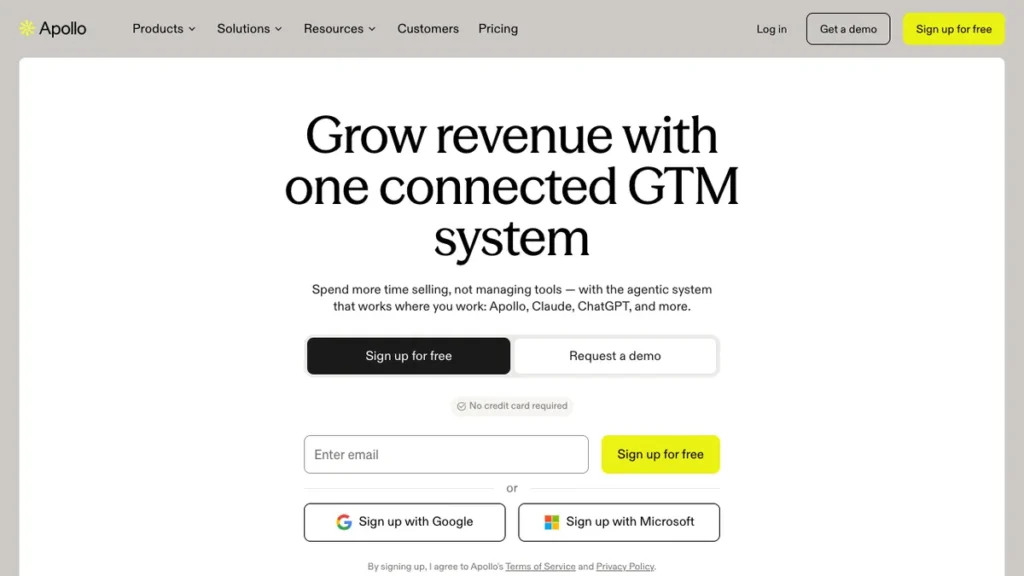
Apollo.io combines a large B2B contact database with a built-in sales engagement layer, so a small team can find a prospect and email them without leaving the platform. Predictive lead scoring surfaces the best-fit prospects, and AI sequences handle send timing across email and calls automatically.
The differentiator is consolidation at a reasonable price. Most all-in-one platforms in this category charge enterprise rates; Apollo.io covers data, outreach, and basic CRM tasks in one subscription that a small US-focused team doing email outbound can actually afford, though data accuracy gets uneven once you filter for verified emails only.
Apollo.io fits small businesses that want one platform for prospecting and outreach rather than paying for a data tool and a sequencing tool separately.
2. Instantly
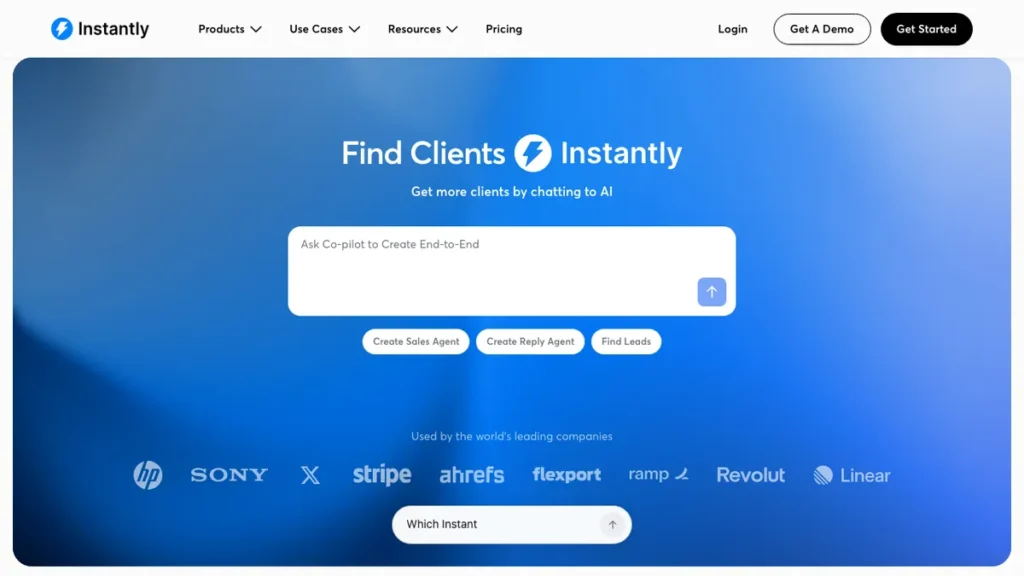
Instantly is built specifically for outbound email at volume, improving deliverability, warming up sending domains automatically, and supporting high-volume sending without landing in spam. It focuses narrowly on getting cold email into inboxes rather than covering the full prospecting workflow.
The differentiator is deliverability infrastructure. Where many all-in-one tools treat email sending as one feature among many, Instantly is built around solving the specific problem of inbox placement at scale, which matters once a small business starts sending more than a few hundred emails a week.
This fits businesses whose main lead generation channel is cold email and who need sending infrastructure that will not get flagged as spam.
3. Saleshandy
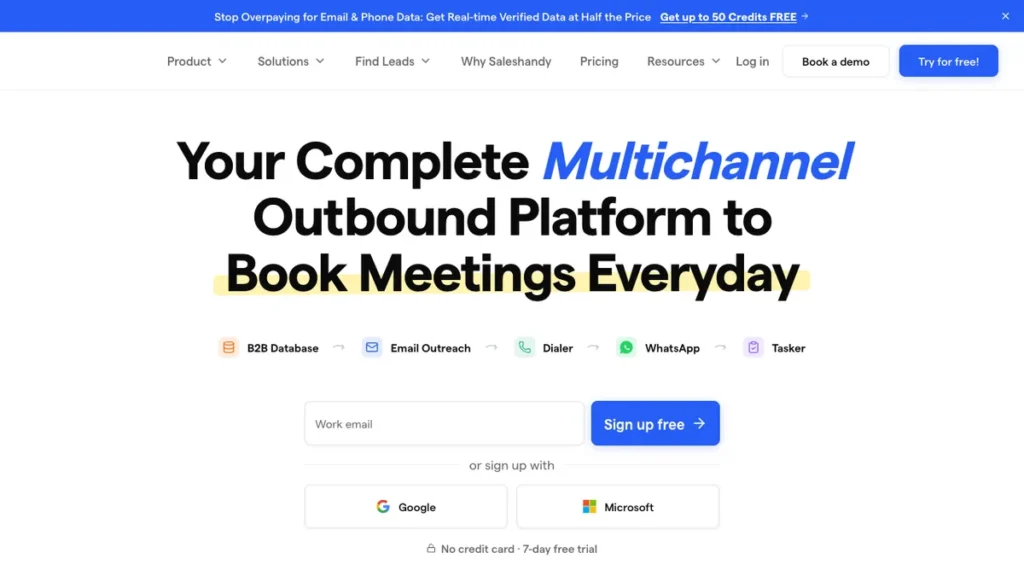
Saleshandy runs around $25 a month and bundles an AI lead finder with email automation, positioning it as one of the more accessible entry points for a small business testing AI lead generation for the first time. It includes the API and webhook integrations found in pricier tools, though the more advanced functionality sits behind higher plans.
The differentiator is price relative to feature depth. Saleshandy packages lead finding and outreach automation at a startup-friendly price point rather than charging enterprise rates for the same basic workflow, which makes it a reasonable first tool before scaling up to something more expensive.
Saleshandy fits solo founders and small teams testing AI-driven lead generation without committing to a larger monthly spend.
4. Clay
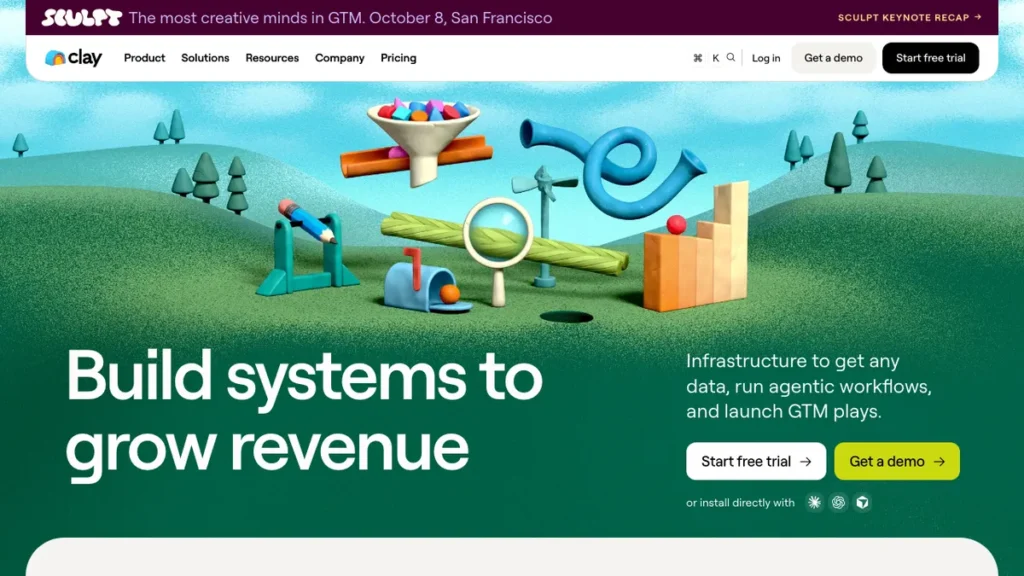
Clay stands out for finding high-intent leads through waterfall enrichment, pulling and cross-checking contact data from multiple sources automatically rather than relying on one static database. Its Claygent feature lets users prompt an AI research assistant in plain language to pull additional context on a prospect.
The differentiator is data accuracy through redundancy. Instead of trusting one contact database, Clay checks several and fills gaps automatically, which produces more reliable enrichment than tools relying on a single data source. Teams evaluating AI research assistants more broadly may also want to look at our Outseek AI review for a comparable AI-driven research approach.
Clay fits businesses where list quality and personalization matter more than list size, since the enrichment depth is the main selling point.
5. Lusha
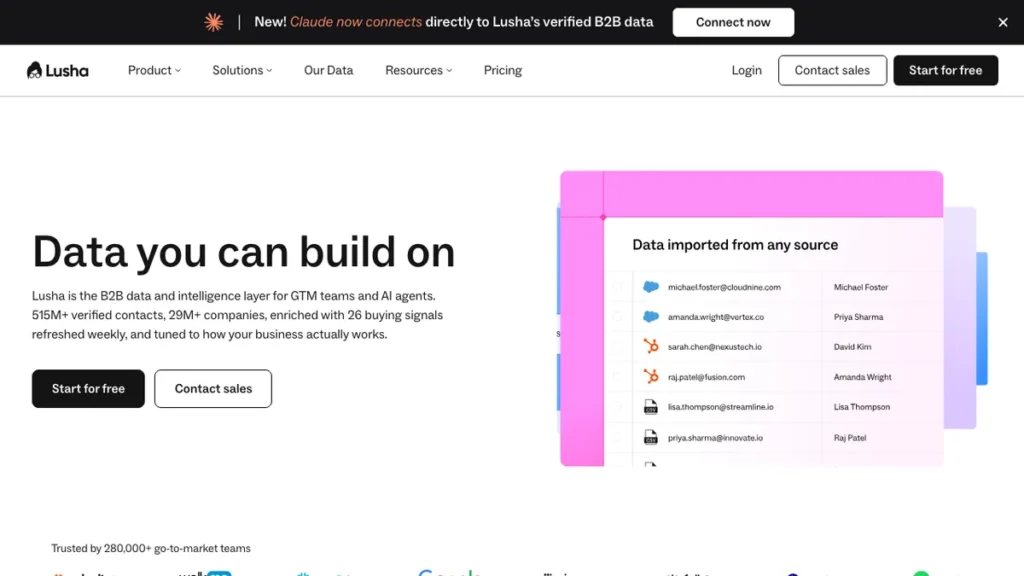
Lusha focuses on delivering accurate contact data quickly, without the broader sequencing and campaign features found in all-in-one platforms. It is built as a lightweight prospecting tool rather than a full outreach suite.
The differentiator is simplicity. Lusha does one job well, verified contact data, rather than trying to also handle sequencing, scoring, and campaign management, which makes it a fit for teams that already have an outreach tool and just need better contact accuracy feeding into it.
This fits small teams that already use a separate email or CRM tool and need a dedicated contact data source rather than another all-in-one platform.
6. UpLead
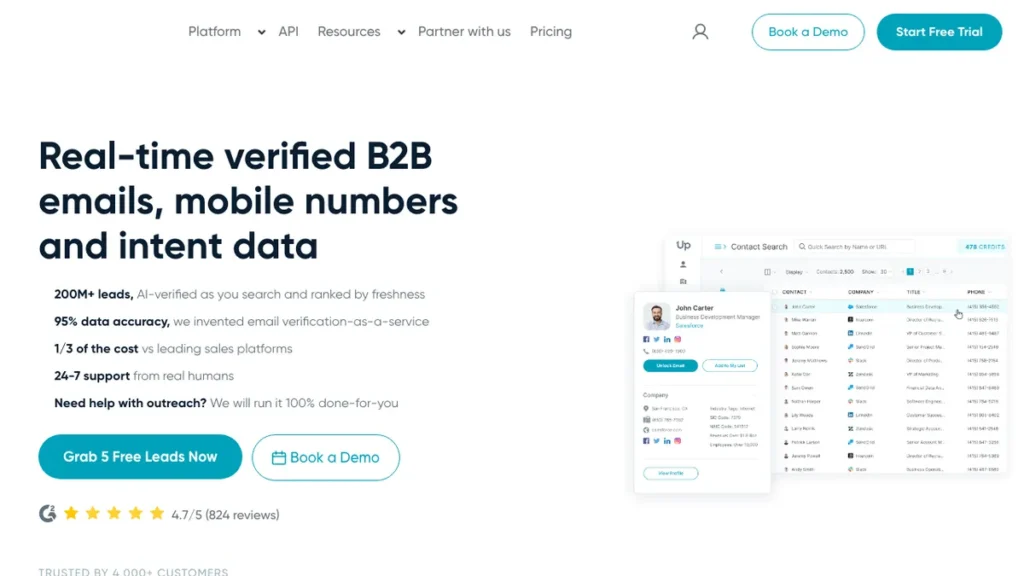
UpLead is built around real-time contact verification, checking emails at the point of export rather than relying on a static, aging database. This reduces the bounce rate problem that hits several cheaper lead generation tools once a list gets a few months old.
The differentiator is verification timing. Many databases verify contacts periodically, which means data can be stale by the time you export it; UpLead verifies at export, which keeps bounce rates lower for small businesses that cannot afford deliverability damage from a bad list.
UpLead fits small businesses where email deliverability and list accuracy matter more than database size.
7. HeyGen
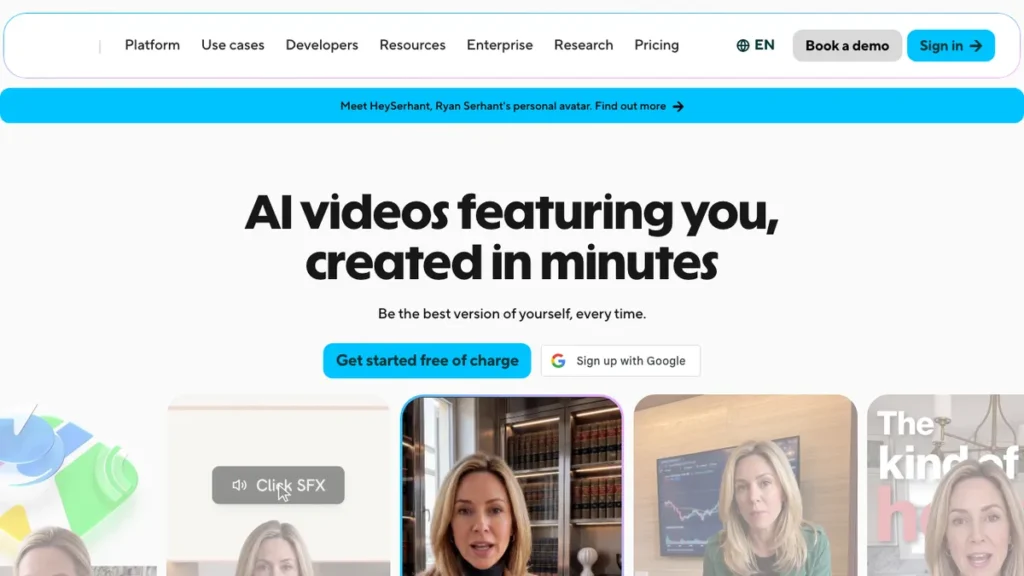
HeyGen runs around $29 a month and focuses on AI video outreach, generating personalized video messages at scale for cold outreach rather than relying on text-only email. A short, personalized video can stand out in an inbox where every other message is a wall of text.
The differentiator is the format itself. Where every other tool on this list improves how you find or email prospects, HeyGen changes what the outreach actually looks like, betting that a personalized video gets more attention than another cold email.
This fits small businesses and sales reps willing to test video-first outreach as a way to stand out from a crowded inbox.
8. Reply.io
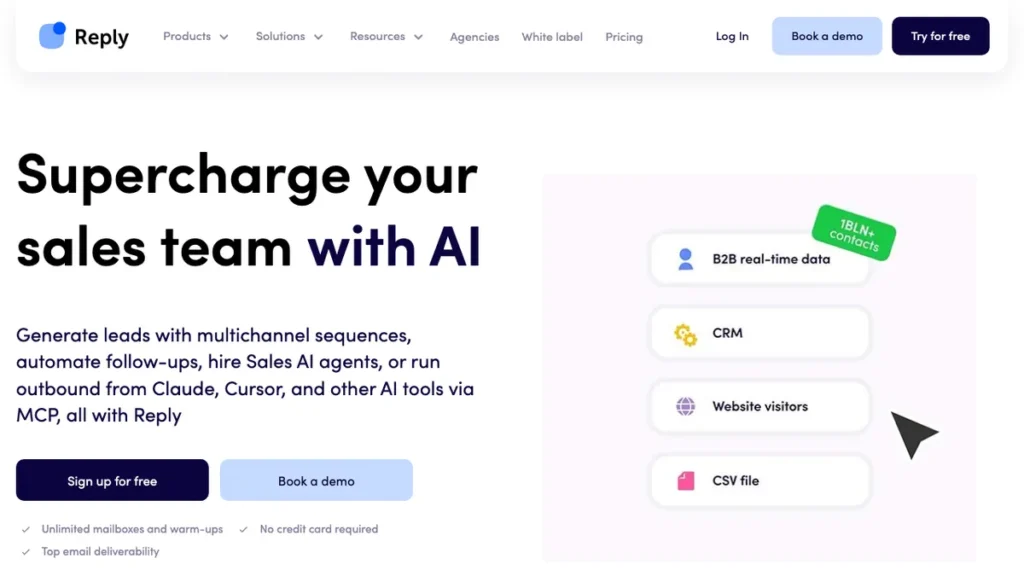
Reply.io handles multichannel outreach across email, calls, and social touchpoints from one sequencing platform, with AI features for message generation and timing built in. It positions itself as a mid-market alternative for teams that have outgrown a single-channel email tool but are not ready for an enterprise ABM platform.
The differentiator is channel breadth without enterprise pricing. Reply.io covers more outreach channels than a pure email tool while staying priced for growing small businesses rather than large sales organizations, which fills a gap between the cheapest single-channel tools and the priciest all-in-one platforms. For teams automating outreach across channels, our piece on AI agent task automation covers related workflow automation worth reading alongside a multichannel outreach setup.
Reply.io fits small businesses ready to run outreach across more than just email without jumping straight to enterprise pricing.
9. Gumloop
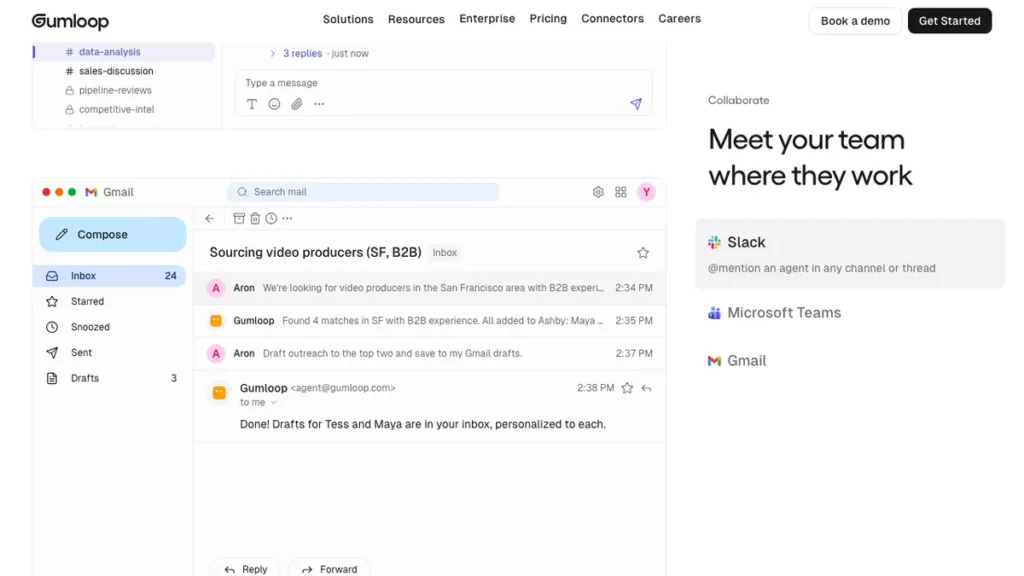
Gumloop is a workflow automation platform rather than a lead generation tool in the traditional sense, letting teams build custom AI-driven prospecting and enrichment flows by connecting different data sources and actions together. It fits teams that have outgrown what any single off-the-shelf lead tool offers.
The differentiator is customization. Instead of accepting a vendor’s fixed workflow, Gumloop lets a small team assemble the exact prospecting and enrichment steps they need, pulling from multiple data sources and tools in one connected flow.
This fits technically comfortable small teams who want to build a tailored lead generation workflow rather than adapt their process to fit a single vendor’s product.
10. Seamless.AI
Seamless.AI focuses on contact accuracy for teams that have been burned by stale or incorrect data from cheaper tools, positioning itself alongside UpLead as an accuracy-first option in this category. It combines a searchable contact database with AI-assisted list building.
The differentiator is the accuracy-first positioning against the broader field of lead generation tools that prioritize database size over verification. For a small business, a smaller list of accurate contacts tends to outperform a larger list full of bounces.
Seamless.AI fits small businesses that have tried a cheaper database tool, gotten burned by bad data, and are willing to pay more for accuracy.
Choosing Between an Off-the-Shelf Tool and a Custom Lead Pipeline
Any single tool above, or a combination of two or three, covers most small businesses running one outreach motion. The equation changes once a business is pulling leads from multiple sources, scoring them against custom criteria, and routing qualified leads into a CRM automatically rather than reviewing a spreadsheet each morning.
Why a Custom Pipeline Wins Once Volume Grows
Multi-source enrichment in one pass: A workflow built in n8n or Python can pull from several data providers, deduplicate, and score leads in one automated run instead of manually cross-checking multiple tools.
Custom qualification logic: Business-specific scoring criteria get built directly into the pipeline instead of adapted from a vendor’s generic lead score.
Direct CRM routing: Qualified leads land in the CRM automatically with the right tags and owner assigned, rather than requiring a manual export and import step.
No per-seat cost stacking: A custom pipeline scales with lead volume rather than charging per user seat, which adds up fast once a small sales team grows past two or three people.
This is the same logic covered in our performance marketing roadmap, where individual tools handle the first stage of growth well until the process itself needs to be automated end to end rather than run through five separate logins.
How to Set Up an AI Lead Generation Workflow
Step 1: Define your ideal customer profile clearly Write down the firmographic and intent signals that actually predict a good customer, since every tool on this list performs better with a specific ICP than a vague one.
Step 2: Pick one data source and one outreach tool to start Choose a contact data tool and a sequencing tool based on your primary bottleneck (data accuracy versus outreach volume) rather than trying to run all ten tools at once.
Step 3: Build a small test list first Run a batch of 50 to 100 contacts through your chosen tools before committing to a larger list, so you can judge data accuracy and response rate on a manageable sample.
Step 4: Personalize beyond the first line Use AI-generated personalization for more than just an opening line, since generic AI outreach is easy for prospects to spot and ignore at this point.
Step 5: Track reply and bounce rates weekly Monitor deliverability and response metrics weekly rather than monthly, since a bad list or a spam flag compounds quickly if it goes unnoticed.
Step 6: Automate the handoff to your CRM Once outreach is producing consistent replies, automate the step that moves a qualified lead into your CRM, so nothing sits in an inbox waiting for manual entry.
Conclusion
There is no single best AI lead generation tool for every small business, since the right pick depends on whether the bottleneck is finding contacts, verifying them, or actually getting a reply. Apollo.io and Reply.io suit teams that want one platform covering data and outreach, Saleshandy and Instantly fit tight budgets focused on email, and Clay, Lusha, UpLead, and Seamless.AI matter most when data accuracy is the real problem.
Start with one or two tools rather than testing all ten, and track reply rate and bounce rate closely in the first few weeks before scaling spend. Once lead volume outgrows what a single dashboard can manage cleanly, that is the point to look at a custom pipeline instead of adding another subscription to the stack.
Frequently Asked Questions
What’s the most affordable AI lead generation tool to start with?
Saleshandy runs around $25 a month and bundles an AI lead finder with email automation, making it one of the more accessible entry points for testing lead generation for the first time.
Which tool combines contact data and outreach in one platform?
Apollo.io pairs a large B2B contact database with built-in sequencing, so a small team can find and email a prospect without leaving the platform.
Which tool matters most when data accuracy is the real problem?
Clay uses waterfall enrichment to cross-check contact data from multiple sources, and UpLead verifies emails in real time at the point of export rather than relying on a static, aging database.
What is AI video outreach and which tool offers it?
HeyGen, around $29 a month, generates personalized video messages at scale for cold outreach, betting that a short video stands out more than another text-only email.
Can these lead generation tools work together?
Yes. The article notes Lusha fits teams that already use a separate email or CRM tool and just need better contact accuracy feeding into it, rather than replacing the whole stack.
When does it make sense to build a custom lead generation pipeline instead?
Once a business is pulling leads from multiple sources, scoring them against custom criteria, and routing qualified leads into a CRM automatically, a custom pipeline in n8n or Python tends to outperform stacking several tools.
You May Also Like
Digital Marketing Roadmap: a step-by-step guide to building a lean, effective marketing function.
Performance Marketing Roadmap: a guide to scaling paid and organic growth without adding headcount.
Outseek AI Review: a look at AI-powered research tools worth pairing with a lead generation stack.