
Freelancers lose entire days to work nobody pays for. Chasing invoices, writing proposals, taking meeting notes, formatting a portfolio piece. None of it bills a client, and all of it eats into the hours that actually do. AI tools have finally reached the point where they can absorb most of that overhead without needing a learning curve you don’t have time for.
These seven were picked based on hands-on use, how quickly a solo freelancer can get value without a team or a budget, and whether the free tier is actually usable or just a teaser. A mix of free and paid tools is included so you can build a stack that fits your income stage. For a wider view of where AI is heading across freelance and small business work, the AI trends for 2026 business strategy article is worth a read alongside this list.
The Freelancer AI Stack Worth Building in 2026
1. ChatGPT: Proposals, Emails, and Client Communication
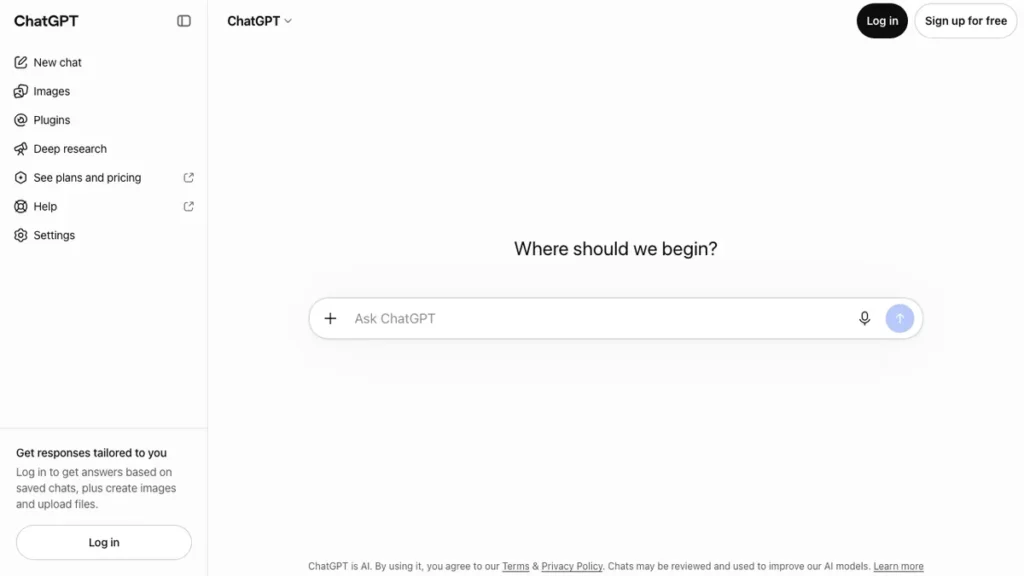
ChatGPT drafts client proposals, polishes cold outreach, and helps talk through scope creep before it becomes a problem. The standout feature is how well it holds a running conversation, so you can refine a pitch instead of rewriting from scratch each time.
Best for: Proposals, client emails, and quick problem solving.
Pricing: Free tier available. Plus plan around $20 per month.
Why I recommend it: It cut my proposal writing time by more than half. The limitation is that anything going straight to a client still needs a personal read-through first.
2. Canva Magic Studio: A Portfolio Without a Design Budget
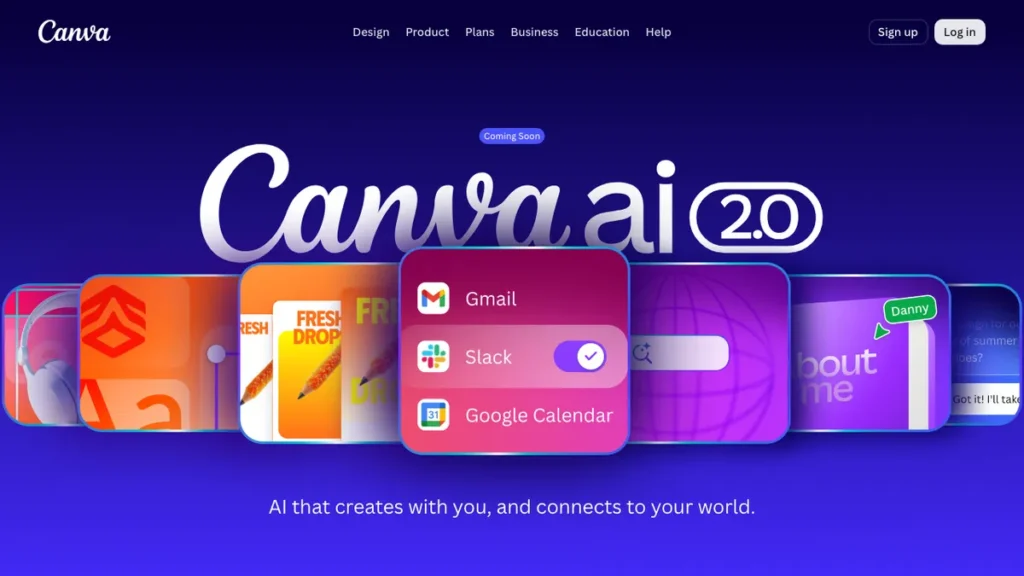
Canva bundles AI image generation, layout suggestions, and brand kits so a portfolio or pitch deck looks professional without hiring a designer. The standout feature is Magic Design, which turns a rough idea into a finished layout in seconds.
Best for: Portfolios, pitch decks, and social proof graphics.
Pricing: Free tier available. Pro plan around $13 per month.
Why I recommend it: My client-facing decks stopped looking homemade the day I switched to it. The limitation is that highly custom branding work still benefits from a real designer’s eye.
3. Otter.ai: Meeting Notes You Never Have to Take
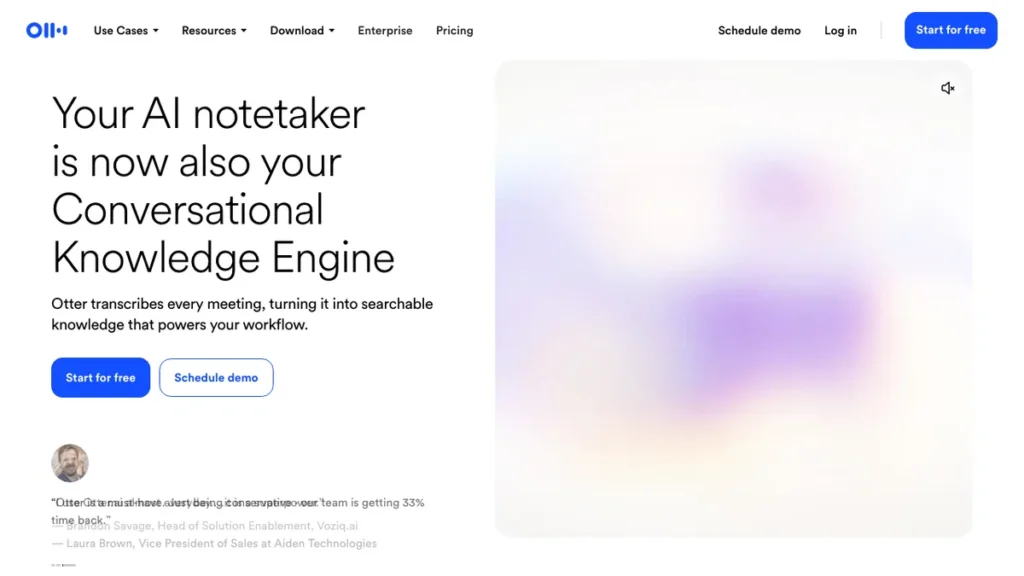
Otter.ai transcribes client calls in real time and generates a summary with action items afterward. The standout feature is automatic speaker labeling, so you know exactly who committed to what.
Best for: Client calls, discovery meetings, and scope confirmations.
Pricing: Free tier for limited monthly minutes. Paid plans start around $17 per month.
Why I recommend it: It settled more than one dispute over what was actually agreed to on a call. The limitation is accuracy drops on calls with heavy background noise or accents it hasn’t adjusted to.
4. Grammarly: Writing That Reads Like You Meant It
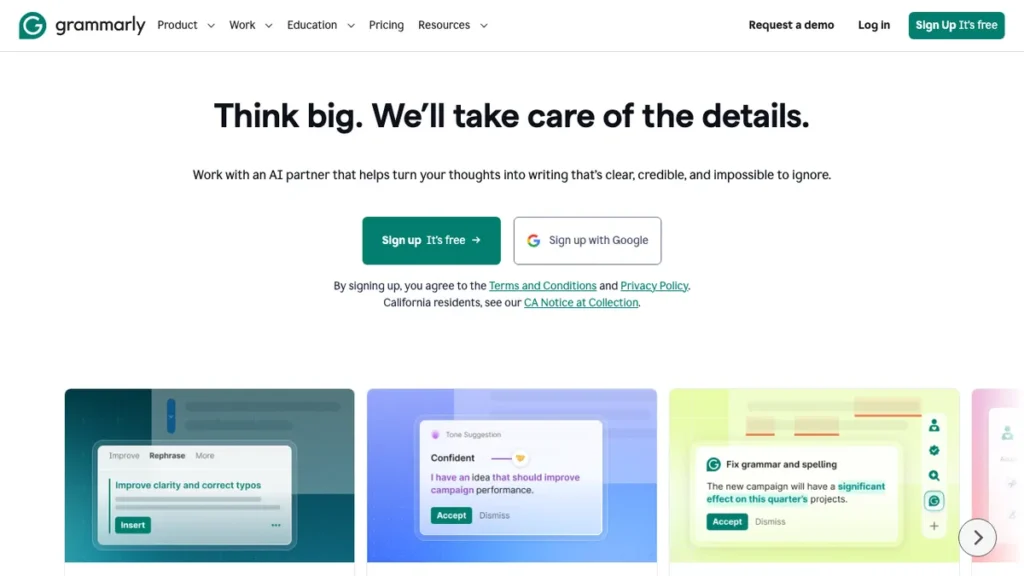
Grammarly checks tone, clarity, and grammar across everything from emails to full proposals as you type. The standout feature is its tone detector, which flags when a message might read as too blunt or too passive before you hit send.
Best for: Client emails, proposals, and any written deliverable.
Pricing: Free tier available. Premium plan around $12 per month.
Why I recommend it: It has caught tone problems in emails I would have sent without a second thought. The limitation is the AI rewrite suggestions can sound generic if used without editing.
If your freelance work leans toward content or SEO writing specifically, the SEOWriting AI review and RightBlogger review both cover tools built for higher-volume writing work rather than general polish.
5. QuickBooks Self-Employed: Invoicing Without the Spreadsheet
QuickBooks Self-Employed uses AI to categorize expenses, track mileage, and separate business from personal spending automatically. The standout feature is its quarterly tax estimate, which updates in real time as income comes in.
Best for: Invoicing, expense tracking, and quarterly tax prep.
Pricing: No free tier. Plans start around $20 per month.
Why I recommend it: It removed the year-end scramble to reconstruct expenses from memory. The limitation is that it is built for solo freelancers, not anyone managing contractors or a small team.
6. Notion AI: One Place for Every Client and Project
Notion AI adds writing, summarizing, and search directly into your project docs, client trackers, and notes. The standout feature is asking it a question across every client file at once instead of digging through folders.
Best for: Client tracking, project notes, and deliverable organization.
Pricing: Free tier for individuals. AI add-on around $10 per month.
Why I recommend it: It replaced three separate apps I used to juggle for client management. The limitation is the AI add-on cost feels steep for how often a solo freelancer actually uses it.
7. Calendly: Scheduling That Handles Itself
Calendly now includes AI-assisted scheduling that suggests optimal meeting times and automatically reroutes based on your workload. The standout feature is smart buffering, which prevents back-to-back calls from eating your deep work time.
Best for: Booking discovery calls and client check-ins.
Pricing: Free tier available. Paid plans start around $10 per month.
Why I recommend it: It ended the email back-and-forth over finding a meeting time entirely. The limitation is the free tier caps you at one event type, which feels tight once you offer multiple services.
Choosing the Right Tools for Your Freelance Business
Not every freelancer needs all seven of these running at once. Match the tool to whatever part of your workflow currently feels the most manual. A copywriter’s bottleneck looks nothing like a designer’s, so build around your actual week rather than a generic list. For a broader comparison across categories, the expert-reviewed best AI tools roundup is a solid next stop.
- Start free: Every tool above has a usable free tier, so test before you commit any budget.
- Test with a real task: Run an actual client email or invoice through it instead of a throwaway example.
- Check integrations: Confirm it connects with your existing invoicing, email, or project tools before relying on it daily.
- Watch the learning curve: Give any new tool a full week before deciding, since most freelance AI tools get faster to use once the setup is done.
Final Thoughts
Start with ChatGPT and Grammarly since they touch the most client-facing writing with the least setup. Add QuickBooks Self-Employed once invoicing starts eating real hours. Pick one tool, run it through a full week of real work, and build from there.
Frequently Asked Questions
What is the best free AI tool for freelancers?
ChatGPT’s free tier covers the widest range of daily freelance tasks, from proposals to quick research. Grammarly’s free plan is the strongest pick if writing polish is your main concern.
Do I need technical skills to use these AI tools?
No. All seven tools are built for non-technical, single-user setups with plain-language prompts and simple dashboards. Most freelancers are productive within the first session.
How much do AI tools cost for freelancers?
Costs range from free to around $20 per month per tool, depending on usage. Most freelancers can run a solid starter stack for under $30 a month by combining free tiers with one or two paid tools.
Can AI tools replace client communication and relationship management?
Not fully. Tools like ChatGPT and Grammarly can draft and polish messages, but the judgment on tone, timing, and relationship nuance still needs a human freelancer behind it. They reduce the time spent writing, not the need to actually manage the relationship.
Which AI tool should I try first?
Start with ChatGPT. It has the lowest barrier to entry, a usable free tier, and touches proposals, emails, and planning all at once, so the value shows up immediately.