
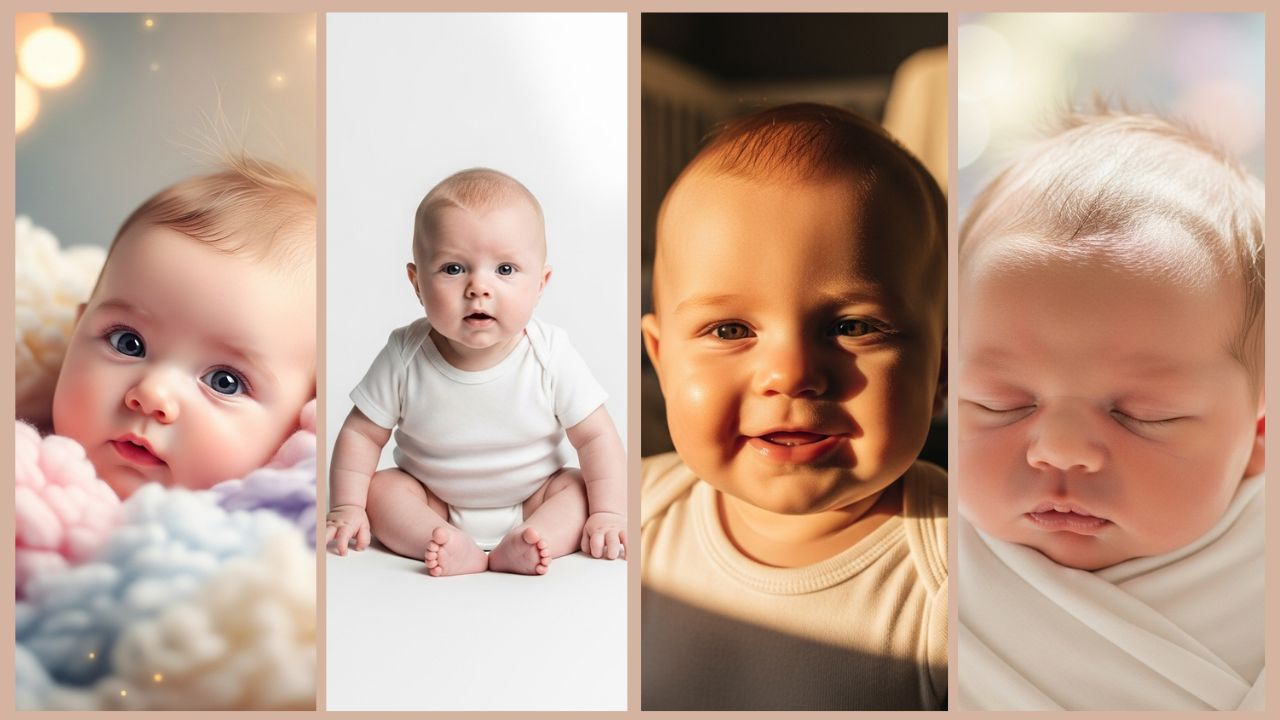
A 2015 study by UK advocacy group The Parent Zone, polling 2,000 parents, found the average child has around 973 photos posted online before their fifth birthday, roughly 195 a year. Most of those never get a second look beyond a quick share, they sit in a camera roll, unedited, because a real newborn photography session often runs several hundred dollars. Google Gemini AI closes that gap: it turns an existing phone photo into a portrait that looks intentionally lit and composed, for free.
Below are 10 ready-to-copy prompts built specifically for baby photography, plus a flexible bonus prompt for monthly milestone shoots. Each one is written to hand Gemini a complete, specific brief rather than a vague request, since specificity is what separates a soft, natural-looking result from something that reads as over-processed.
Quick answer: the strongest baby-photo prompts combine a soft natural-light description (window light, golden hour, diffused glow) with an explicit color palette and a stated mood, plus a resolution and depth-of-field note. Gemini handles skin tone and fine detail (eyelashes, baby hair) well when the prompt is specific about lighting direction rather than left vague.
Why This Works Better Than a Filter
A filter applies the same overlay to every photo regardless of what’s actually in it. Gemini reads the photo first, lighting, expression, background, and builds the enhancement around that, which is why the result holds up as a photograph rather than reading as a processed image.
- Skin texture stays natural rather than getting smoothed into a plastic-looking finish
- Photography-specific lighting terms (window glow, golden hour rim light) get interpreted correctly, not just brightened
- Pastel and nursery color tones render accurately instead of shifting color
- Fine detail, eyelashes, fuzzy hair, tiny fingernails, stays sharp rather than getting lost in smoothing
Getting a Source Photo Ready
The best source photos share a few things: natural window light rather than flash, a clearly visible face, a simple background (plain bedding or a solid-color blanket), and a calm or sleeping baby, since a still subject gives the AI more to work with than a photo full of motion blur. Clean the baby’s face gently before shooting, use morning or late-afternoon window light rather than harsh midday sun, and clear any clutter from the background before the AI has to work around it.
For a boy- or girl-specific angle, our Gemini AI baby boy photo prompts and Gemini AI baby girl photo prompts build on this same preparation approach with more targeted styling.
How to Use These Prompts
- Upload the source photo to Gemini
- Copy the full prompt text, including the technical detail, not just the mood words
- Replace “baby” with something specific: baby girl, newborn boy, 6-month-old
- Add clothing or blanket detail if it matters to the shot
- Generate and save the result
10 Copy-Paste Baby Photo Prompts
1. Newborn Angel Softness
8K ultra-soft portrait, peaceful sleeping newborn baby wrapped in white swaddle, gentle natural window light creating soft glow on delicate skin, dreamy pastel background blur, creamy bokeh effect, tender peaceful atmosphere, professional newborn photography style, f/1.8 shallow depth of field, warm color temperature, fine baby hair details, studio quality softnessBest for: first days home, sleeping newborn sessions, announcement photos.

2. Golden Hour Baby Glow
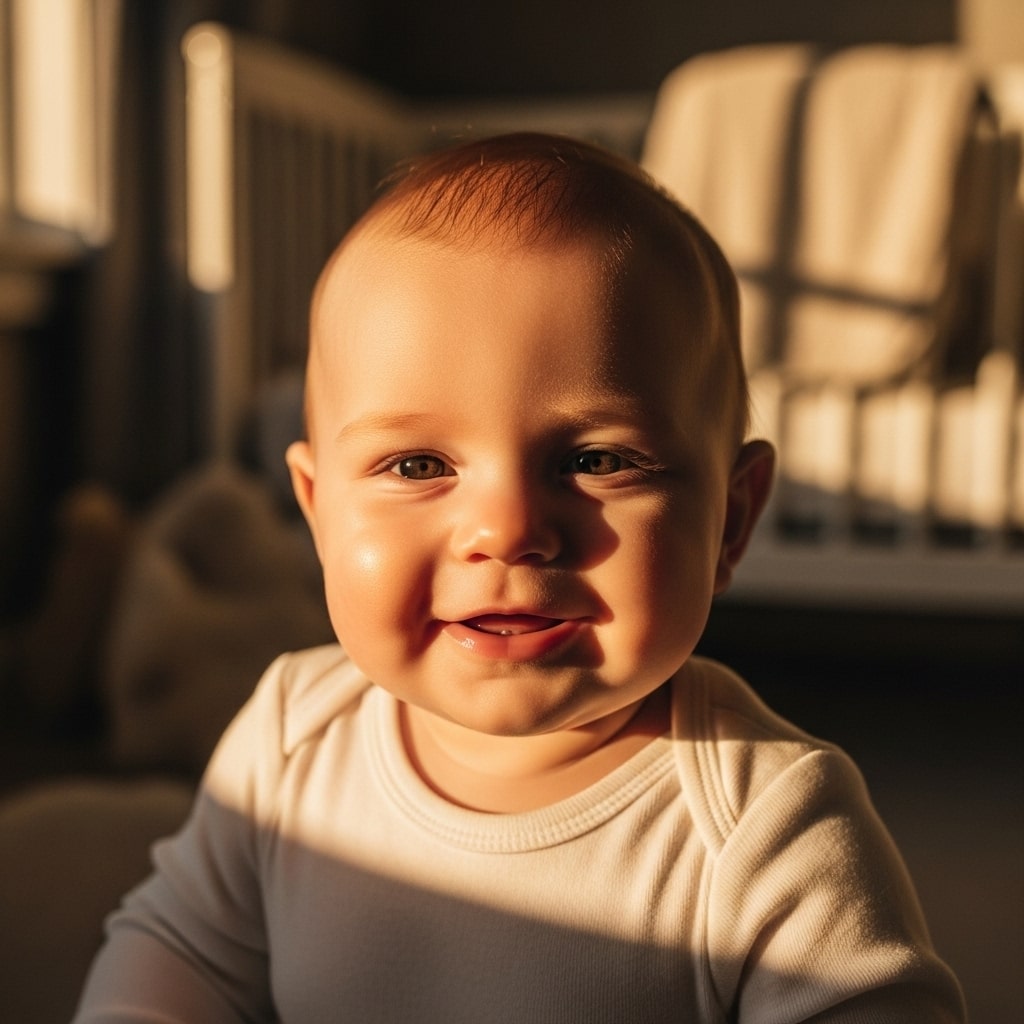
Cinematic 8K portrait, happy baby bathed in warm golden hour sunlight, soft window light creating natural rim lighting around face, gentle shadows, creamy skin tones with healthy glow, cozy nursery background softly blurred, magical warm atmosphere, late afternoon natural light, professional portrait photography, detailed baby features, heartwarming moodBest for: evening nursery photos, warm family moments, social sharing.
3. Classic Studio White
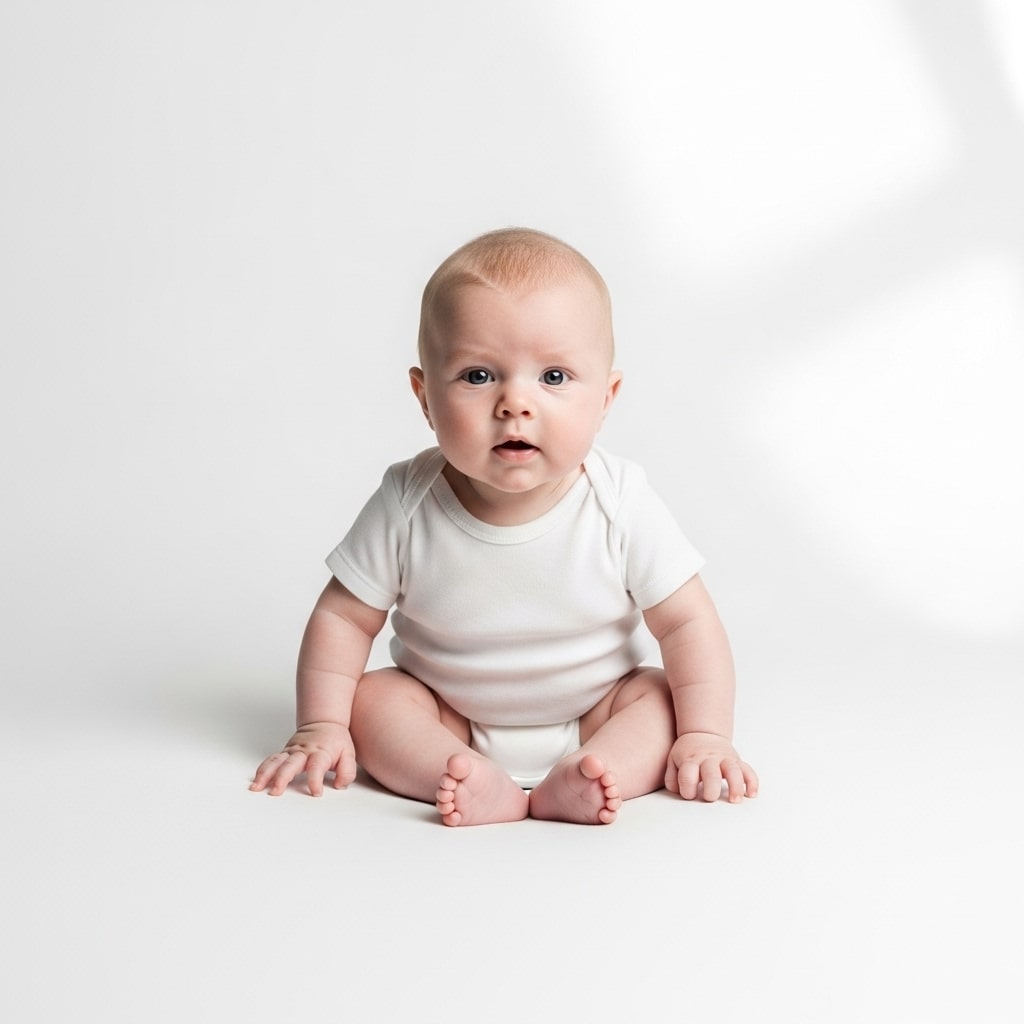
8K professional studio portrait, baby on pristine white background, soft diffused studio lighting from above creating gentle shadows, high-key bright aesthetic, pure white seamless backdrop, baby wearing simple white onesie, clean minimalist style, detailed skin texture, professional baby photographer quality, timeless elegant look, f/2.0 apertureBest for: milestone photos, clean announcement images, a minimal aesthetic.
4. Dreamy Pastel Paradise
Hyper-realistic 8K portrait, adorable baby surrounded by soft pastel colors, gentle pink and lavender tones, fluffy cloud-like blankets, ethereal dreamy lighting, soft focus background with bokeh, whimsical fairy tale atmosphere, delicate baby features sharp in focus, romantic portrait style, nursery rhyme aesthetic, tender sweetnessBest for: baby shower previews, nursery-themed photos, softer color palettes.

5. Outdoor Natural Beauty
8K natural light portrait, baby in outdoor garden setting, soft dappled sunlight filtering through leaves, natural green foliage background gently blurred, fresh air atmosphere, organic natural tones, baby on soft blanket, spring meadow aesthetic, documentary family photography style, authentic moment captured, gentle breeze impliedBest for: spring and summer outdoor sessions, a natural, organic look.

6. Milestone Celebration
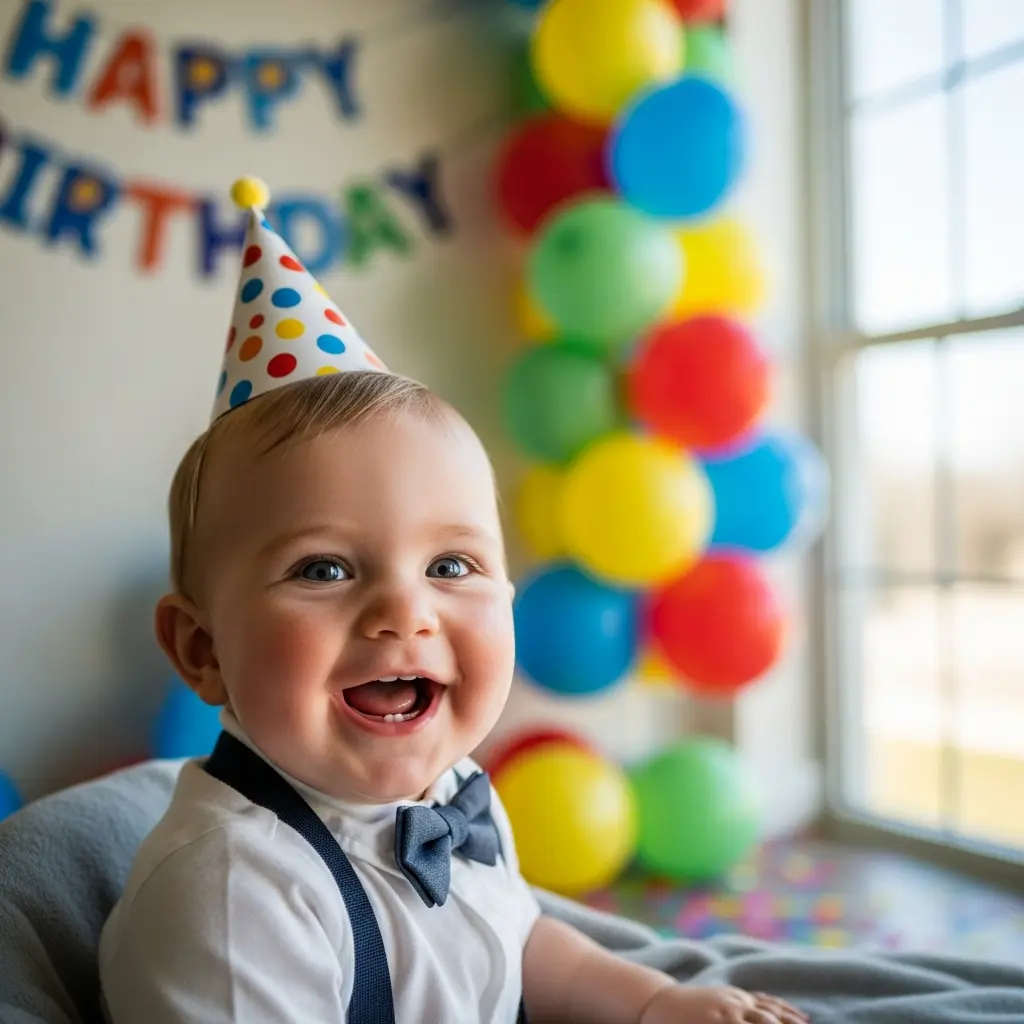
Bright 8K portrait, happy baby during milestone moment, colorful birthday setup with balloons softly visible in background, joyful expression, natural indoor lighting with soft shadows, celebratory atmosphere, vivid but not oversaturated colors, detailed baby smile and excited eyes, candid moment feeling, professional event photography qualityBest for: first birthdays, 6-month photos, celebration documentation.
7. Sleeping Angel Peace
8K ultra-detailed close-up portrait, peacefully sleeping baby with tiny hand near face, macro-level detail on eyelashes and soft baby skin, gentle side lighting creating dimension, neutral warm tones, cream and beige color palette, intimate peaceful moment, fine art baby photography, shallow depth of field f/1.4, serene tranquilityBest for: nap-time captures, peaceful documentation, frame-worthy prints.

8. Parent Bond Moment
Cinematic 8K portrait, baby being held by parent (hands visible), emotional connection, soft natural home lighting, warm intimate atmosphere, focus on baby's face with parent softly blurred, tender loving moment, documentary family style, authentic emotion captured, warm skin tones, lifestyle photography aesthetic, genuine connectionBest for: Mother’s Day and Father’s Day posts, family bond documentation. For a shot built around the whole family rather than just a parent’s hands, our Gemini AI family photo prompts extend this same warm, documentary approach to a group.

9. Tummy Time Curiosity
8K bright portrait, alert baby during tummy time looking at camera with curious expression, eye-level perspective creating connection, soft natural playmat background, bright cheerful atmosphere, sharp focus on baby's eyes and expression, developmental milestone aesthetic, natural home lighting, engaging personality captured, professional clarityBest for: developmental milestone photos, personality-forward portraits.

10. Vintage Heirloom Style
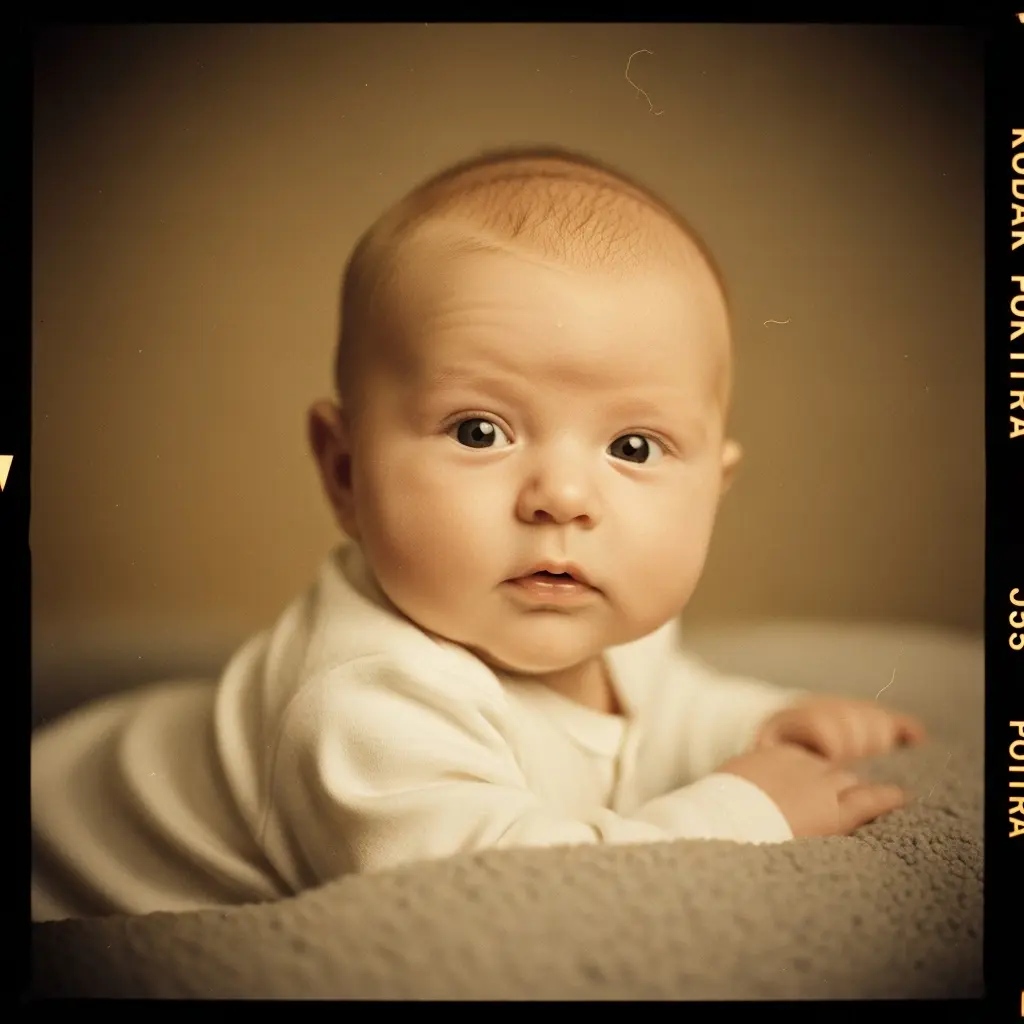
8K portrait with vintage film photography aesthetic, baby in classic timeless pose, soft sepia or muted color tones, slight film grain texture, heirloom quality feeling, gentle vignette, old-fashioned baby portrait style, reminiscent of grandmother's photo albums, nostalgic warmth, Kodak Portra film emulation, destined to become family treasureBest for: generational photos, timeless keepsakes, classic family albums. For a session focused entirely on the earliest days rather than a specific style, our newborn baby photoshoot Gemini prompts cover that window in more depth.
Bonus Prompt: Monthly Milestone Photoshoot
For a 1-month through 12-month series, or a yearly birthday version, this one flexible prompt covers every milestone instead of writing a new one each time. Replace [AGE] with the exact milestone, like “3 months” or “2 years.”
8K milestone portrait, baby at [AGE] old, sitting or lying on a neutral cream blanket, small wooden [AGE] milestone sign or card placed beside them, soft natural window lighting, minimal uncluttered background, gentle genuine expression, professional monthly milestone photography style, consistent styling for a growth timeline seriesBest for: 1-month through 12-month milestone shoots, birthday photos, a growth timeline gallery. Keep the blanket, lighting, and background identical every month so the full series reads as one cohesive set.
Getting the Timing and Safety Right
The 30 minutes right after a nap tends to be the calmest, most alert window, before hunger or overstimulation sets in. Morning (8 to 10am) or late afternoon (4 to 6pm) window light beats harsh midday sun, and a north-facing window gives the most consistent light through the day.
Always support the baby’s head and neck per the American Academy of Pediatrics’ own guidance, never pose a baby in a position that isn’t genuinely safe for the sake of a shot, and keep sessions to 10 to 15 minutes. Stop immediately if the baby gets fussy. Take 20 to 30 photos in one good session, then pick the best 3 to 5 to actually run through Gemini rather than editing every single frame.
The near-1,000-photos figure mentioned at the top isn’t a rounded-off guess, it’s the actual finding from The Parent Zone’s 2015 survey of 2,000 UK parents: 973 photos of the average child posted online before their fifth birthday. Most of those never get more than a glance before the next one gets taken, which is the real argument for spending the extra minute running the best few through a prompt like the ones above instead of every single frame.
Frequently Asked Questions
Is Gemini AI safe for editing baby photos?
Gemini enhances the photo you provide; it doesn’t publish or index your images. Check the app’s privacy settings and avoid uploading photos with identifying details visible in the background, the same caution worth applying to any photo of a child shared or processed online.
Can I use these photos professionally?
Personal use, social sharing, family albums, and gifts are typically fine. For selling prints or commercial advertising, check Gemini’s current terms of service on generated-image usage, since those policies change periodically.
How is this different from an Instagram filter?
A filter applies the same overlay regardless of the photo underneath it. Gemini reads the actual lighting, composition, and detail in the source image and builds the enhancement from there, which is why the result reads as photographed rather than filtered.
Will this make my baby look fake?
Not if the prompt stays in the soft, natural range shown above. Extreme or heavily stylized prompts push toward an artificial look; these ten are deliberately written to preserve real features.
What age range do these prompts work for?
Newborn through toddler, roughly 0 to 3 years. Adjust the wording in the prompt itself: “newborn” for 0 to 4 weeks, “baby” for 2 to 12 months, “toddler” for 1 to 3 years.
Can I use these on a photo with twins or siblings?
Yes, specify “twin babies” or “siblings” directly in the prompt. Gemini handles a single baby most precisely; a group shot may need a little more specific wording to get an even result across both children.