
TL;DR: Instagram gives no built in way to save someone else’s Highlights, and grabbing them one story at a time does not scale once a profile has a dozen Highlight sets.
- 4K Stogram and Wondershare UniConverter are desktop apps built for pulling an entire profile’s Highlights and stories in one batch job.
- IMDownloader adds a download button inside the Instagram web interface and pairs with MassLoader for bulk saving without leaving the page.
- Instasaver and Inflact work from just a username, loading every Highlight collection on a public profile instead of requiring individual links.
Instagram Highlights hold some of the most reusable content on a profile, product walkthroughs, testimonials, behind the scenes clips, but the platform only lets you save your own through the Stories Archive. Anything you want from another public profile has to go through a third party tool, and doing that one Highlight at a time is not realistic once you are researching competitors or archiving a client account with dozens of saved sets.
This article covers six tools built specifically for bulk downloading, meaning they pull an entire profile’s Highlights in one pass rather than requiring a separate link for every story. It is written for social media managers, researchers, and marketing teams who need Highlights saved at scale rather than one at a time, a workload that fits naturally into the broader content research steps outlined in our social media marketing roadmap.
1. 4K Stogram
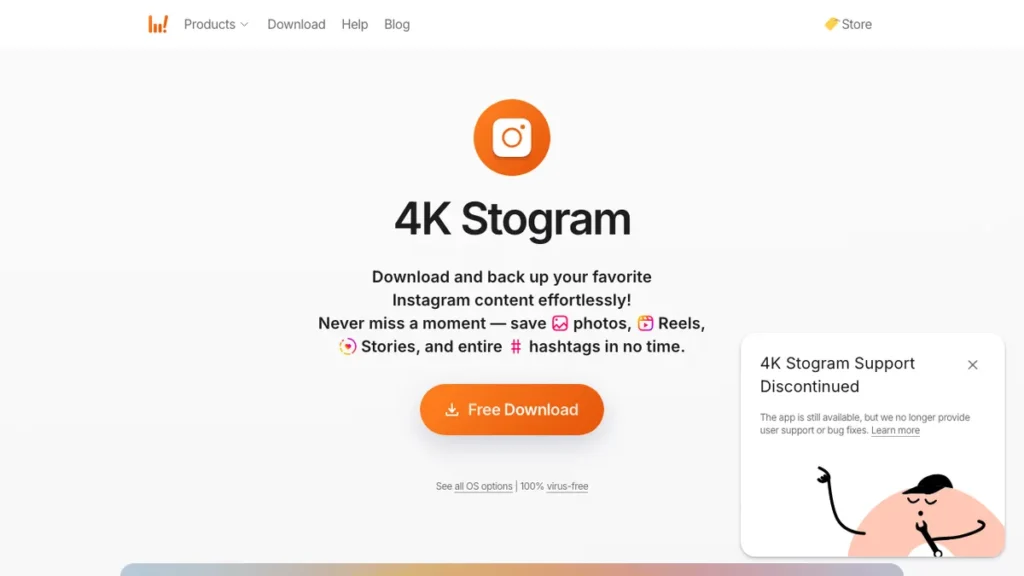
4K Stogram is a desktop app built around downloading full Instagram profiles rather than single posts. Point it at a username and it pulls every visible Highlight collection along with photos and regular posts, saving everything into an organized local folder structure.
The differentiator is subscription based monitoring. 4K Stogram can track a profile over time and automatically grab new Highlights as they are added, instead of requiring you to manually re-run the download every time a profile updates.
This fits researchers and agencies tracking multiple client or competitor accounts who want an ongoing archive rather than a single export.
2. Wondershare UniConverter
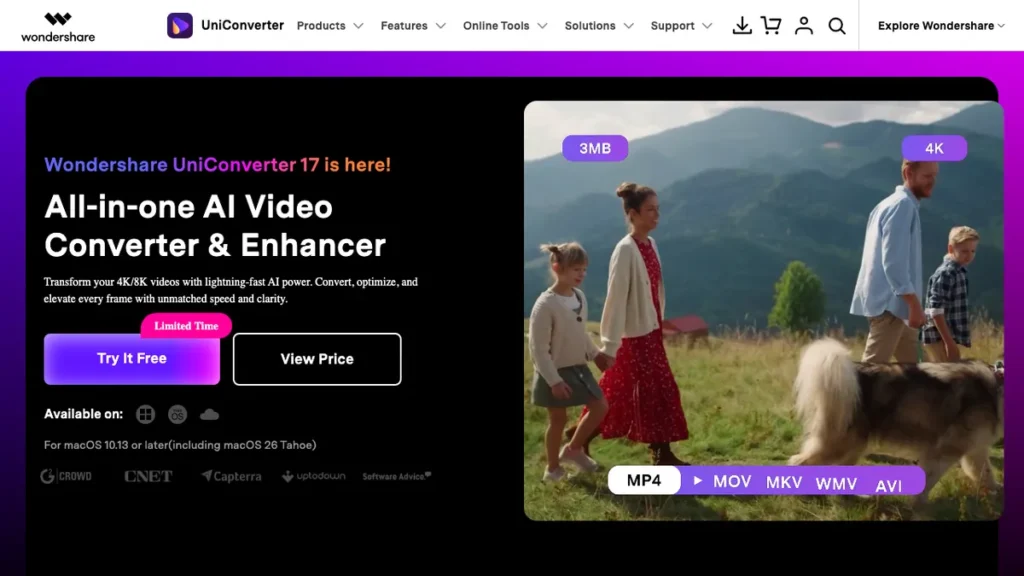
Wondershare UniConverter is a broader multimedia suite that includes a video downloader module capable of pulling Instagram content in bulk. Beyond downloading, it handles conversion, compression, and basic editing on the files once they are saved.
The differentiator is that post download processing layer. Rather than downloading a folder of raw files and opening a separate app to convert or compress them, UniConverter keeps that step inside the same tool.
This fits users who plan to immediately repurpose downloaded Highlights into a different format or file size rather than archiving them as is.
3. IMDownloader
IMDownloader is a Chrome browser extension rather than a standalone app, adding a download button directly under images, videos, Stories, and Highlights inside the Instagram web interface. It supports batch processing through a companion tool called MassLoader for saving everything visible on a page at once.
The differentiator is that it works inside Instagram itself, with no copying links into a separate site. This keeps the workflow close to normal browsing, useful for marketers who spend a lot of time already reviewing content on Instagram’s desktop site.
This fits users who prefer downloading as they browse rather than opening a dedicated downloader tool for every session.
4. Instasaver
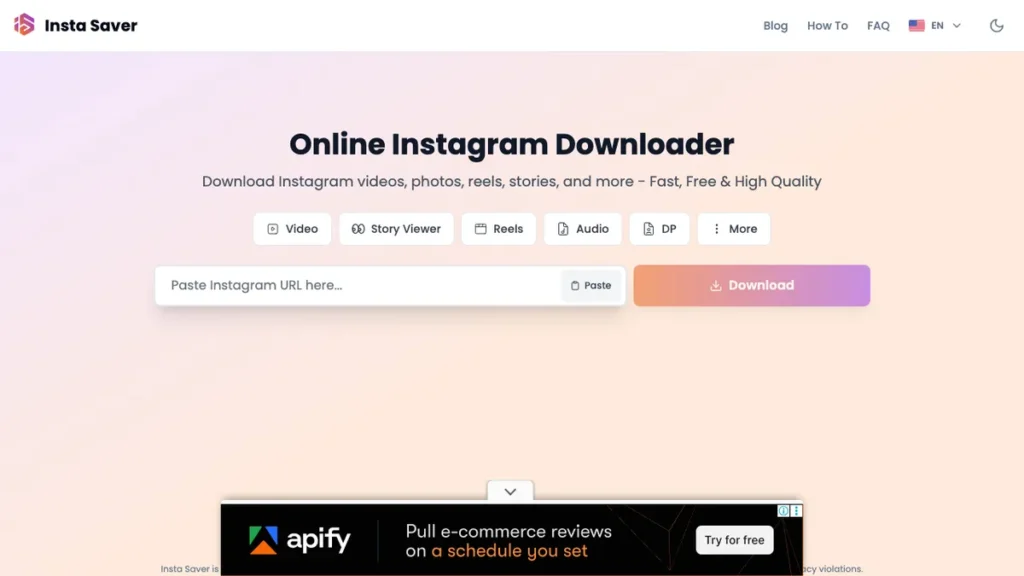
Instasaver loads a profile’s full set of Highlight collections from just a username or profile URL, rather than requiring a link to each individual Highlight. It keeps the highest quality Instagram makes available for both the Highlight cover image and the stories saved inside it.
The differentiator is that grouped download approach. Since Highlights are profile based rather than post based, loading by username instead of chasing individual story links saves real time on profiles with many saved sets, a scale problem similar to the one covered in our roundup of AI tools for digital marketers.
This fits users reviewing public brand or creator profiles who want a complete Highlight archive in one load rather than a single story at a time.
5. Inflact
Inflact’s Instagram Highlight Downloader focuses specifically on Highlight collections rather than trying to cover every content type on the platform. It works from a public profile without requiring the visitor to log into an Instagram account.
The differentiator is that narrower focus. By not trying to also handle Reels, posts, and DMs in the same tool, Inflact keeps its Highlight specific workflow simpler than more general purpose downloaders.
This fits users whose main need is Highlights specifically and who already have separate tools for other Instagram content types.
6. StorySaver
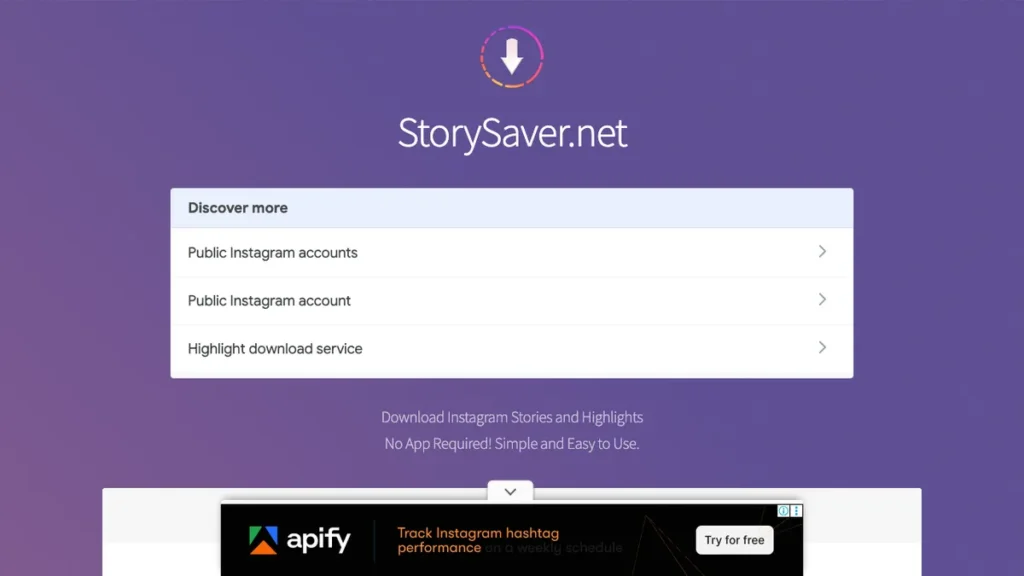
StorySaver works from a simple flow: paste the target account’s username, then select the current story or specific Highlight sets you want, and click Save As. Downloads land directly on your phone or PC with no software install required.
The differentiator is accessibility. StorySaver runs entirely in the browser and needs no account of your own, which keeps the barrier to entry low compared to desktop apps like 4K Stogram or UniConverter.
This fits casual or occasional users who need to save a handful of Highlight sets without setting up dedicated software.
Which Bulk Highlight Downloader Fits Your Workflow
The right tool here depends on how often you download and whether you need ongoing monitoring or a one time export. A single competitor review and an ongoing client archive call for different setups.
Choose Based on Your Use Case
Ongoing profile monitoring: 4K Stogram tracks accounts over time and pulls new Highlights automatically as they are added.
Downloading and repurposing in one tool: Wondershare UniConverter bundles conversion and compression alongside the download itself.
Browsing and downloading in the same session: IMDownloader adds a button directly inside Instagram, so nothing needs to be copied into a separate site.
Full Highlight collections from a username: Instasaver and Inflact both load every Highlight set on a profile from just the username, no individual links required.
Quick, occasional saves: StorySaver handles a handful of Highlights with no install and no account needed.
How to Bulk Download Instagram Highlights
Step 1: Confirm the profile is public Bulk downloaders only work on public Instagram profiles, since none of the tools on this list can access private accounts without logging in as an authorized follower.
Step 2: Pick a tool based on your workflow Match the tool to whether you need one time downloading, ongoing monitoring, or built in file conversion, using the comparison section above.
Step 3: Enter the username or profile URL Most bulk tools work from just the profile handle rather than individual Highlight links, which is what makes the bulk workflow possible in the first place.
Step 4: Select the Highlight sets to download Some tools pull every visible Highlight automatically, while others let you choose specific sets before starting the batch download.
Step 5: Run the batch download Desktop apps like 4K Stogram process the download locally, while browser tools like StorySaver generate downloadable files directly on the page.
Step 6: Organize the saved files Move downloaded Highlights into folders by profile or campaign, especially if you are running this workflow regularly across multiple accounts, a habit worth building into the same tracking systems covered in our roundup of AI tools for freelancers.
Conclusion
4K Stogram and Wondershare UniConverter are the strongest picks once you need ongoing monitoring or post download processing, while IMDownloader fits best for anyone who prefers downloading while browsing rather than switching tools. Instasaver, Inflact, and StorySaver all cover the simpler case of loading full Highlight sets from a username with no software install.
Whichever tool you choose, only download Highlights you have permission to reuse, since saving a public profile’s content and having the right to repost it are two separate things.
Frequently Asked Questions
Which tool is best for ongoing monitoring of a profile’s Highlights?
4K Stogram is built around subscription-based monitoring, tracking a profile over time and automatically grabbing new Highlights as they’re added, instead of requiring a manual re-run every time a profile updates.
Is there a free, no-install option?
StorySaver runs entirely in the browser with no software install and no account needed. Paste the target username, select the Highlight sets, and click Save As.
Which tools let me download Highlights from just a username?
Instasaver and Inflact both load a profile’s full set of Highlight collections from just the username or profile URL, rather than requiring a link to each individual Highlight.
Can I download and convert Highlights in the same tool?
Wondershare UniConverter bundles conversion, compression, and basic editing into the same tool, so downloaded files don’t need to be opened in a separate app to repurpose.
Can I bulk download Highlights from a private Instagram account?
No. Bulk downloaders only work on public Instagram profiles, since none of the tools covered here can access private accounts without logging in as an authorized follower.
What’s the difference between IMDownloader and a standalone downloader like 4K Stogram?
IMDownloader is a Chrome extension that adds a download button directly inside the Instagram web interface, keeping the workflow inside normal browsing, while 4K Stogram is a separate desktop app built around downloading and monitoring full profiles over time.
You May Also Like
- Best AI Video Review: a roundup of AI video tools worth pairing with a downloaded Highlight archive during repurposing.
- Gemini AI Prompts for Instagram Reels: prompt ideas for turning saved Instagram content into new Reels.
- Best AI Tools Expert Reviewed: a broader look at AI tools tested for marketing and content workflows.