
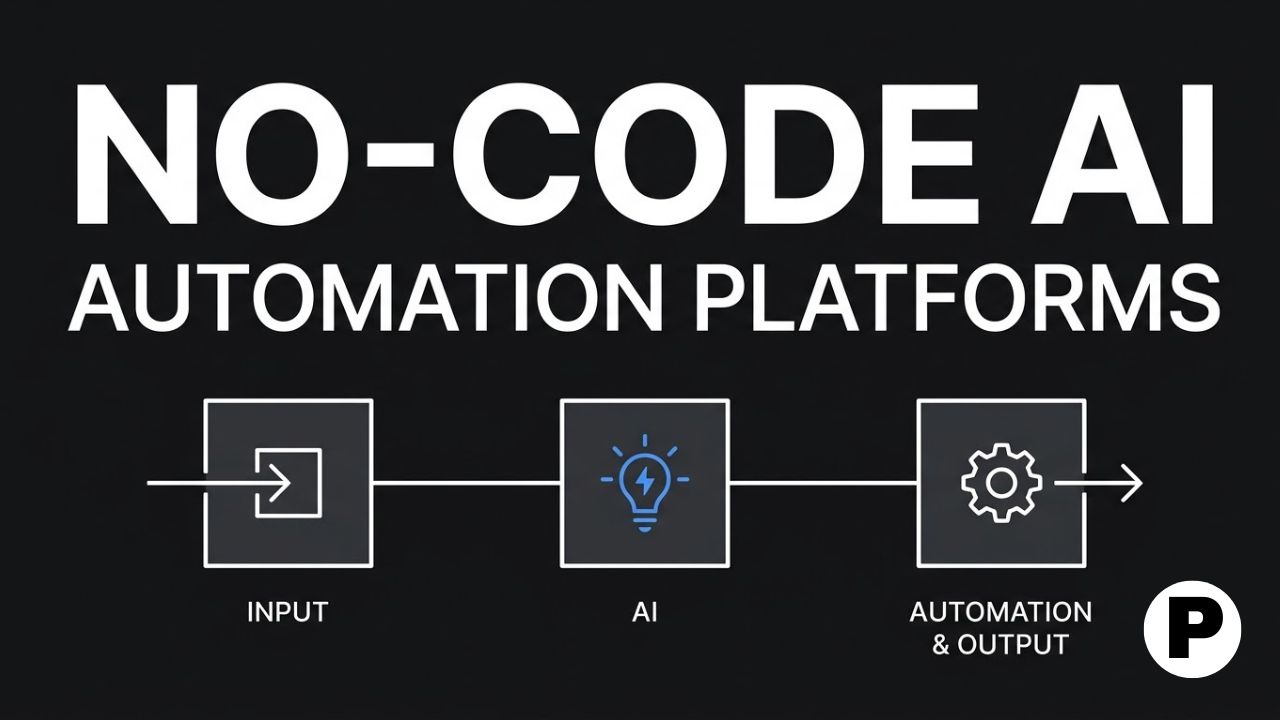
TL;DR: Zapier remains the widest-reaching no-code platform with over 9,000 app integrations, while newer AI-native tools like Gumloop and Relay.app are built specifically around AI agents rather than simple trigger-and-action logic.
- Zapier’s Copilot feature builds a working automation directly from a plain-English description, removing the need to manually configure every step of a Zap.
- Low-code and no-code platforms have shifted from drag-and-drop builders into AI-native environments, with most now shipping a built-in assistant that turns a text prompt into a working automation or agent.
- Most experienced builders end up running more than one platform at once, using a primary tool for new workflows while keeping a legacy platform running for automations that already work.
What “No-Code AI Automation” Actually Means in 2026
No-code AI automation platforms let anyone design, automate, and manage business processes through a visual interface, without writing code and without waiting on an engineering backlog. What has changed in 2026 is the AI layer sitting on top of that visual builder: instead of manually configuring every trigger and action, many platforms now let you describe what you want in plain language and get a working automation back. This is closer to how AI agents hold context across a multi-step task than the older rule-based automation model, where every step had to be manually specified in advance.
This roundup covers 9 platforms spanning established category leaders and newer AI-native entrants, chosen for genuine no-code accessibility rather than tools that market themselves as no-code but still require real technical setup.
1. Zapier
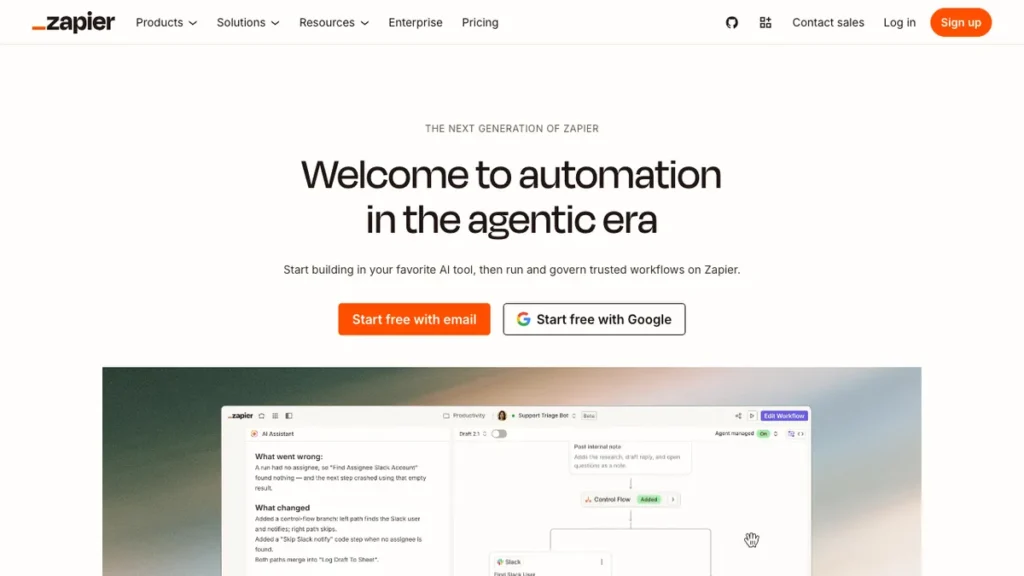
Zapier remains the most widely adopted no-code automation tool, connecting more than 9,000 apps, meaning if the tool you need to connect exists, Zapier almost certainly already supports it. Its Copilot feature builds a working “Zap” directly from a plain-English description, and the platform has expanded beyond simple triggers into Tables for lightweight data storage and Interfaces for simple user-facing forms.
The differentiator is sheer integration breadth combined with a genuinely mature AI assistant layer. Where newer platforms are still building out their connector libraries, Zapier’s is already comprehensive, which matters most when your workflow touches a less common or niche tool.
Zapier fits users who need the widest possible app coverage and want an AI assistant that can build a first draft of an automation from a plain description. Current plans are at zapier.com.
2. Make
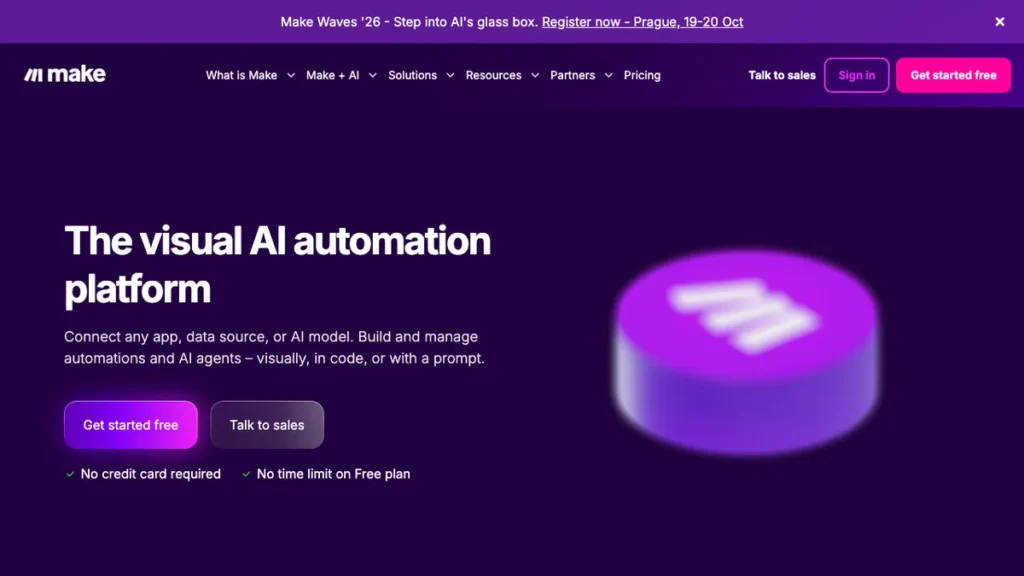
Make is a visual automation platform for connecting APIs, databases, and SaaS tools, supporting advanced logic, branching, and data transformations for genuinely complex workflows. A free tier is available, with paid plans starting around $9 a month for teams that need more runs or advanced features.
The differentiator is visual clarity on complex, branching logic. Where Zapier optimizes for fast, linear automations, Make’s canvas-style builder makes multi-branch workflows with conditional paths easier to design and understand at a glance, without needing to write code to express that complexity.
Make fits users automating multi-step processes with real branching logic across several SaaS tools and APIs, where a linear trigger-and-action model falls short.
3. n8n
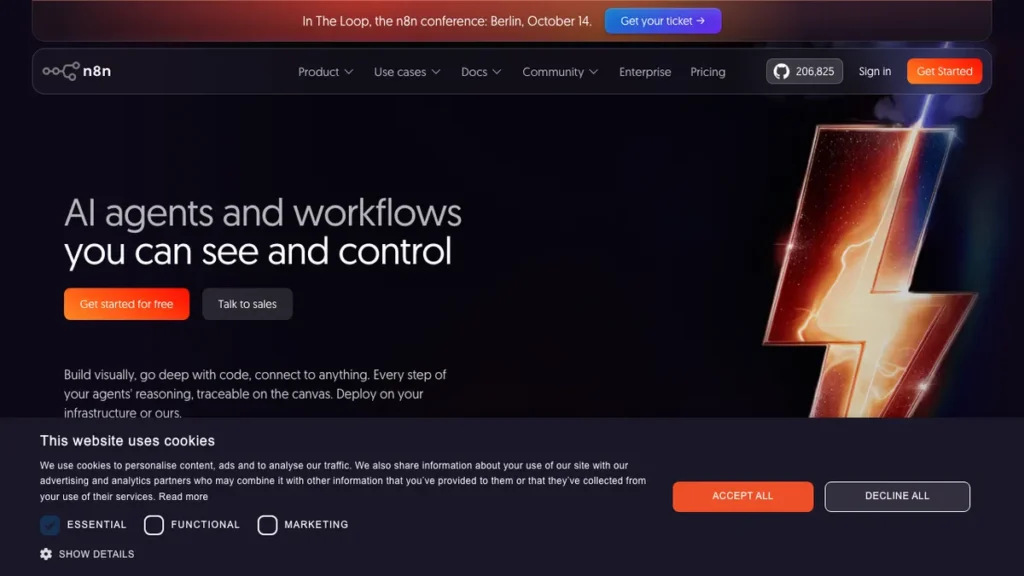
n8n is an open-source, self-hostable workflow automation platform with flexible node-based logic and support for custom JavaScript or Python code directly inside a workflow. It gives technical teams the highest ceiling on this list for building genuinely custom, agentic automations that a purely visual builder cannot express.
The differentiator is the combination of self-hosting and code-level control when needed. Data and workflow logic stay entirely within infrastructure you control, and the option to drop into custom code for a specific step closes the gap between a no-code tool and a fully custom build. Our Codespy AI review covers a tool worth knowing about if any of your n8n workflows involve reviewing AI-generated code before it runs in production.
n8n fits technical users or teams with a developer available who want full control and data ownership, and are comfortable stepping outside pure no-code when a workflow demands it.
4. Gumloop
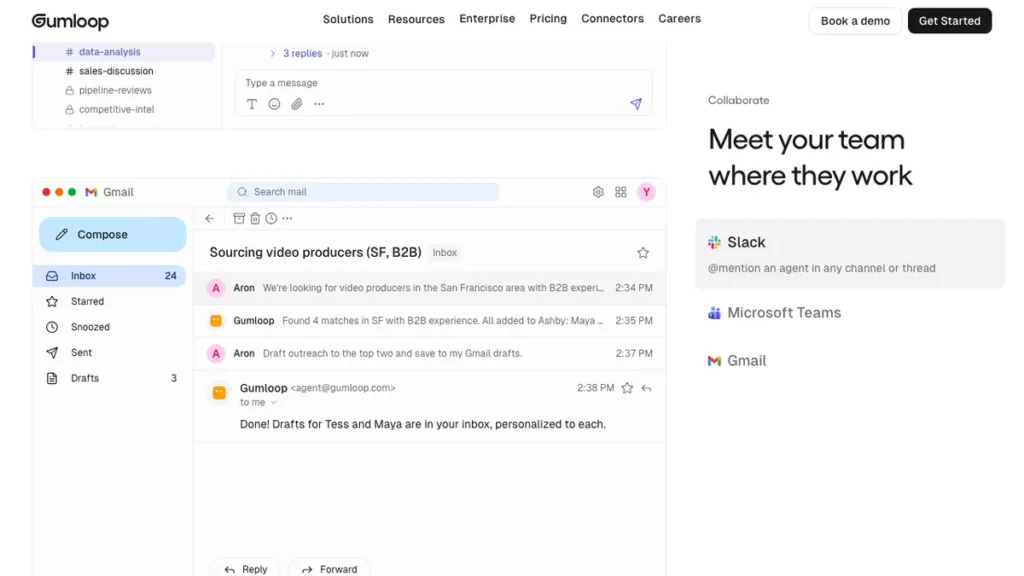
Gumloop is an AI-native workflow builder that many practitioners have adopted as their primary automation platform, built around AI agents rather than simple trigger-and-action chains from the ground up. It is frequently mentioned as the tool builders reach for first, while keeping a legacy Zapier subscription running only for older workflows that already work.
The differentiator is that AI capability is the foundation rather than a feature added later. Where several platforms bolted AI assistance onto an existing automation engine, Gumloop was built AI-first, which shows in how naturally it handles agentic, multi-step reasoning tasks compared to a retrofitted trigger-and-action tool. This kind of AI-native design connects to the same ideas behind setting up free AI agent models, where the automation itself makes judgment calls rather than just executing a fixed sequence.
Gumloop fits users building genuinely AI-driven workflows, like an agent that researches and drafts before a human approves, rather than simple app-to-app data passing.
5. Relay.app
Relay.app is a fully no-code, drag-and-drop automation platform, with human-in-the-loop approval steps built into its workflow design rather than added as an afterthought. A workflow can pause and wait for a person to approve an AI-drafted action before it actually executes.
The differentiator is the approval step being a first-class feature rather than a workaround. As AI automations increasingly draft content or take actions on a user’s behalf, having a built-in checkpoint before something goes live or gets sent matters more than it did in the era of purely mechanical, rule-based automation.
Relay.app fits users who want AI handling the heavy lifting of a workflow while keeping a deliberate human checkpoint before anything external actually happens. It’s available at relay.app.
6. Activepieces
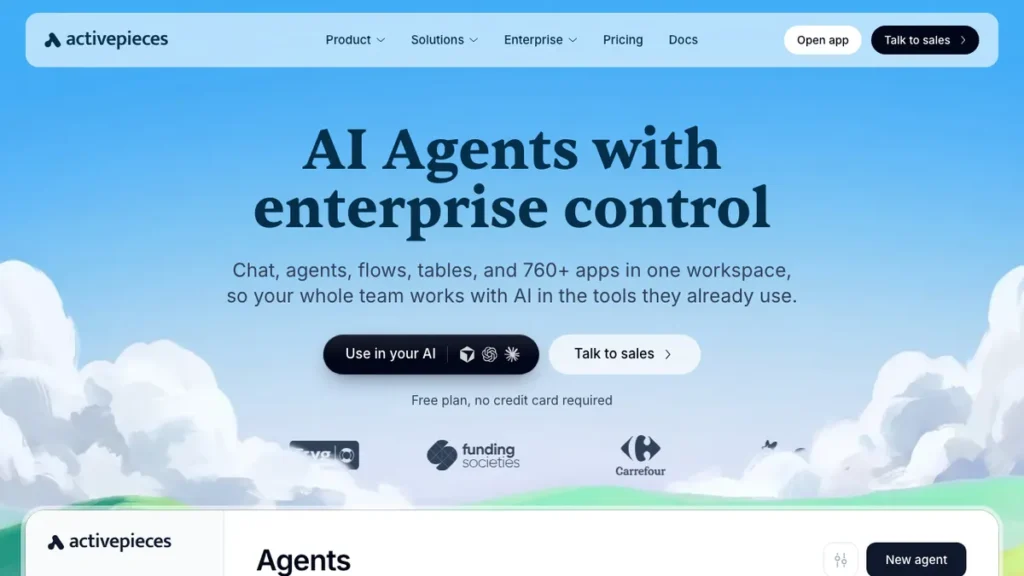
Activepieces is an MIT-licensed, open-source alternative to n8n, meaning there are zero restrictions on use, modification, or redistribution, unlike platforms with more limited “sustainable use” style licenses. It connects to roughly 200 apps, a smaller library than Zapier or Make, but has been recognized for operations and compliance-focused workflow automation.
The differentiator is true open-source licensing without the restrictions some competitors place on self-hosted or embedded use. This matters specifically for agencies or SaaS companies that want to embed automation into their own product without licensing conflicts, which some open-source alternatives explicitly restrict.
Activepieces fits agencies and SaaS companies that need a genuinely unrestricted, self-hostable automation engine to build into their own product. It’s available at activepieces.com.
7. Airtable
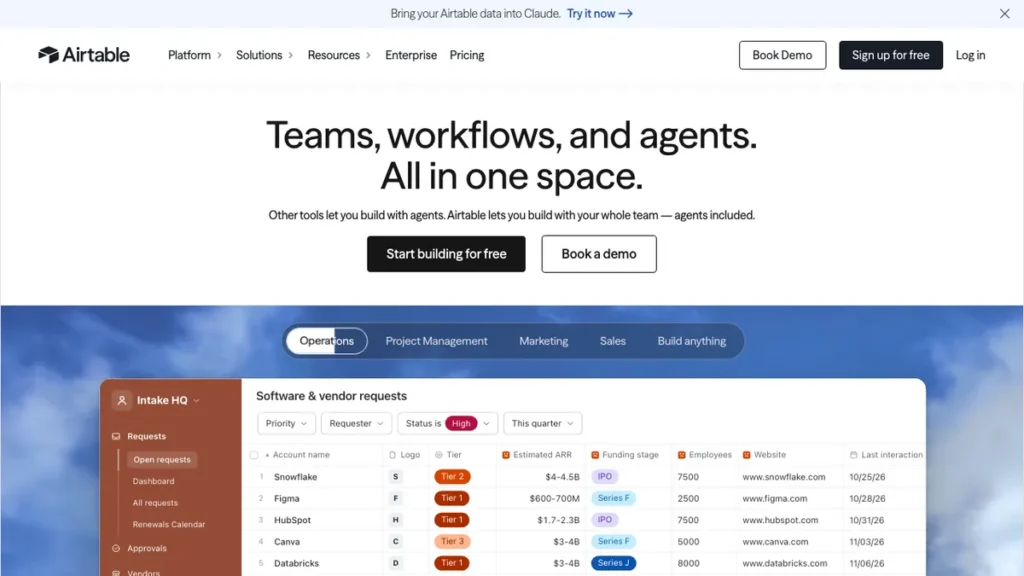
Airtable has evolved from a spreadsheet-database hybrid into an AI-native app platform, transforming data into custom interfaces, automations, and agents through conversational building. Its AI agents can operate across records at scale, supporting models from OpenAI, Gemini, Llama, and Anthropic, with enterprise-grade security built in.
The differentiator is that automation and AI agents sit directly on top of an organization’s actual structured data, rather than requiring a separate database connection. For teams already managing operational data in Airtable, adding agents and automation that read and act on that data natively removes an integration step most other platforms require.
Airtable fits teams whose core operational data already lives in Airtable and want AI agents and automations built directly on top of it rather than connected externally.
8. Bubble
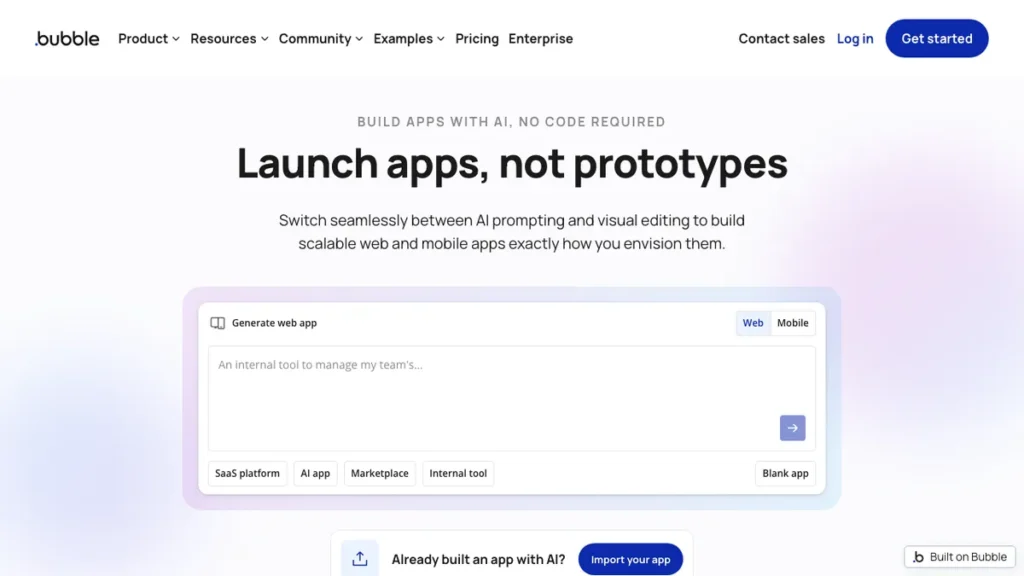
Bubble is a no-code app builder with AI automation capabilities layered in, letting non-developers build and launch full web applications, not just backend automations, without writing code. It goes further than a pure automation tool by producing an actual user-facing product rather than just a background workflow.
The differentiator is that it builds a real application, not just an automation running behind the scenes. Where every other tool on this list connects existing apps or automates a process, Bubble lets you create the app itself, which matters for founders and teams building a genuinely new product rather than automating an existing workflow. Our best AI coding tools review covers adjacent AI-assisted development platforms worth comparing if your project needs more custom logic than Bubble’s visual builder alone provides.
Bubble fits founders and non-technical builders who want to launch a real, user-facing application rather than automate a process behind an existing tool.
9. Power Automate
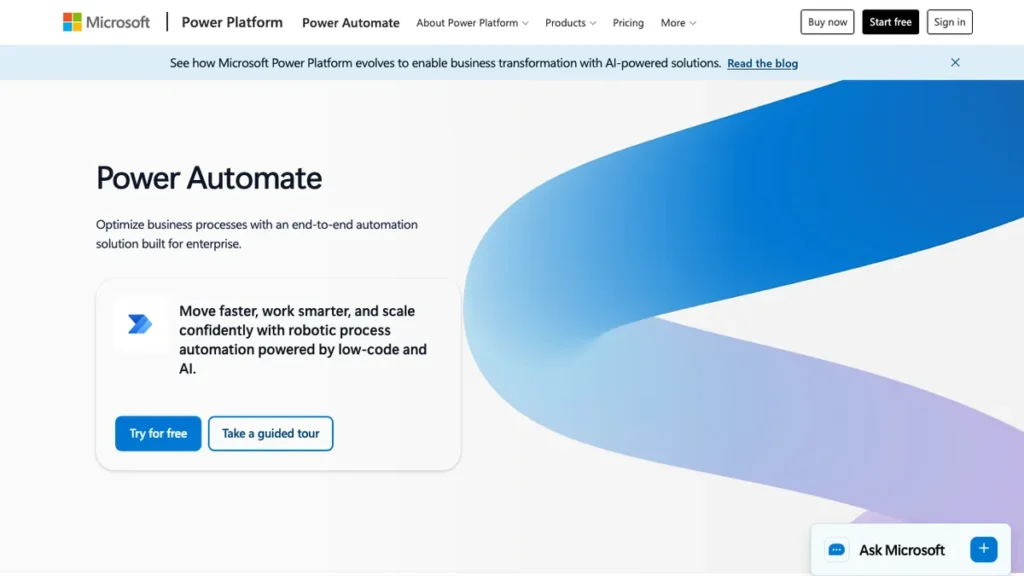
Power Automate is Microsoft’s automation platform, built specifically for teams already operating inside the Microsoft 365 ecosystem, connecting Outlook, Teams, SharePoint, and Excel natively. It brings AI-assisted workflow building to organizations whose infrastructure already runs on Microsoft’s stack.
The differentiator is native depth within an existing Microsoft environment rather than broad, platform-agnostic coverage. For organizations already standardized on Microsoft 365, Power Automate’s tight integration avoids the friction of connecting a third-party automation tool to that ecosystem from the outside.
Power Automate fits organizations already running on Microsoft 365 who want automation built natively into that stack rather than bolted on from an external platform. Details are at powerautomate.microsoft.com.
Picking Your Primary Platform Without Overcommitting
There is no single best no-code AI automation platform, and most experienced builders end up running more than one at once rather than picking just one. A common pattern is adopting a newer AI-native tool like Gumloop or Relay.app as the primary platform for new workflows, while keeping an existing Zapier or Make subscription running for legacy automations that already work fine.
How to Choose Without Getting Stuck
Pick the tool that solves your most important problem first: Don’t try to evaluate all nine platforms exhaustively before starting; pick one and expand from there once it proves out.
Match technical comfort to the platform: Fully no-code tools like Zapier and Relay.app suit non-technical builders, while n8n and Activepieces reward teams with some development capacity.
Consider where your data already lives: If your operational data is already in Airtable or your infrastructure is already Microsoft-based, the native platform often beats a more feature-rich outsider.
Don’t feel obligated to consolidate immediately: Running a legacy tool alongside a newer primary platform is normal and often more practical than migrating everything at once.
For a broader view of how automation ties into overall growth strategy, our digital marketing roadmap is worth reading alongside this comparison.
How to Build Your First No-Code AI Automation
Step 1: Pick one repetitive task to automate first Choose a single, well-understood repetitive task rather than trying to automate an entire process end to end on your first attempt.
Step 2: Map every step before building anything Write out each trigger, decision point, and action on paper first, since automations built without a clear map tend to break the first time an edge case appears.
Step 3: Start with a template if one exists Most platforms on this list offer pre-built templates for common workflows, which are faster to adapt than building entirely from a blank canvas.
Step 4: Add a human approval step for anything external-facing Keep a person reviewing any automated action that sends an email, posts publicly, or spends money until you’ve built real trust in the automation’s output.
Step 5: Test with real data before going live Run the automation against genuine test data rather than a hypothetical example, since real-world data often surfaces edge cases a clean test case misses.
Step 6: Monitor for the first few weeks, then expand Watch the automation closely after launch, and only add a second or third automation once the first one has run reliably for a few weeks.
Conclusion
The right no-code AI automation platform depends on your technical comfort, your existing tool stack, and whether you need broad app coverage or deep AI-native agent capability. Zapier and Make remain the safest starting points for broad, reliable integration coverage, n8n and Activepieces fit technical teams that want open-source control, and Gumloop and Relay.app represent where AI-native automation is heading next.
Pick one platform that solves your most pressing automation problem, build one workflow well, and expand from there rather than trying to evaluate every option exhaustively before starting. Most builders end up running more than one tool anyway, so the goal is progress on your actual bottleneck, not finding one platform to rule them all.
Frequently Asked Questions
Which no-code automation platform has the widest app coverage?
Zapier connects more than 9,000 apps, and its Copilot feature can build a working automation directly from a plain-English description.
Which platform is best for teams already using Microsoft 365?
Power Automate is built specifically for teams inside the Microsoft ecosystem, connecting natively to Outlook, Teams, SharePoint, and Excel.
Which platform builds a real application instead of just automating a workflow?
Bubble is a no-code app builder that lets non-developers launch full, user-facing web applications, going further than the other tools on the list, which connect existing apps or automate a background process.
Is there a truly unrestricted open-source option?
Activepieces is MIT-licensed with zero restrictions on use, modification, or redistribution, which matters for agencies or SaaS companies wanting to embed automation into their own product without licensing conflicts.
How much does Make cost?
Make offers a free tier, with paid plans starting around $9 a month for teams that need more runs or advanced branching logic.
Which platform was built AI-first rather than having AI added on later?
Gumloop was built around AI agents from the ground up rather than retrofitting AI onto an existing trigger-and-action engine, which shows in how it handles agentic, multi-step reasoning tasks.
You May Also Like
AI Agent Memory Explained: a look at how AI agents hold context across multi-step tasks.
Best AI Coding Tools Review: a look at AI-assisted development tools for building beyond a visual automation builder.
Digital Marketing Roadmap: a step-by-step guide to building a lean, effective marketing function.