
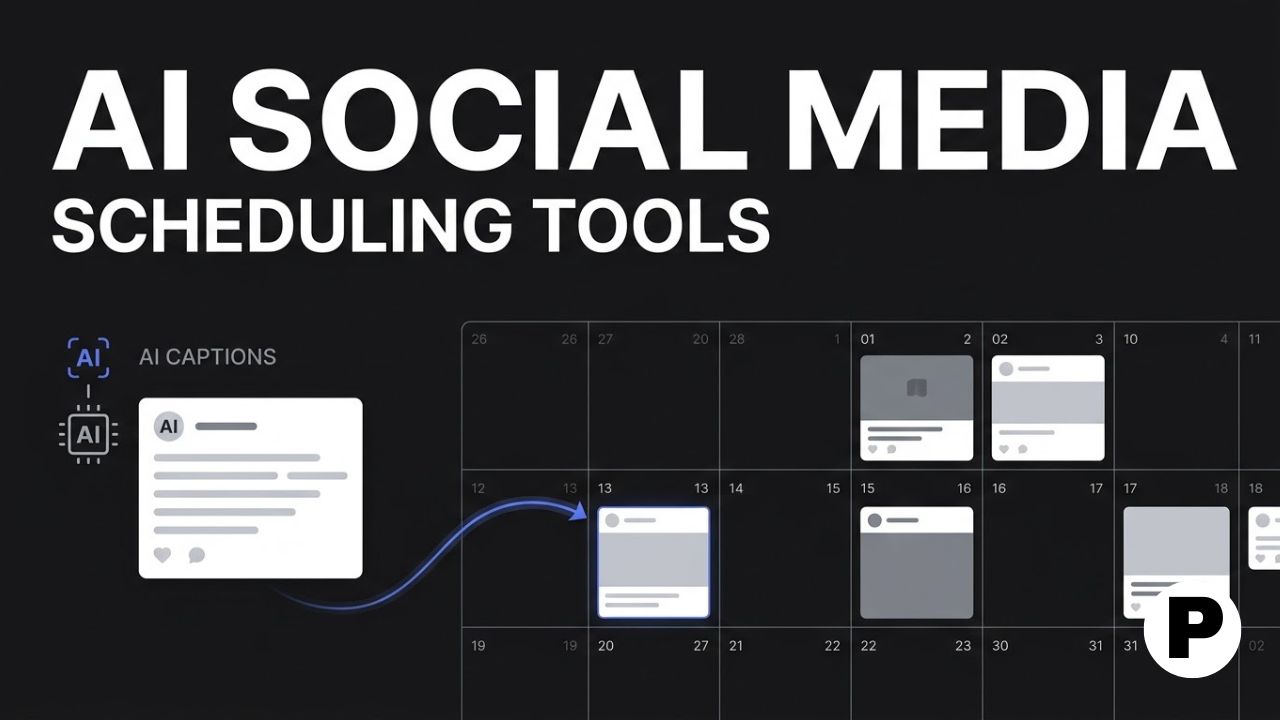
TL;DR: Buffer and Publer lead for solo creators who want simple AI caption help, Hootsuite and Sprout Social fit agencies that need deep analytics, and Layter stands out for writing captions directly from your photos and video.
- Buffer’s AI Assistant brainstorms and rewrites captions across Instagram, TikTok, and LinkedIn from one visual calendar.
- Publer offers a genuine free plan with AI caption and image generation, plus a pricing model where every tenth connected account is free.
- Layter uses computer vision to read your actual photo or video and generate the caption from it, rather than working from a text prompt alone.
Why AI Captions Changed Social Media Scheduling in 2026
Marketers using AI tools in 2026 report saving meaningful time each week, and caption writing is one of the first tasks teams hand off to AI once a scheduling tool supports it. What used to mean opening five separate apps to plan a week of content now happens inside one dashboard, with AI drafting the caption, suggesting hashtags, and picking a publish time in the same flow. If you’re building out a broader content calendar rather than just captions, our blogging roadmap covers the planning side that usually comes before scheduling.
This roundup covers 9 scheduling tools that build AI captioning directly into the product rather than treating it as a bolt-on feature. Each entry below explains what the tool does differently and who it fits best.
1. Buffer
Buffer offers a visual calendar for scheduling posts across Instagram, TikTok, and LinkedIn, with an AI Assistant built in to brainstorm and refine captions for each platform. It also includes a Start Page feature for building a simple link-in-bio landing page tied to your social accounts.
The differentiator is simplicity paired with reliability. Buffer scored well against competitors in file-handling tests, publishing Reels and other video formats without the size errors that trip up some other schedulers. That reliability matters more than a long feature list once you are publishing daily.
Buffer fits solo creators and small teams who want a clean, easy interface with flexible pricing rather than an enterprise dashboard. Current plans are listed at buffer.com.
2. Hootsuite
Hootsuite is one of the most established social media scheduling tools, letting teams manage Instagram, Facebook, LinkedIn, and X from a single dashboard alongside built-in AI assistance that rewrites captions and suggests content ideas. It also includes detailed analytics and campaign management for tracking reach and engagement across every connected channel.
The differentiator is breadth of integration. Hootsuite connects with major marketing platforms, CRMs, Canva, and Google Analytics, which makes it a hub rather than a standalone scheduler once a team’s tools start to multiply.
This fits mid-sized businesses and agencies that need one dashboard covering scheduling, monitoring, and reporting rather than a lightweight tool for a single account.
3. Sprout Social
Sprout Social pairs a visual content calendar with what is generally regarded as the deepest analytics of any scheduling tool on this list, and its 2026 AI features include tone polishing, optimal send time suggestions, and AI-powered inbox sentiment analysis on higher-tier plans. It manages TikTok, Instagram, and every major platform from one place.
The differentiator is social listening depth. Sprout Social is built for teams that need to understand not just when to post but how an audience is reacting across the entire platform, not only on the posts you scheduled yourself.
Sprout Social fits agencies and brand teams where social listening and reporting matter as much as the scheduling itself, though per-seat pricing escalates quickly at scale.
4. Later
Later built its reputation on visual Instagram planning, with a drag-and-drop calendar that shows exactly how a grid will look before anything publishes. It has since expanded AI caption assistance and scheduling support to TikTok, Pinterest, and other visual-first platforms.
The differentiator is the visual-first workflow. Where most schedulers treat every platform the same way, Later is built around the idea that how a feed looks matters as much as what each caption says, which is why it remains a go-to for brands with a strong visual identity.
This fits creators and brands where Instagram or Pinterest aesthetics are a core part of the strategy, not an afterthought to text-first platforms.
5. Planable
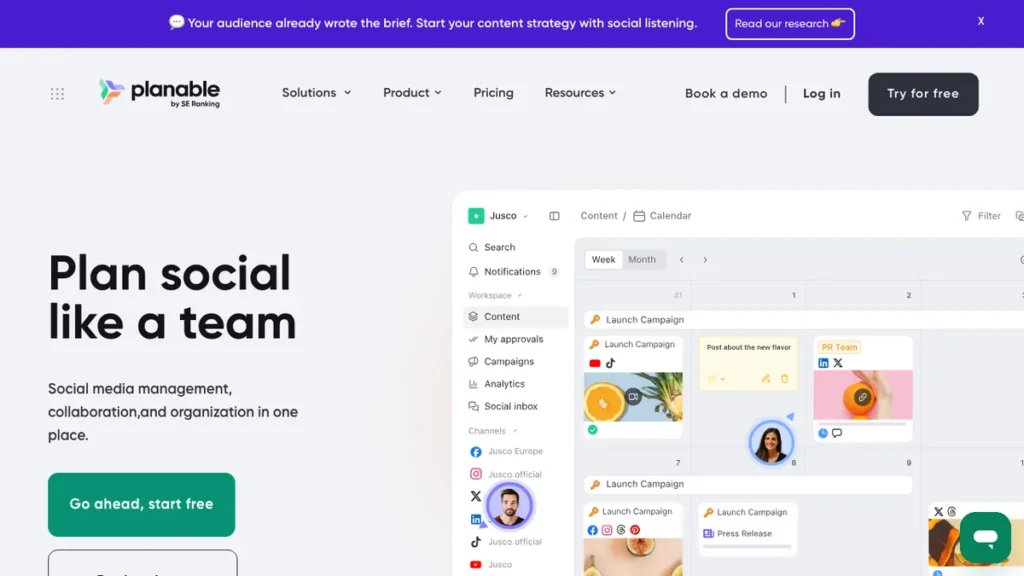
Planable centers on the planning-to-approval workflow, letting teams draft, comment, and approve posts in one view across grid, feed, calendar, and list modes, with Planable AI available to rewrite captions during scheduling. It also offers an MCP connector so a compatible AI assistant can create or update drafts and manage scheduling details without leaving that tool.
The differentiator is approval workflow depth. Most schedulers assume one person is posting; Planable assumes multiple stakeholders need to review and sign off before anything goes live, and it builds the caption AI directly into that review loop. If you’re weighing this kind of workflow tool against other AI options for freelancers or small teams, our best AI tools for freelancers roundup covers several adjacent picks.
Planable fits agencies and marketing teams with external clients or stakeholders who need a clean, visual approval process before publishing.
6. Publer

Publer includes a genuine free plan with a real content calendar, bulk scheduling, and AI caption and image generation through its AI Assist feature. Its pricing model gives you every tenth connected social account free, which is a meaningful discount once an agency is managing several clients.
The differentiator is value at the free and entry-level tiers. Where several tools on this list gate AI captioning behind a paid plan, Publer includes it in a plan that costs nothing, making it a realistic starting point before committing budget to a scheduler.
This fits budget-conscious creators, small agencies, and anyone testing AI-assisted scheduling before deciding whether to pay for a more feature-heavy tool.
7. Sintra AI
Sintra AI takes a different approach, offering role-based AI assistants for everyday business tasks, with a dedicated assistant named Soshie handling social media planning, caption writing, image and video selection, and cross-platform scheduling. A shared Brain AI feature keeps tone and context consistent across every platform Soshie posts to.
The differentiator is the assistant framing. Rather than a calendar with AI features attached, Sintra positions the tool as a full AI team member handling the entire workflow from planning through publishing, not just the scheduling step.
Sintra AI fits solo founders and small teams who want to hand off the entire social media workflow rather than manage a calendar themselves.
8. Layter
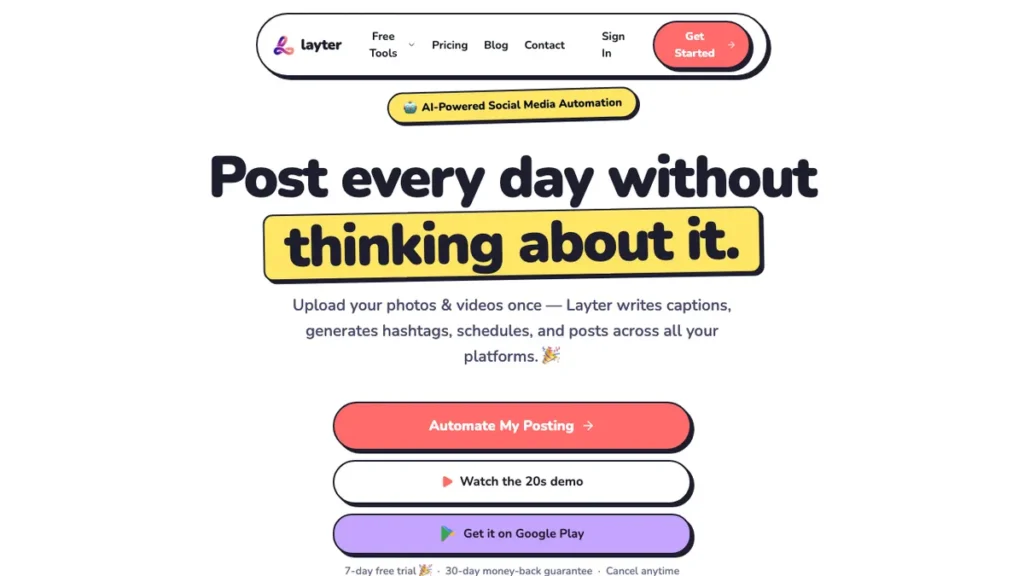
Layter uses computer vision to look directly at your photo or video and write the caption from what it actually sees, rather than generating a caption from a text prompt alone. It then auto-publishes on schedule, with unlimited posts starting around $15 a month.
The differentiator is the vision-first approach to captioning. Most AI caption tools ask you to describe the post or feed them a rough draft; Layter skips that step and reads the visual content itself, which matters most for creators who post frequently and do not want to write a caption prompt for every single image or clip.
This fits solo creators and small businesses whose content is primarily photo and video-led rather than text-first. Details are available at layter.io.
9. Metricool
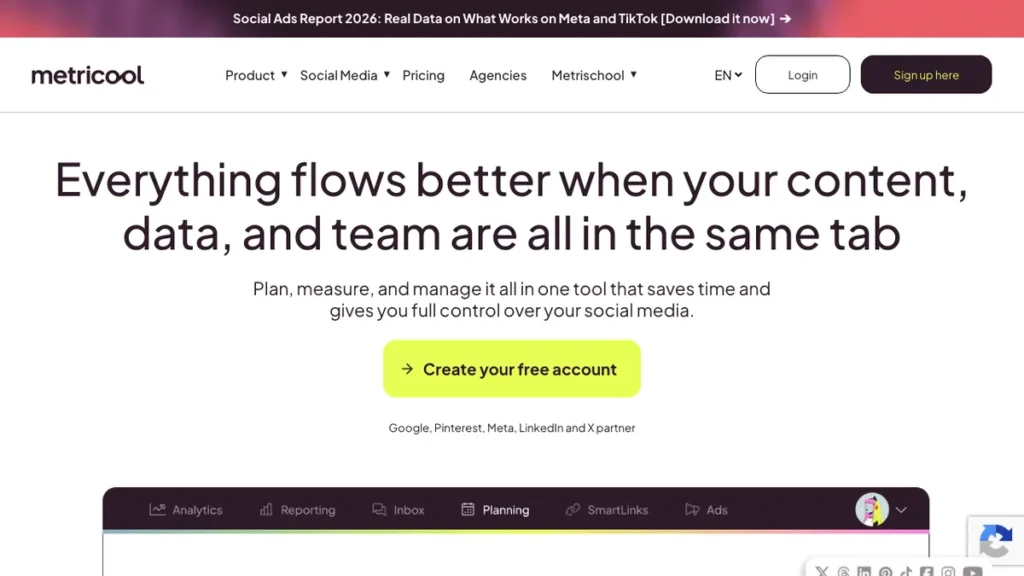
Metricool combines scheduling with analytics across every major platform, and has become a common comparison point against Buffer and Hootsuite in independent tool tests. It covers bulk scheduling, best-time recommendations, and AI-assisted caption support alongside its reporting suite.
The differentiator is the balance between scheduling and analytics in one reasonably priced tool. Metricool does not lean as hard into either enterprise features or minimalism as some competitors, which makes it a solid middle option for teams that outgrew a free scheduler but do not need Sprout Social’s full price tag.
Metricool fits growing teams that want scheduling and analytics together without paying for an enterprise-tier platform.
Choosing Between a Scheduling Tool and a Custom Content Pipeline
Any of the tools above will cover a single brand or a small handful of client accounts. The calculus shifts once a business is managing dozens of accounts, publishing across six or seven platforms, and needs captions, approvals, and posting to happen without someone manually reviewing each queue.
Why a Custom Pipeline Wins Past a Certain Scale
Unified content routing: A workflow built in n8n or Python can pull assets, generate platform-specific captions, and push to every connected account from a single trigger.
Custom brand voice rules: Business-specific tone and terminology rules get built directly into the automation instead of relying on a generic AI Assist prompt.
No per-account pricing stacking: A custom pipeline scales with volume rather than charging per connected social account, which matters once an agency passes 20 or 30 clients.
Approval logic that matches your actual process: Instead of adapting to a vendor’s fixed approval flow, the automation mirrors exactly how your team signs off on content before it publishes.
This is the same tradeoff we cover in our Fliki AI review, where an off-the-shelf tool handles most creators well until volume and platform count outgrow what any single subscription was built to manage.
How to Set Up an AI Caption Workflow
Step 1: Pick one tool based on your primary bottleneck Choose based on whether the real friction is caption writing, approval workflow, or analytics, rather than the tool with the most total features.
Step 2: Connect your social accounts Link each platform account to the scheduler and confirm posting permissions before scheduling anything live.
Step 3: Feed the AI assistant your brand voice Most tools improve caption quality significantly once you give them a few example posts or a short brand voice description to work from.
Step 4: Draft a week of content in one batch Batch scheduling a full week at once, rather than posting daily, is what actually saves the time most of these tools advertise.
Step 5: Review AI-generated captions before publishing Treat every AI caption as a first draft rather than a final version, especially for platforms where tone mistakes are highly visible.
Step 6: Track which captions perform best Feed back the analytics from your scheduler into future caption prompts so the AI assistant improves against your actual audience, not a generic benchmark.
Conclusion
The right scheduling tool depends on where the real friction sits. Buffer and Publer suit solo creators who want simple, affordable AI caption help, Hootsuite and Sprout Social suit agencies that need deep analytics and multi-client management, and Layter is worth a look for anyone whose content is more visual than text-first.
Start with one tool rather than testing all nine at once, and pay attention to how much manual cleanup the AI captions actually need before trusting them at scale. Once a scheduler starts feeling like a bottleneck instead of a time-saver, that is usually the signal to look at a custom automation pipeline rather than switching to yet another subscription. For visual content to pair with your captions, our Pictory AI review is worth a look.
Frequently Asked Questions
Is there a genuinely free social media scheduling tool with AI captions?
Publer includes a real content calendar, bulk scheduling, and AI caption and image generation on its free plan, and every tenth connected social account is free under its pricing model.
Which tool is best for teams that need client approval before posts go live?
Planable centers on the planning-to-approval workflow, letting teams draft, comment, and approve posts across grid, feed, calendar, and list views, with AI available during that review loop.
What makes Layter different from other AI caption tools?
Layter uses computer vision to read your actual photo or video and write the caption from what it sees, rather than generating one from a text prompt alone.
Which tool has the deepest analytics?
Sprout Social pairs a visual calendar with what the article calls the deepest analytics of any tool on the list, including AI-powered inbox sentiment analysis on higher-tier plans.
Which tool is best for brands where Instagram aesthetics matter most?
Later built its reputation on visual Instagram planning with a drag-and-drop calendar that shows exactly how a grid will look before anything publishes.
How much does Layter cost?
Layter starts around $15 a month for unlimited posts with auto-publishing on schedule.
You May Also Like
7 Best AI Tools for Freelancers: tools that help independent operators automate client work.
Blogging Roadmap: a step-by-step guide to planning and publishing content consistently.
Fliki AI Review: a look at AI video and voiceover generation worth pairing with a scheduling workflow.